



AndrewTheGreat
Known Participant
November 18, 2024

P: Transcription leads to errors, video artifacts, glitches

  • November 18, 2024
  • 25 replies
  • 2103 views

Premiere Pro 25.0, Nvidia Studio driver 566.14, Intel Core-i7 14700k, RTX 4080, 64 Gb of ram, fast SSDs with plenty of free space.

Each time I try to use transcribation, it first starts and goes on but then it leads to multiple glitches.

This is how it looks:

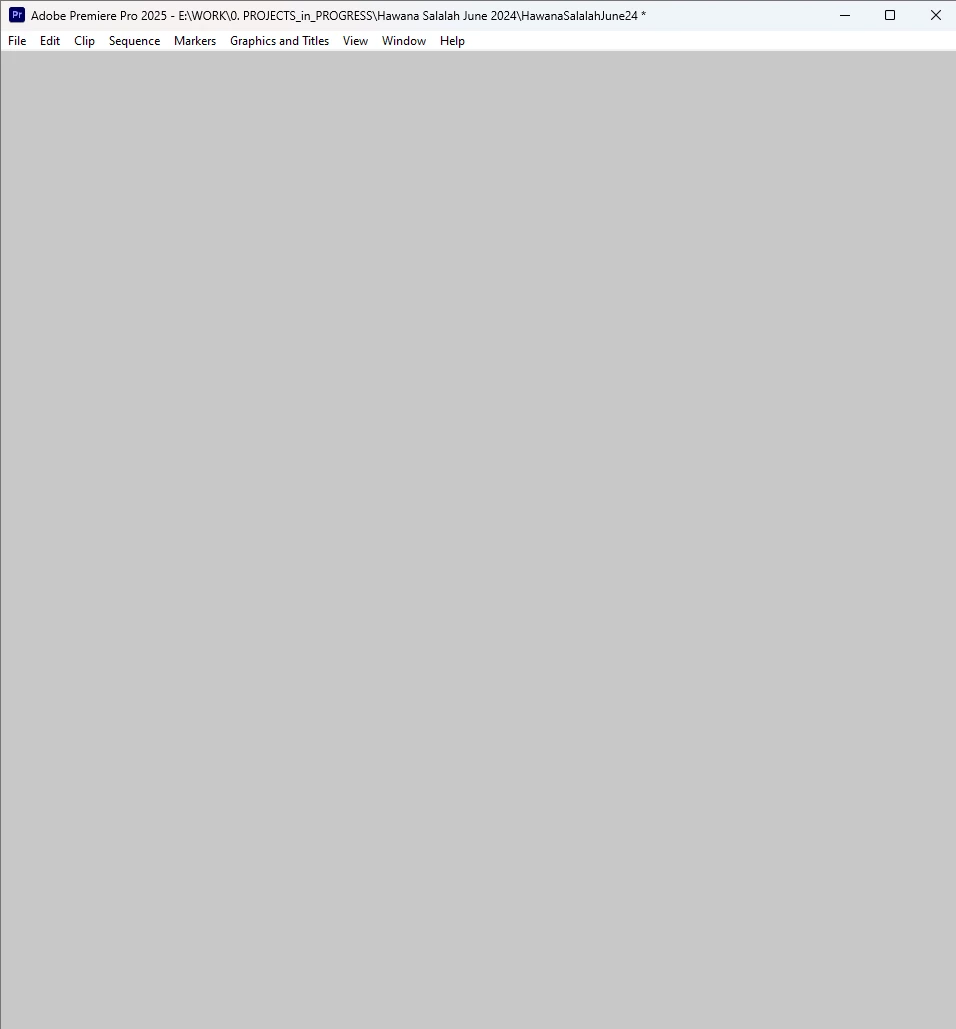
The process of transcribation goes on gradually but I cannot see the progress because Premiere Pro hangs though some its tabs continue to respond. After the transcribation is over, Premiere Pro stays unresponsive, so if you minimize it and maximize again you see this white window:
I would assume that it's the video driver but Ctrl+Alt+Win+B to reset it doesn't help.

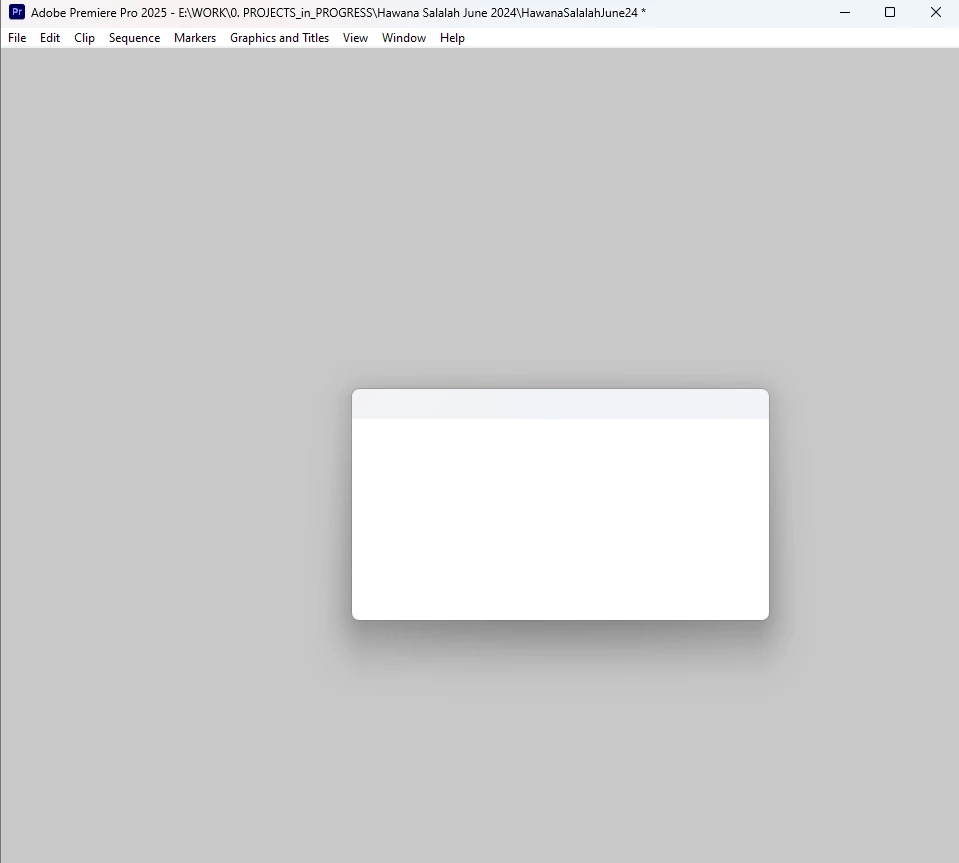
I cannot save the project because when I do that I see this and cannot click any button, ctrl+S doesn't work either:
 

Steps to reproduce:

Open Premiere Pro, import several video files (3840 x 2160, 23,976 fps, MP4 H.264 4:2:0), select them all, choose Transcribe.

My obserations: this may be happening when this process info window is opened:
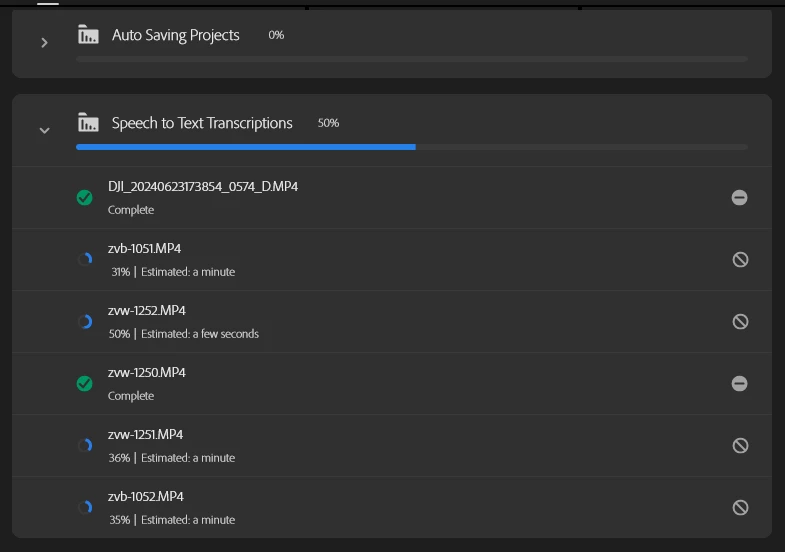
I tried to retranscribe several times and with this window closed it was fine. Only once I opened this window and got this glitch again. 

Also with this window not active the transcribation process never stops and goes much faster (as it should).

Another moment - there were suggestions that Premiere Pro v.25 my have vidual glitches like that if Chrome is running at the same time, like there may be a conflict between these two. I checked it - Chrome does not matter. Only this progress info in Premiere does.


UPD: a colleague of mine confirmed the same bug on his system using the same scenario on i5-13500, 64 Gb of Ram, 3070Ti, same Pr version, same video driver.


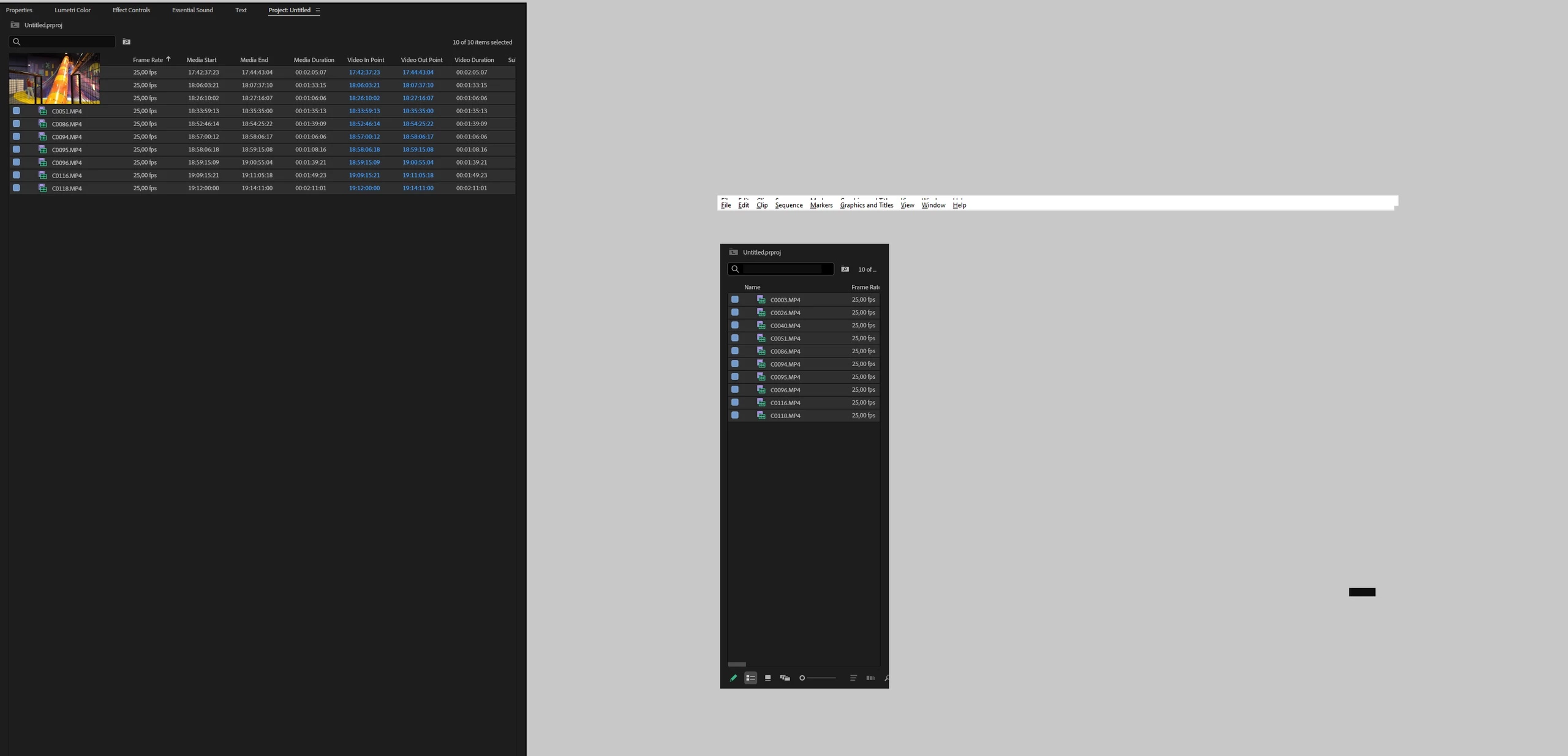
Upd2: same issue on Win11 / Pr 2025

14900k (igpu turned off in Bios) + Rtx 3080 + 128Gb
25 replies

AndrewTheGreat
Known Participant
November 19, 2024

@jamieclarke 

I especially drew your attention to this progress dashboard window which ruins the software. If you do not open it, do not touch it, do not breath on it, the trenscription runs fine and finishes. I managed to complete like a hundred clips transcribation so far - I just didn't touch this window.


As for the iGPU being off - it's another case my colleague sent me info about, that's what he'd experienced on his 14900K with the iGPU off. Why was it off? Because of that: https://community.adobe.com/t5/premiere-pro-discussions/intel-igpu-behaving-strangely-in-premiere-pro-2025/m-p/14942683#M534492 Another problem that has some deep-root cause.


I know everything about the iGPU, how it works and what video formats it's capable to decode, I know about the Intel case (I've the latest microcode update installed) This is not connected with the problem here. I just wanted you to know that this issue is reproduced on systems both with an iGPU and without it.

Stop trying to edit and EDIT!
jamieclarke
Community Manager
Community Manager
November 19, 2024

Hi @AndrewTheGreat - Thank you for the screen recording and for trying the beta.  If you click transcribe on the files individually do they complete?  I see that Premiere seems to finish one file and then stop on the others.  


Why do you have your iGPU off.  Quicksync will definitely improve your editing inside Premiere Pro.


I'm not saying this is the issue but wanted to make sure you knew about the problem with Intel and their Raptor Lake processors that you currently have.  Here is a good article

I know bios updates were rolling out, but haven't heard much since.

AndrewTheGreat
Known Participant
November 19, 2024

Hi, @jamieclarke 

Unfortunately Beta acts the same way:

And in the end I get the same empty window:

This all feels pretty bad...

Stop trying to edit and EDIT!
AndrewTheGreat
Known Participant
November 18, 2024

Hi, @jamieclarke 

I'll give beta a try tomorrow. For now I've updated the first message with another case

Stop trying to edit and EDIT!
jamieclarke
Community Manager
Community Manager
November 18, 2024

Hi @AndrewTheGreat - It looks like you are running into some memory leaks within Premiere Pro.  You can tell in task manager under details if you select columns and choose "GDI objects", if that number goes over 10,000 you will see these errors.


We have addressed a bunch of these issues within the next version.  Can you try installing the latest beta 25.2 and let us know if that helps your issue?