



AndrewTheGreat
Known Participant
November 18, 2024

P: Transcription leads to errors, video artifacts, glitches

  • November 18, 2024
  • 25 replies
  • 2103 views

Premiere Pro 25.0, Nvidia Studio driver 566.14, Intel Core-i7 14700k, RTX 4080, 64 Gb of ram, fast SSDs with plenty of free space.

Each time I try to use transcribation, it first starts and goes on but then it leads to multiple glitches.

This is how it looks:

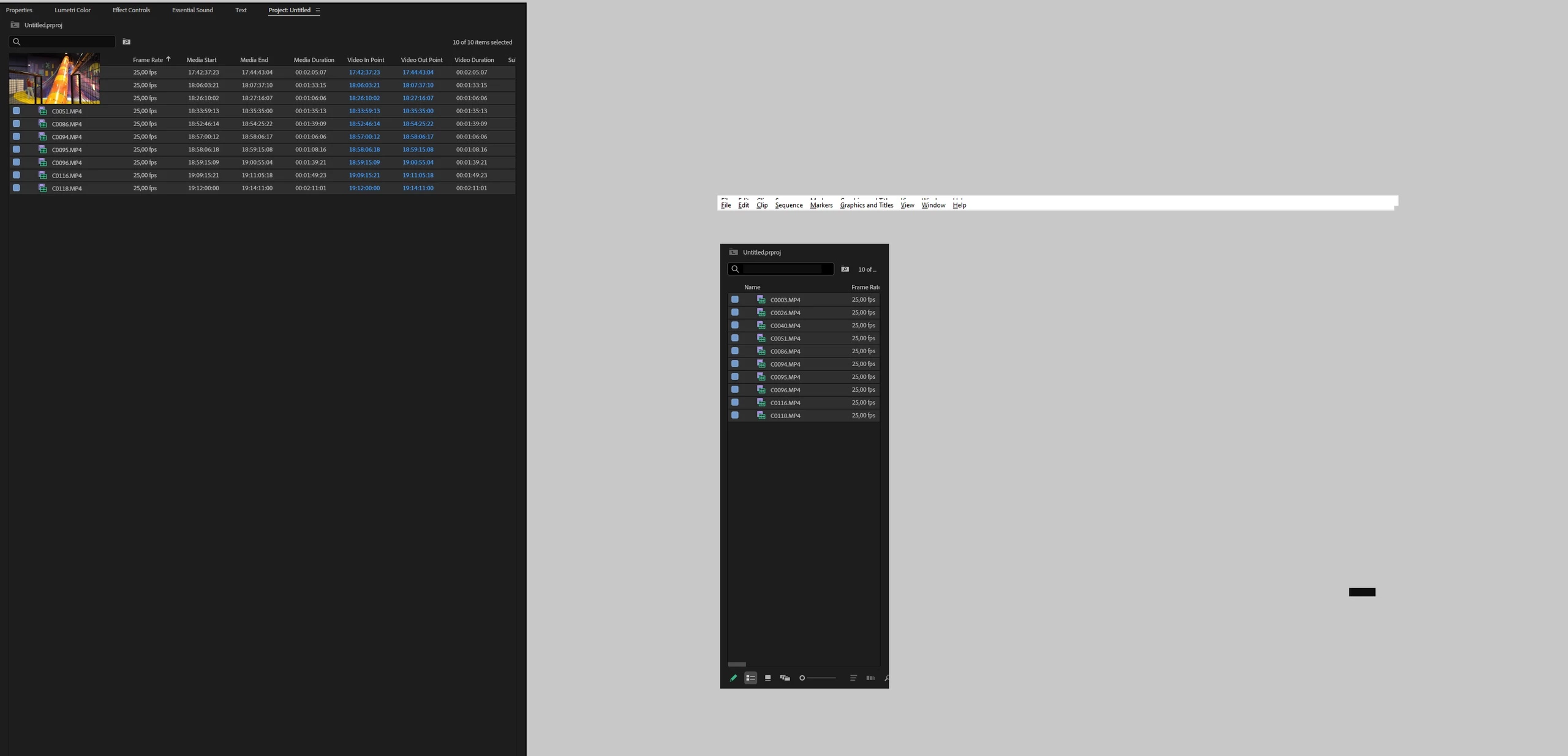
The process of transcribation goes on gradually but I cannot see the progress because Premiere Pro hangs though some its tabs continue to respond. After the transcribation is over, Premiere Pro stays unresponsive, so if you minimize it and maximize again you see this white window:

I would assume that it's the video driver but Ctrl+Alt+Win+B to reset it doesn't help.

I cannot save the project because when I do that I see this and cannot click any button, ctrl+S doesn't work either:
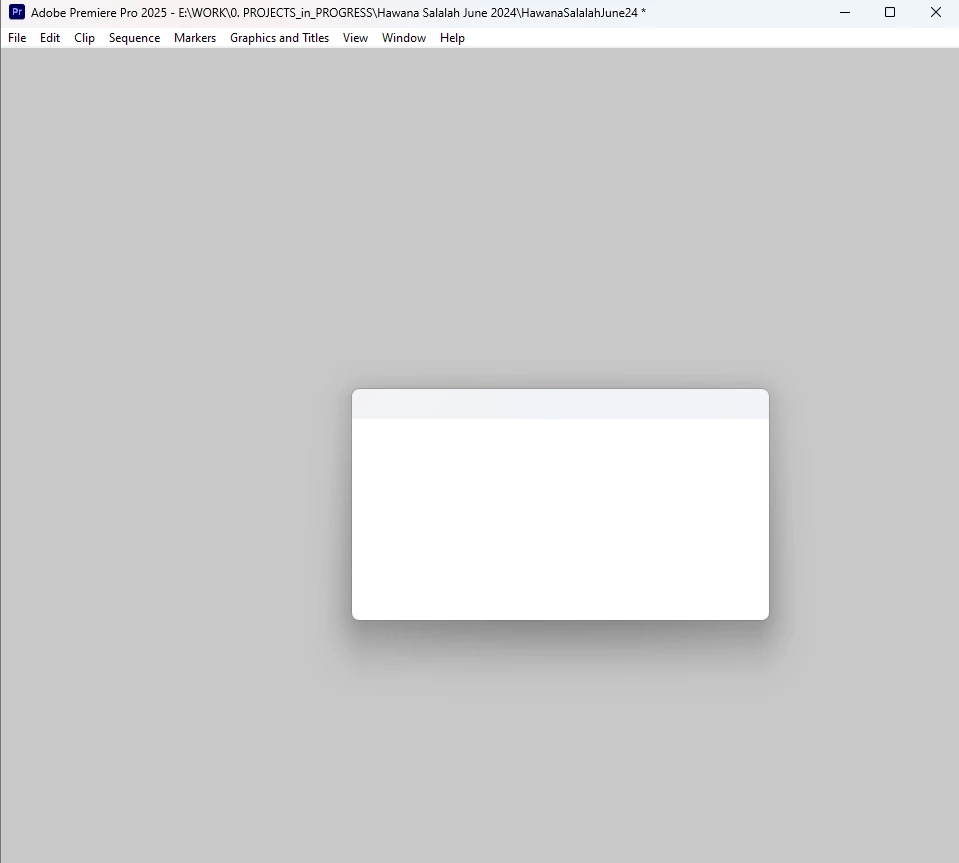
 

Steps to reproduce:

Open Premiere Pro, import several video files (3840 x 2160, 23,976 fps, MP4 H.264 4:2:0), select them all, choose Transcribe.

My obserations: this may be happening when this process info window is opened:
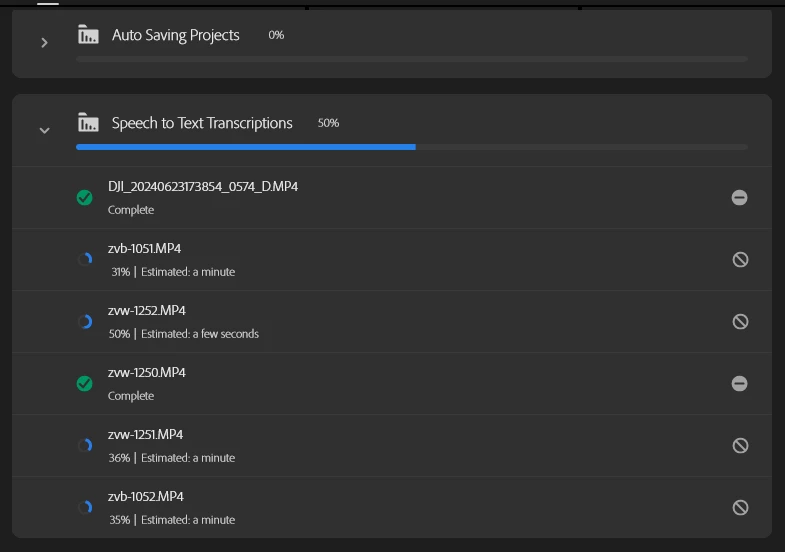
I tried to retranscribe several times and with this window closed it was fine. Only once I opened this window and got this glitch again. 

Also with this window not active the transcribation process never stops and goes much faster (as it should).

Another moment - there were suggestions that Premiere Pro v.25 my have vidual glitches like that if Chrome is running at the same time, like there may be a conflict between these two. I checked it - Chrome does not matter. Only this progress info in Premiere does.


UPD: a colleague of mine confirmed the same bug on his system using the same scenario on i5-13500, 64 Gb of Ram, 3070Ti, same Pr version, same video driver.


Upd2: same issue on Win11 / Pr 2025

14900k (igpu turned off in Bios) + Rtx 3080 + 128Gb
25 replies

AndrewTheGreat
Known Participant
November 22, 2024

Hi, @jamieclarke 

It's strange that you could reproduce the issue on an AMD CPU but couldn't do it on an Intel. I have 2 more friends that faced this issue on their Intels, so it makes 5 Intels count in my experience... Therefore, having an AMD in our rows means the CPU does not matter.

Stop trying to edit and EDIT!
jamieclarke
Community Manager
Community Manager
November 21, 2024

Updating Status to Acknowledged

jamieclarke
Community Manager
Community Manager
November 21, 2024

Hi @AndrewTheGreat - I wanted to update you, I was able to find a windows 10 PC with an AMD chip and am now able to reproduce the error you are experiencing.  I will get this filed and keep you updated on when it is fixed.

AndrewTheGreat
Known Participant
November 20, 2024


@jamieclarke 


General
Complete name                  : E:\WORK\zvb-1051.MP4
Format                         : XAVC
Codec ID                       : XAVC (XAVC/mp42/iso2)
File size                      : 25.9 GiB
Duration                       : 37 min 42 s
Overall bit rate mode          : Variable
Overall bit rate               : 98.5 Mb/s
Frame rate                     : 23.976 FPS
Encoded date                   : 2024-07-24 12:43:19 UTC
Tagged date                    : 2024-07-24 12:43:19 UTC

Video
ID                             : 1
Format                         : AVC
Format/Info                    : Advanced Video Codec
Format profile                 : High@L5.1
Format settings                : CABAC / 2 Ref Frames
Format settings, CABAC         : Yes
Format settings, Reference fra : 2 frames
Format settings, Slice count   : 8 slices per frame
Codec ID                       : avc1
Codec ID/Info                  : Advanced Video Coding
Duration                       : 37 min 42 s
Bit rate mode                  : Variable
Bit rate                       : 96.0 Mb/s
Maximum bit rate               : 100.0 Mb/s
Width                          : 3 840 pixels
Height                         : 2 160 pixels
Display aspect ratio           : 16:9
Frame rate mode                : Constant
Frame rate                     : 23.976 (24000/1001) FPS
Color space                    : YUV
Chroma subsampling             : 4:2:0
Bit depth                      : 8 bits
Scan type                      : Progressive
Bits/(Pixel*Frame)             : 0.483
Stream size                    : 25.3 GiB (97%)
Encoded date                   : 2024-07-24 12:43:19 UTC
Tagged date                    : 2024-07-24 12:43:19 UTC
Color range                    : Limited
Color primaries                : BT.709
Transfer characteristics       : xvYCC
Matrix coefficients            : BT.709
Metas                          : 3
Codec configuration box        : avcC

Audio
ID                             : 2
Format                         : PCM
Format settings                : Big / Signed
Codec ID                       : twos
Duration                       : 37 min 42 s
Bit rate mode                  : Constant
Bit rate                       : 1 536 kb/s
Channel(s)                     : 2 channels
Sampling rate                  : 48.0 kHz
Bit depth                      : 16 bits
Stream size                    : 414 MiB (2%)
Encoded date                   : 2024-07-24 12:43:19 UTC
Tagged date                    : 2024-07-24 12:43:19 UTC

Other
ID                             : 3
Type                           : meta
Format                         : rtmd
Codec ID                       : rtmd
Duration                       : 37 min 42 s
Bit rate mode                  : Constant
Encoded date                   : 2024-07-24 12:43:19 UTC
Tagged date                    : 2024-07-24 12:43:19 UTC


Stop trying to edit and EDIT!
jamieclarke
Community Manager
Community Manager
November 20, 2024

HI @AndrewTheGreat - Would you be able to provide a sample of these files so that we can try and reproduce?  If not, can you provide the media file properties using mediainfo.

AndrewTheGreat
Known Participant
November 20, 2024

Hi, @jamieclarke 

Checked on build 22 of the Beta. And it's not only the same, Premiere Pro just crashes at about 62% of the transcribation process. I ran it 3 times, all the three times it crashed. Also tried to create a new project and it's all the same.


Stop trying to edit and EDIT!
jamieclarke
Community Manager
Community Manager
November 19, 2024

Hi @AndrewTheGreat - It was released today so it could have taken awhile to populate depending on your location.  In the creative cloud desktop app if you are on the app tab and then view updates you can click "Check for Updates" in the upper right corner.  

AndrewTheGreat
Known Participant
November 19, 2024

@jamieclarke 

Where did you get beta 25.2.0.22? Beta 25.2.0.21 is only available in CC

Stop trying to edit and EDIT!
AndrewTheGreat
Known Participant
November 19, 2024

@jamieclarke 

So I tested it in beta 25.2.0.21 and you say beta 25.2.0.22 has it fixed, right? Ok, I'll check it and reply

Stop trying to edit and EDIT!
jamieclarke
Community Manager
Community Manager
November 19, 2024

Hi @AndrewTheGreat - I can definitely repro your issue in version 25, but not in the beta 25.2.0.22. as mentioned before the GDI objects have a memory leak and that is what you are experiencing.

That is an interesting article about your iGPU thank you for sharing and you are right I don't want to derail your initial problem.  I am more curious about your iGPU problem I will continue a conversation on that thread.