



Pr 26.0 Render and replace issues
Since I cannot find my previous bugreport after the redesign of Adobe community, not even in my profile > recent posts I have to start another one. This time it concerns the fresh 26.0 version of Premiere Pro.
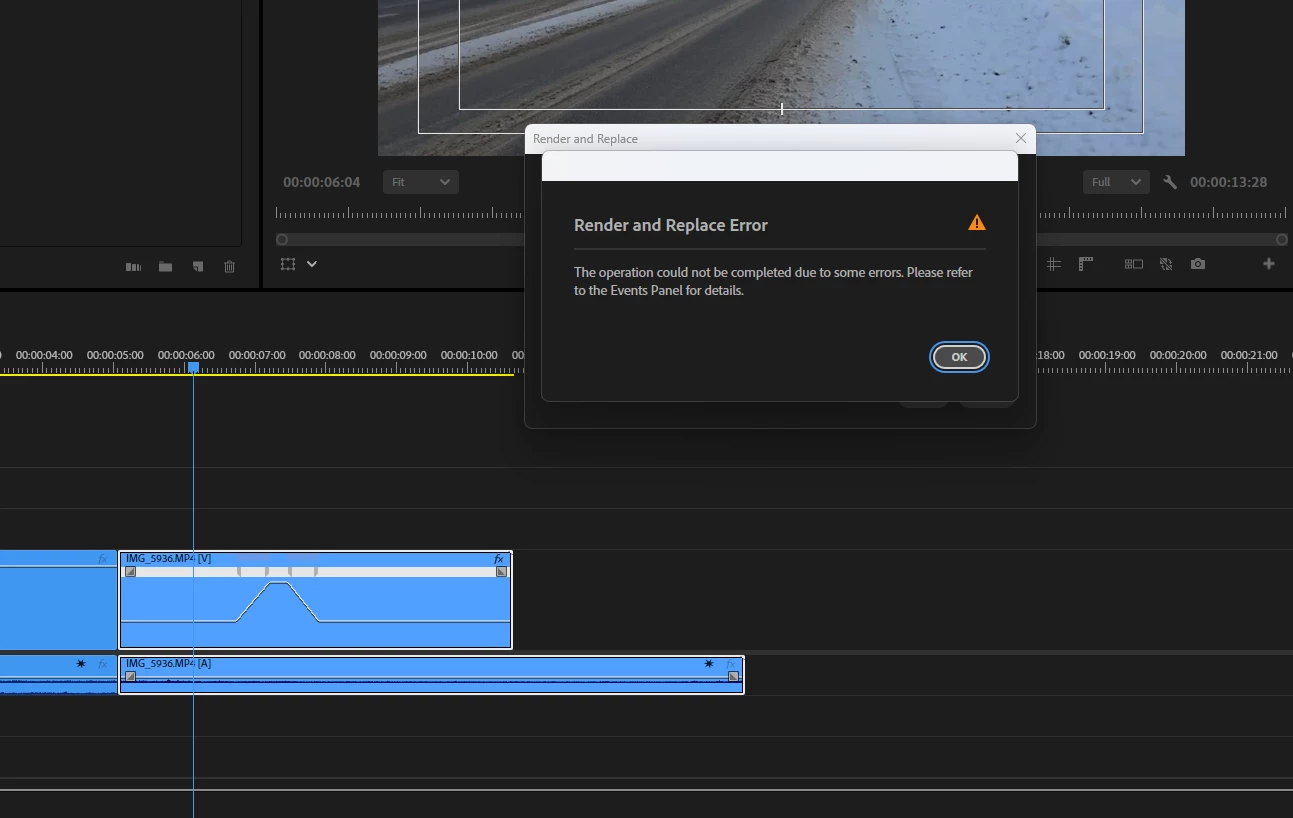
Render and Replace feature is glitchy in v. 26.0. It fails with timeremapping. Steps to reproduce:
- start an empty project, import media, cut it on your timeline
- take one clip and timeremap it. Try to render and replace. Result:
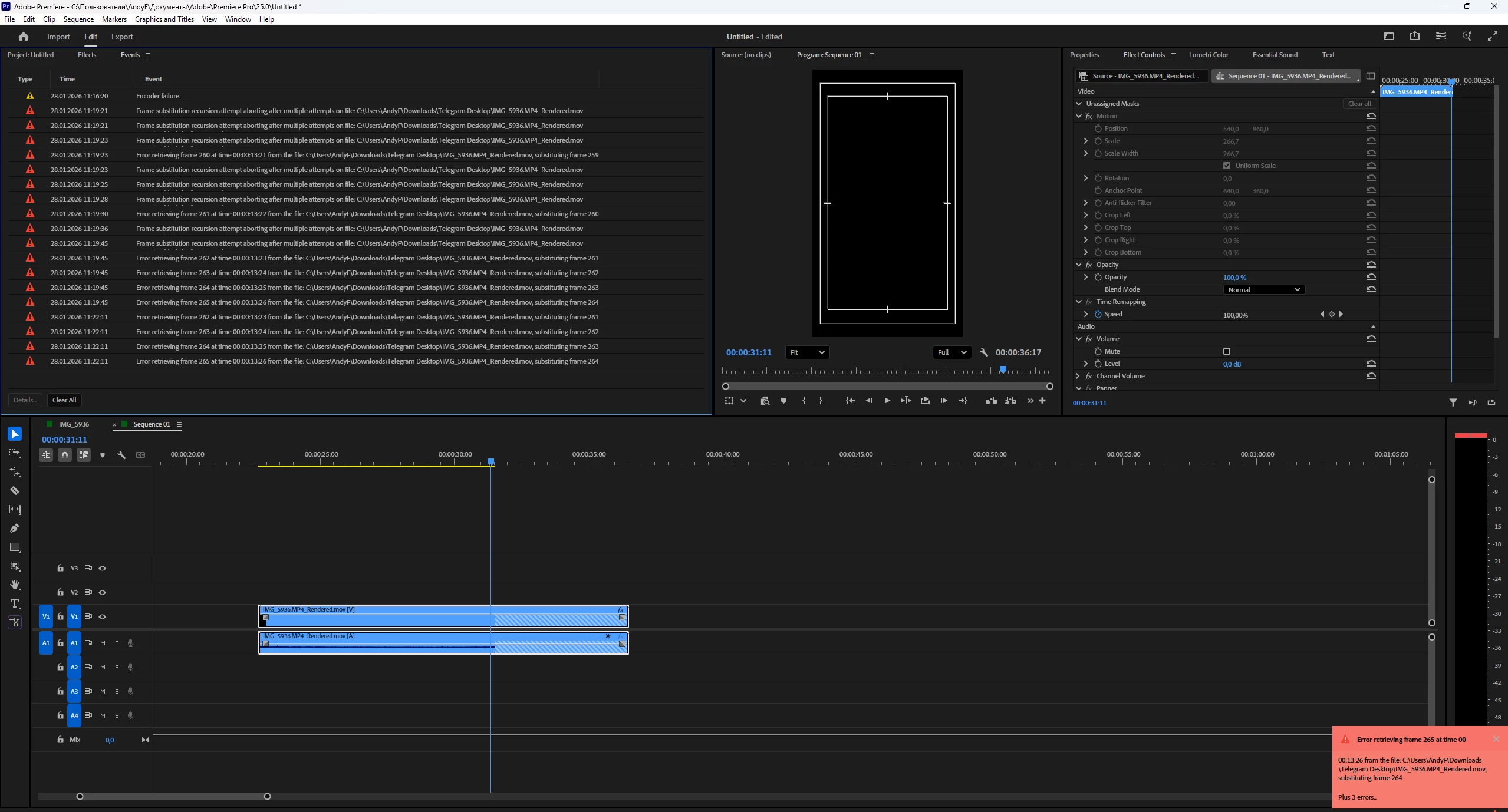
Render and replace fails in vertical sequences. Steps to reproduce:
- from the previously created horizontal sequence copy and paste a clip in a newly created vertical sequence.
- Fill the screen with it using the context command. Render and replace. Sometimes you get an error like above, sometimes you get this one:
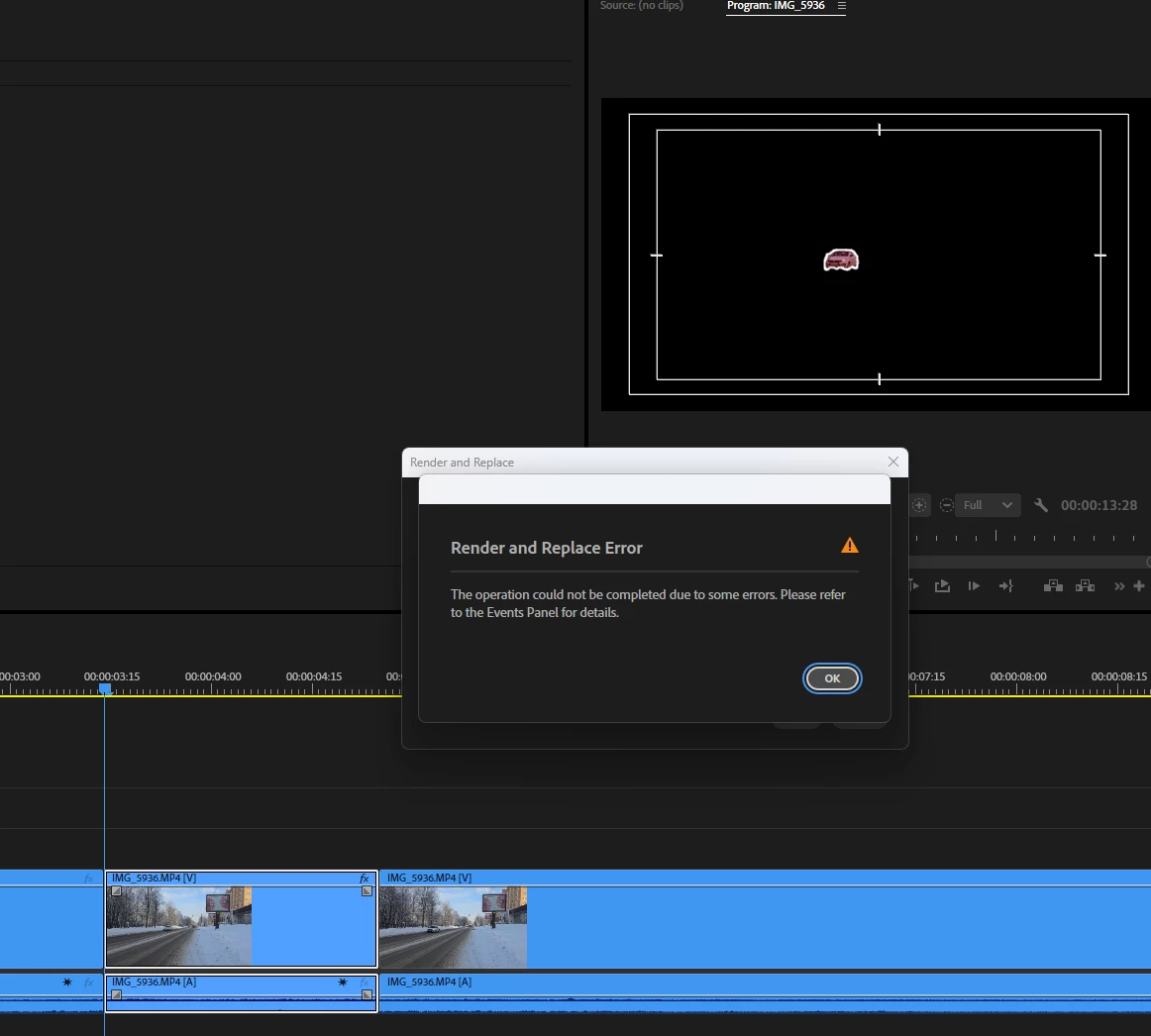
Render and replace fails with the new object mask. Steps to reproduce:
- in the horizontal sequence select a non-timeremapped clip, select it with an object mask, track it, place the unassigned mask on the opacity
- Render and replace the masked clip. Result:
This all happens with Prores 4444 as a render and replace codec with the sequence source (the only one capable of embedding effects). This is what happens with a GoPro codec:
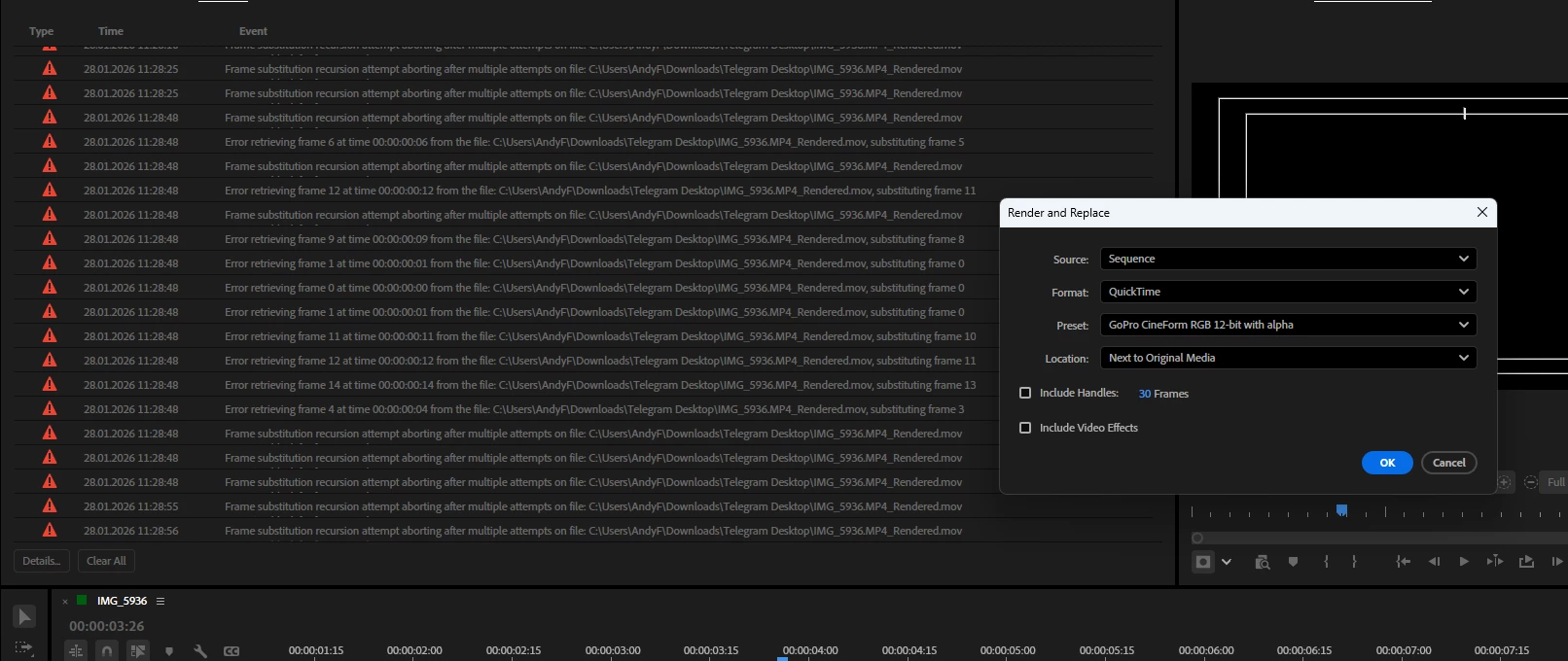
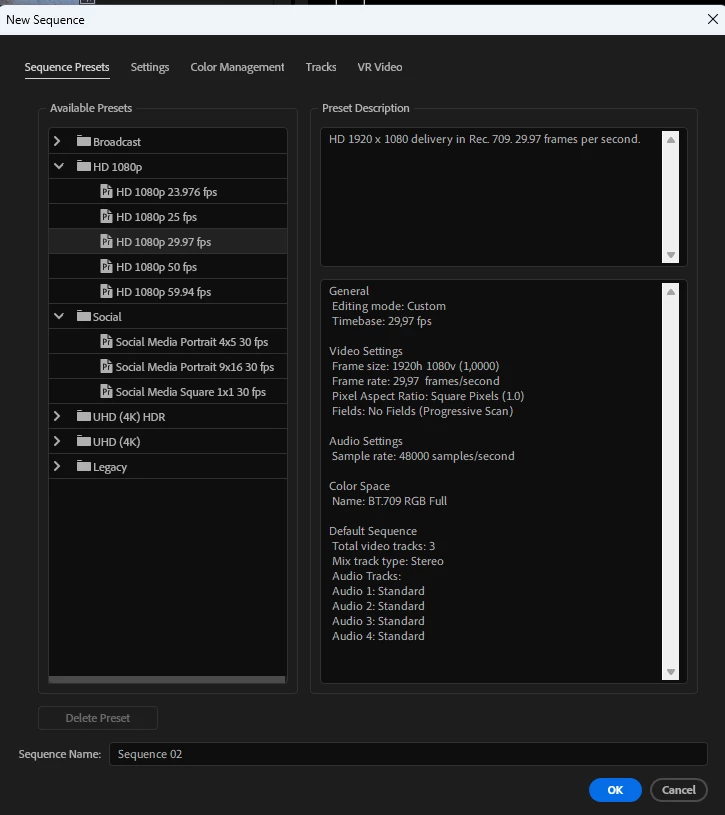
Different media, different resolutions. I use the sequence templates as a starting point:
Please, guys, I don’t need workarounds - know them all - I just want this disgrace to be fixed.
 AdChoices