
Participant
May 7, 2025

Premiere Pro crashes after opening existing or new project

  • May 7, 2025
  • 10 replies
  • 729 views

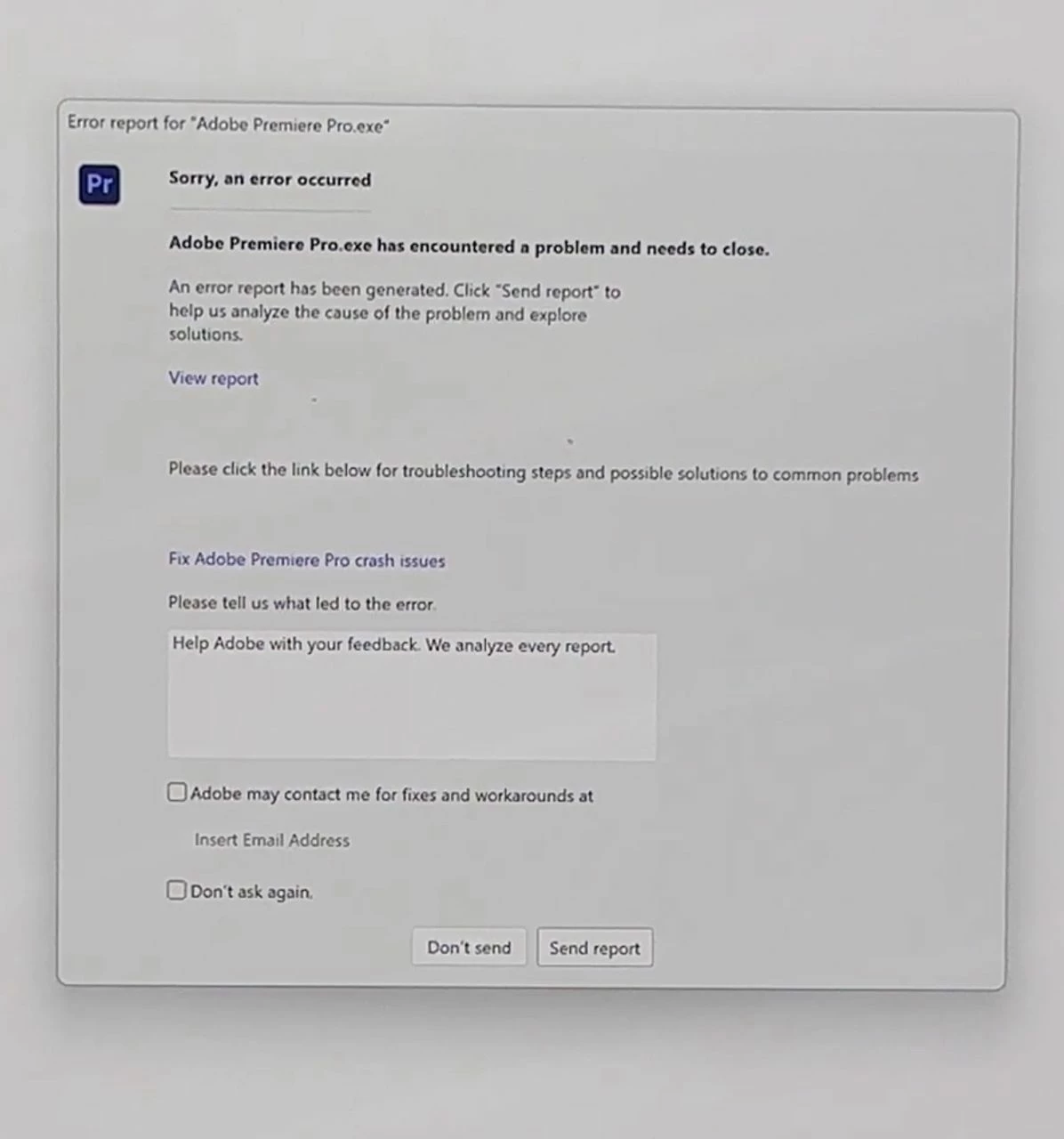
My Premiere Pro is updated to the latest version. I usually edit 1080p 50fps videos and have edited quite heavy content on my current laptop (ASUS Zenbook) which is new by the way. I don't know what's wrong but recently after opening Premiere for a couple of minutes it starts to freeze and a pop up screen would appear to send/don't send report and my Premiere has to force shut. However everytime I open back Premiere, the interface runs smoothly, no lag but somehow would freeze for a second after a few minutes and my Premiere would crash. I also tried clearing the cache, third party plugins, uninstalling and reinstalling but nothing works.


On a side note: I tried opened Adobe Illustrator, After Effects, Figma and Photoshop at the same time and everything seems to be working well. What could be the issue? 
It's been very frustrating cause I am a student and I'm in the midst of my final year projects. 


Laptop Specs
Intel(R) Core(TM) Ultra 7 258V 2.20 GHz
32.0 GB RAM
10 replies

Participant
August 2, 2025

Same issue still exist in beta. 258V 32GB

Participant
July 2, 2025

Hey! Having the same issue here, the program freezes, doesnt open the fullscreen preview and crashes like crazy!

Im running a intel ultra 7 258v laptop with the arc 140v integrated graphics and 32gb of ram.

I tried the beta version but it still showed those same issues.

Really need this to work! Thanks

Community Manager
June 27, 2025

Yes, of course! If you open the Creative Cloud App and choose Apps from the left-hand side, you will see a Beta tab. You can download the latest Beta of Premiere without impacting your current release version. Please remember to duplicate your project before opening the new version.


Community Manager
June 24, 2025

Hi @camillek3325159,

We are actively working on this issue. If you would like to test it, you can download Premiere Beta 25.4. I believe the issue is resolved in that version.  Let me know if that makes a difference.

Participant
June 27, 2025
Hey Rach,

Thanks for your reply. Have not had a chance to try yet. Would you tell me where I can download this version?

Thanks,

Camille
Participant
June 24, 2025

Hi - I'm having the same issue with the same computer.  Have you found a solution?

Community Manager
May 7, 2025

Can you tell me the exact Intel driver version you are using?  101.something

Participant
May 7, 2025

Hello @Rach McIntire 

I have written my email (removed by mod) for Adobe to send me any ways to fix in the report but I'm not exactly sure if you are able to receive it. I do have the DMP file on my side. Is there any way I can get it sent to you?

Community Manager
May 7, 2025

Hello @constance_9065,

Thanks for getting back to me.  I'm not seeing it with the .edu email associated with this user.  Do you use a different email for your Creative Cloud?  Feel free to DM if there is another possible email to look up.  Otherwise, try sending a new report, and I'll see if that comes through.

Participant
May 7, 2025

@Rach McIntire Hi, yes I have sent reports multiple times under this account. Are you able to check on it?

Community Manager
May 7, 2025

Hello @constance_9065,

Welcome to the Premiere Pro Forums. I'm sorry to hear you're having crashing issues.  When asked to send to Adobe, did you check "Send Report?"  If you can do that next time, I can look up your crash and see what's happening. 

If you have time, please give the team a few more details. See: How do I write a bug report?

I hope we can help you shortly