
Participant
February 24, 2023

Project starts to open but gets stuck at 69%

  • February 24, 2023
  • 40 replies
  • 8278 views

Curious if this is happening to anyone else. I have a project that refuses to load. When I try to open it normally, it stops at the same spot, about 2/3 of the way loaded:
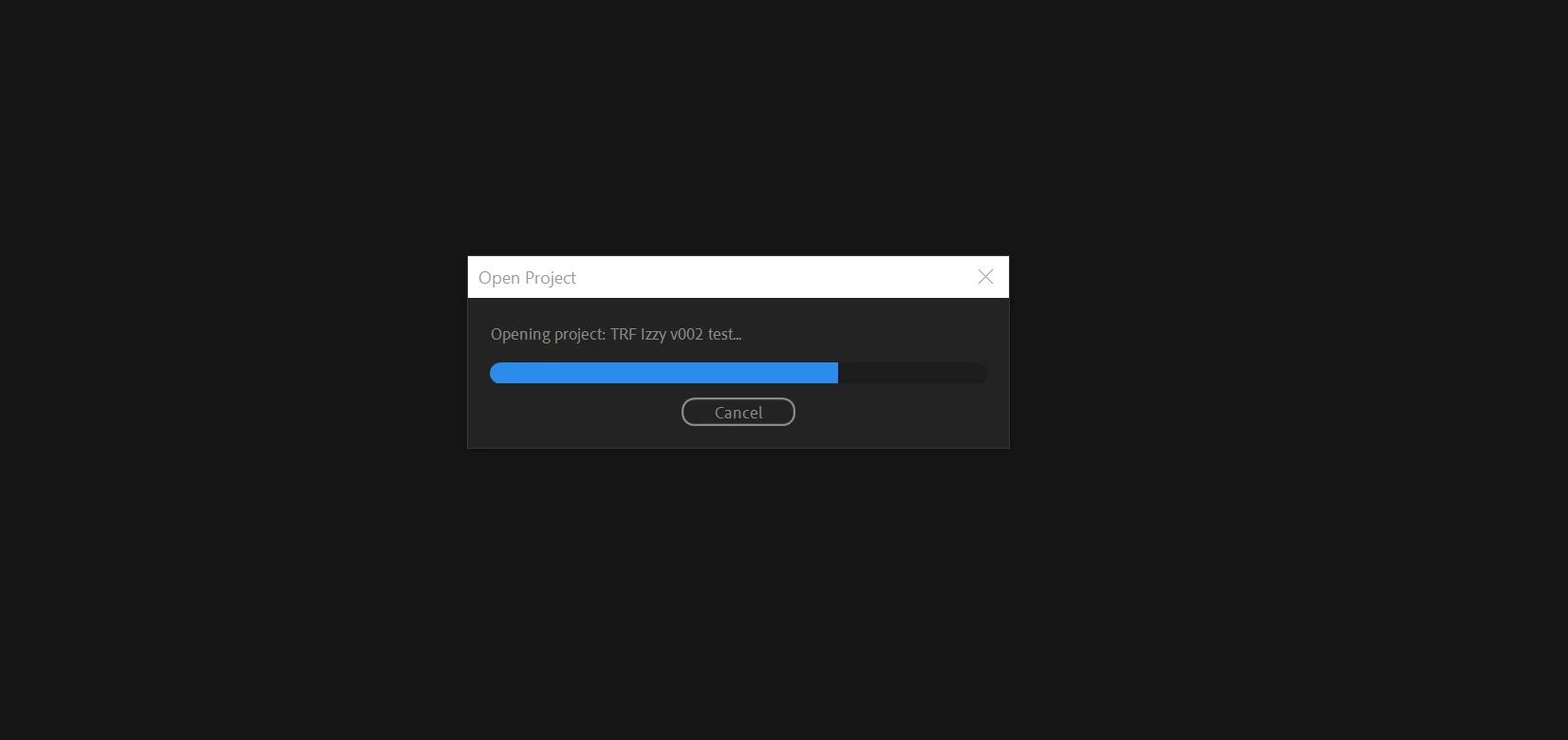
 

This is verson 3 of the project. I was able to successfully load v1 and v2. 

I've browsed a number of conversations with similar issues, and I've tried many of the methods that others say worked for them, including importing the project into another blank project. When I do that, it hangs at 69%. 
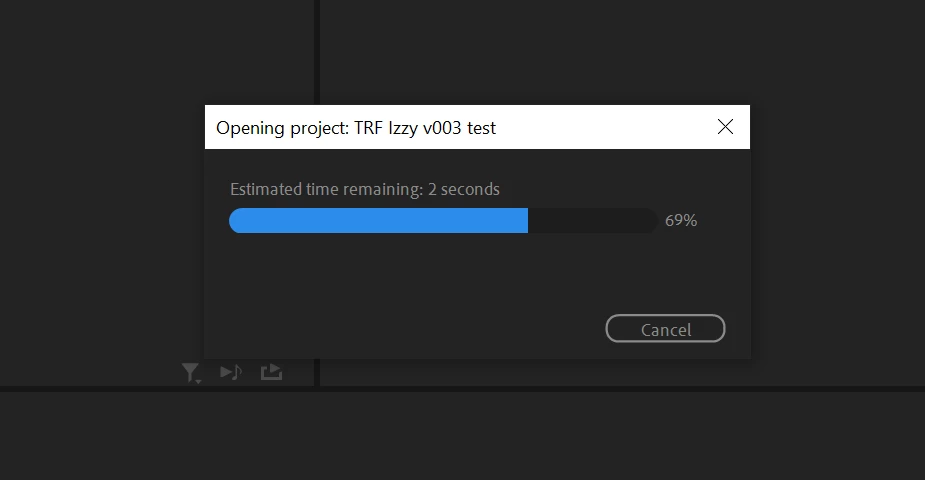
Sometimes it will move to 70% and hang for hours.

I

have tried this process on 3 different PC's. Here's other things I've tried:

  • Restarting Premiere
  • Restarting the computer
  • Launching Premiere as Administrator
  • Holding Ctrl+Shift while launching Premiere to reset plugin caches
  • Holding Alt while launching Premiere to reset preferences


I have a number of projects that use the same camera type footage and are built the exact same way, with very little use (if any) of VST or other plugins. This is the only project that I can't open. I have no idea why this one seems to be the outlier. 


I'm currently on Premiere v23.2. Specs include AMD Ryzen 9 5900X 12-core 3.70 GHz, 64 GB RAM. 


Anyone having the same issue? Any other ideas I can try?


40 replies

Participant
November 14, 2023

PROBLEM SOLVED FOR ME
Hello guys, 
After contacting adobe support, the only solution I've found to avoid this problem is to unlink all the project's media on another computer (project window, select all files, right-click and unlink all media), save the project and then switch back the project to the computer with the problem.
With this method, you'll be able to open the project.
If someone knows how to completely eradicate this problem please call me ahah.

Participating Frequently
November 14, 2023

I have tried to copy the project to a nother hd and open it from there but same procedure. Stucks at around 70% Even when I import the project to another one it Stucks at 83%^^

Legend
November 14, 2023

Have you tried taking the media offline and then seeing if you can launch the project?   

Participating Frequently
November 14, 2023

HI, still same problem here in prem 2024. RAM at 33% / CPU 1% 


Gilarino2
Participating Frequently
November 3, 2023
I had the editor who could open the project, import it into a clean project and resave. That fixed it.
Participating Frequently
November 3, 2023

Try disabling 3rd party plug-ins and clearing their caches. (Clearing cache in Premier Pro isn't enough. You need to dig down into the library to find these files)

This is what worked for me. Good luck. 

Gilarino2
Participating Frequently
November 3, 2023

Having the same problem.  Tried 2 different macs and a PC.  Tried the beta.  Tried clearing preferences.  Funny thing is, another editor can open the file fine.

Known Participant
October 9, 2023

I had a project that had some After Effect elements in it, but I didn't have After Effects installed on this machine where I tried to open the file, and then it got stuck at 69%. When I installed AE, the problem is gone. That was my solution, maybe this helps somebody...Cheers.

Participating Frequently
October 5, 2023

Go into the support chat and you'll get a few questions from a "virtual assistant" then request to talk to a human. Usually a tech support person will call you within a few minutes. 

Participant
October 5, 2023

Okay thanks, I'll try to contact them.
I hope they'll respond soon.