
Participant
February 24, 2023

Project starts to open but gets stuck at 69%

  • February 24, 2023
  • 40 replies
  • 8278 views

Curious if this is happening to anyone else. I have a project that refuses to load. When I try to open it normally, it stops at the same spot, about 2/3 of the way loaded:
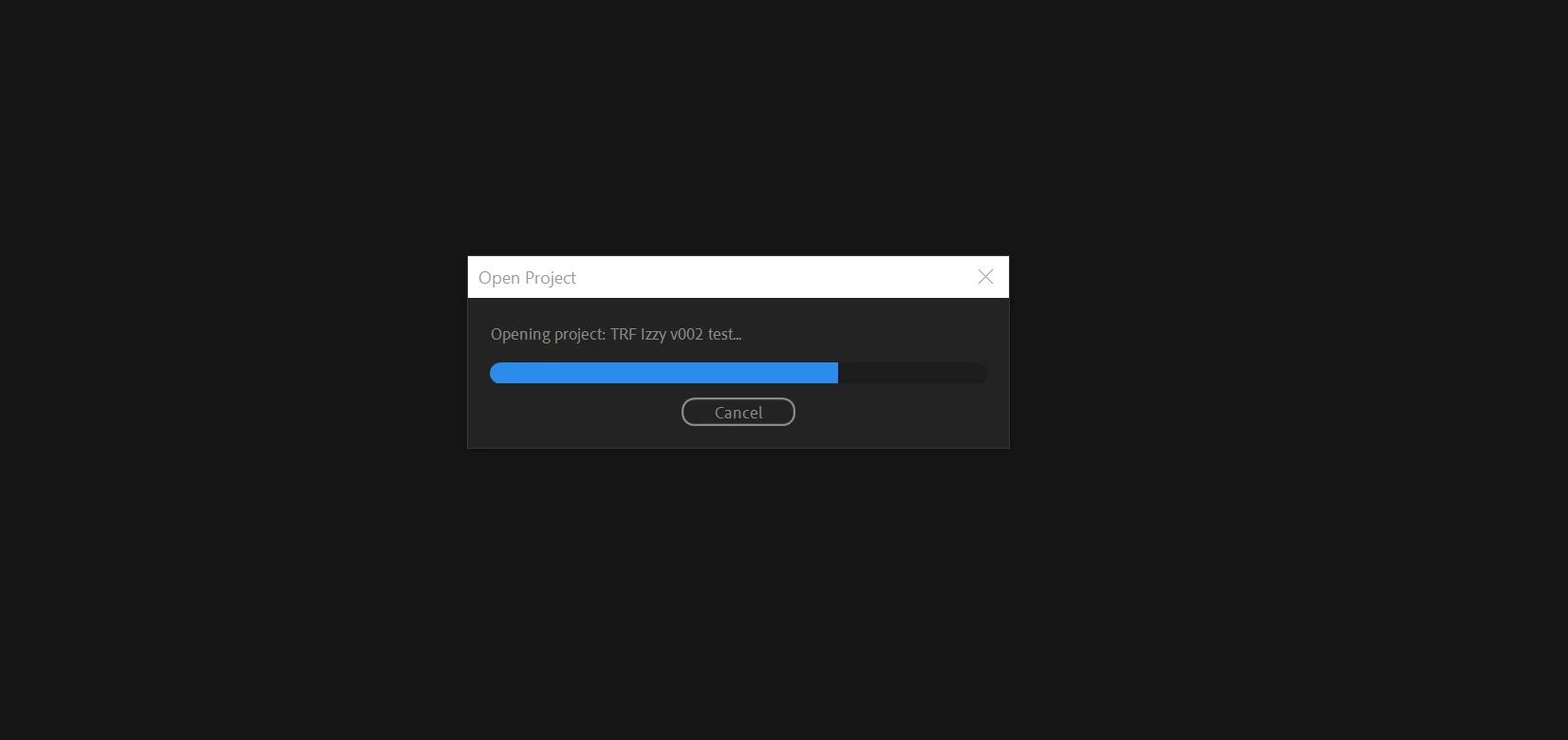
 

This is verson 3 of the project. I was able to successfully load v1 and v2. 

I've browsed a number of conversations with similar issues, and I've tried many of the methods that others say worked for them, including importing the project into another blank project. When I do that, it hangs at 69%. 
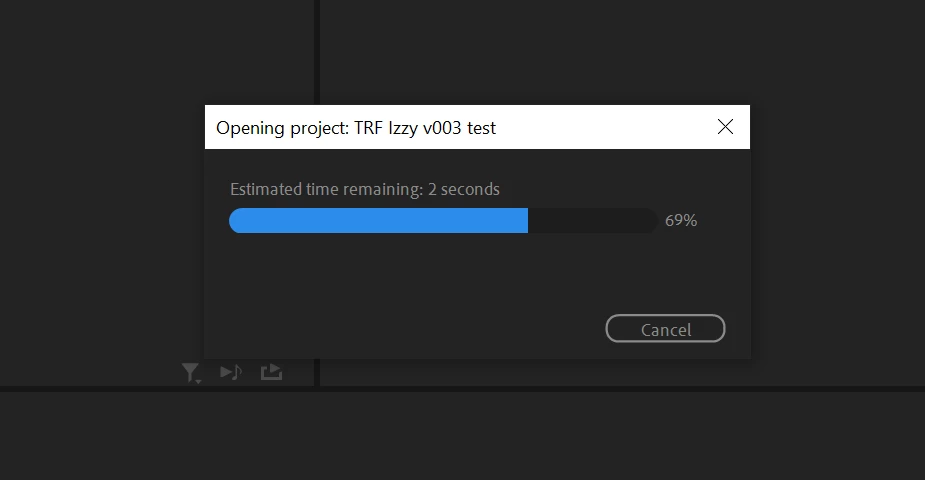
Sometimes it will move to 70% and hang for hours.

I

have tried this process on 3 different PC's. Here's other things I've tried:

  • Restarting Premiere
  • Restarting the computer
  • Launching Premiere as Administrator
  • Holding Ctrl+Shift while launching Premiere to reset plugin caches
  • Holding Alt while launching Premiere to reset preferences


I have a number of projects that use the same camera type footage and are built the exact same way, with very little use (if any) of VST or other plugins. This is the only project that I can't open. I have no idea why this one seems to be the outlier. 


I'm currently on Premiere v23.2. Specs include AMD Ryzen 9 5900X 12-core 3.70 GHz, 64 GB RAM. 


Anyone having the same issue? Any other ideas I can try?


40 replies

Participating Frequently
October 5, 2023

I don't. 
I recommend calling Adobe support. They'll explain what they're doing as they do it if you want. They'll also find and empty the plug-in caches. 

Participant
October 5, 2023

Do you have a tip for deactivating and uninstalling premiere pro plugins? Because every time I reinstall premiere pro, some plugins install without my consent even after a complete windows reset.
These are the plugins available on the creative cloud (frame.io for example).

Participating Frequently
September 30, 2023

Documented in my post. 
I don't know if that information is located anywhere else. 
It was a long, painful and costly process. I posted my "fix" to hopefully save someone else from the same headache. 

benjaminhunter
Participating Frequently
September 30, 2023

I'm glad you found a solution. Was it documented somewhere for others to follow?

Participating Frequently
September 30, 2023

I spent 5 1/2 days working with Adobe's senior tech support team. Engineering and software development teams also were brought in to help.

Adobe folks took a copy of my project file to investigate. 
It was taking between 45 minutes to an hour for me to open the project. (Took so long  to upload that Adobe tech support folks would leave screen sharing on but hang up out phone call and call back when the project opened)
It would crash during export encoding every time I attempted to export as well as crashing randomly as I attempted to work. 
I'm not sure what, if anything, the Adobe folks did to alter the file before the passed it back to me. 
project loaded fine for them (they didn't have media to attach)
They passed the project file back to me and problems persisted.

After trying everything listed in this forum Adobe folks determined that the problem happened when I installed a Premiere Pro update and somehow that created a corrupt file in my Waves audio plugins. 

What finally fixed the problem was to completely disable AND uninstall all 3rd party plugins and empty caches for those plugins. 
That worked. 
The project file now opens with 90 seconds to 2 minutes. (It's a huge project. File is 56MB)

Export works perfectly now. 
- I missed a critical deadline over this. 
If you aren't having issues I highly recommend that you never upgrade Premiere Pro or plugins in the middle of a project. 
Good luck! 

Participant
September 30, 2023

I've tried every conceivable solution, I've reset windows 3 times and the problem persists. I don't understand how it's possible.
does anyone have another solution?
I can't even work ...
Adobe help me!

Legend
September 16, 2023
Try taking your media off-line and then launching the project. If the
project will open, you may have a piece of corrupt media and you may need
to play around with relinking the files gradually till you discover the
problem.
Participating Frequently
September 16, 2023

Exact problem. Tried pretty much everything mentioned here. I have VST audio plug-ins (Waves) disabled them and did the Contril + Shift start and still have the bar freezing at about 3/4 of the way. I'm on a Mac Studio  M1 Ultra with 128GB RAM... with a deadline and NO ADOBE TECH SUPPORT until Monday. 

- latest Premiere Pro 2023 - Ventura 13.5.1 OS.

- Has anyone tried uninstalling/reinstalling Premiere Pro? 

Good luck to all. Thanks.

Looksmaxxing
Participant
September 16, 2023

Same problem here, but it has something to do with the plugins , i reset plugin caches and it did let me in my project, ctrl+Shift did work for me , and i also did pretty much everything you did and only that worked.


Participant
August 31, 2023

I'm having the same issue. Any updates on fixes?