
Participant
February 24, 2023

Project starts to open but gets stuck at 69%

  • February 24, 2023
  • 40 replies
  • 8278 views

Curious if this is happening to anyone else. I have a project that refuses to load. When I try to open it normally, it stops at the same spot, about 2/3 of the way loaded:
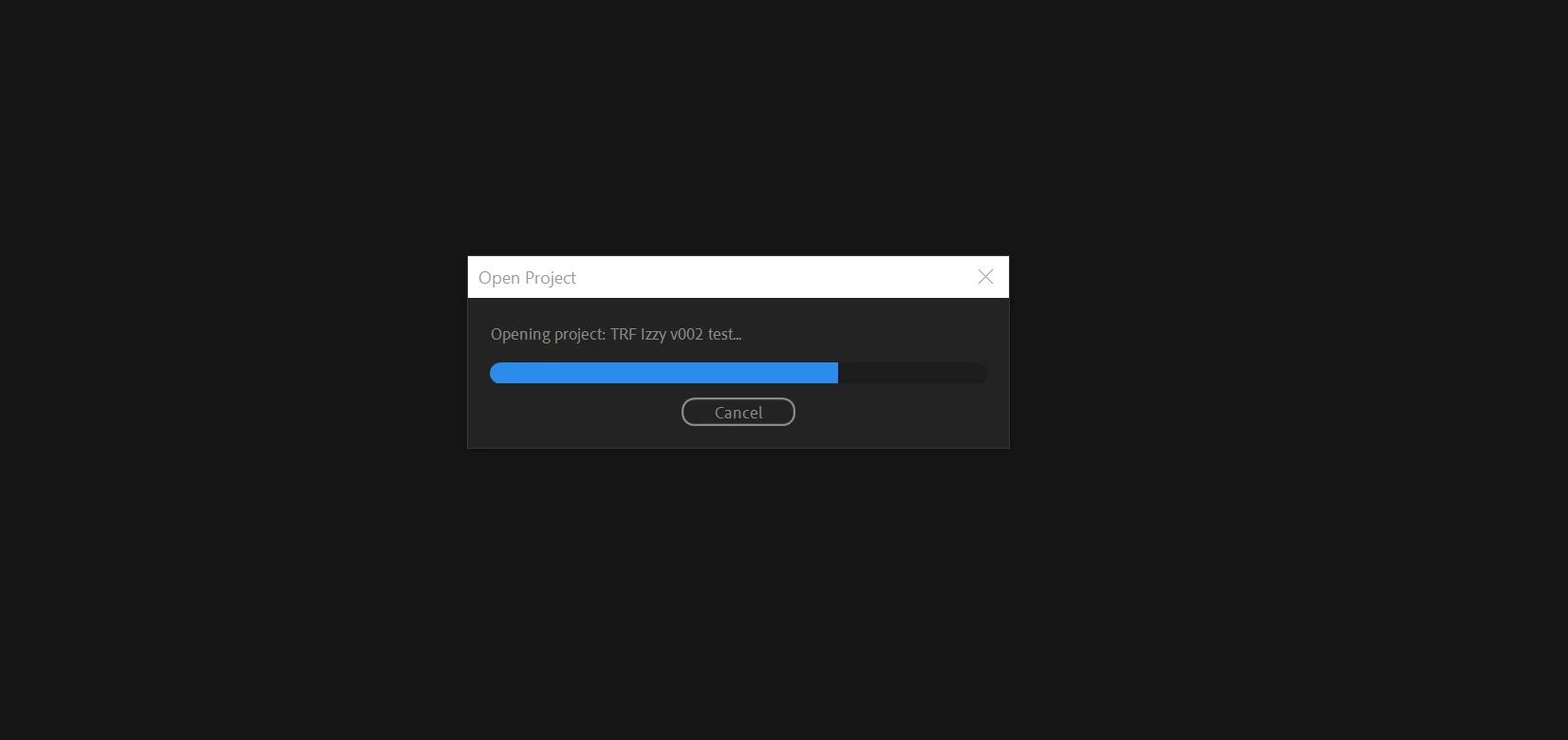
 

This is verson 3 of the project. I was able to successfully load v1 and v2. 

I've browsed a number of conversations with similar issues, and I've tried many of the methods that others say worked for them, including importing the project into another blank project. When I do that, it hangs at 69%. 
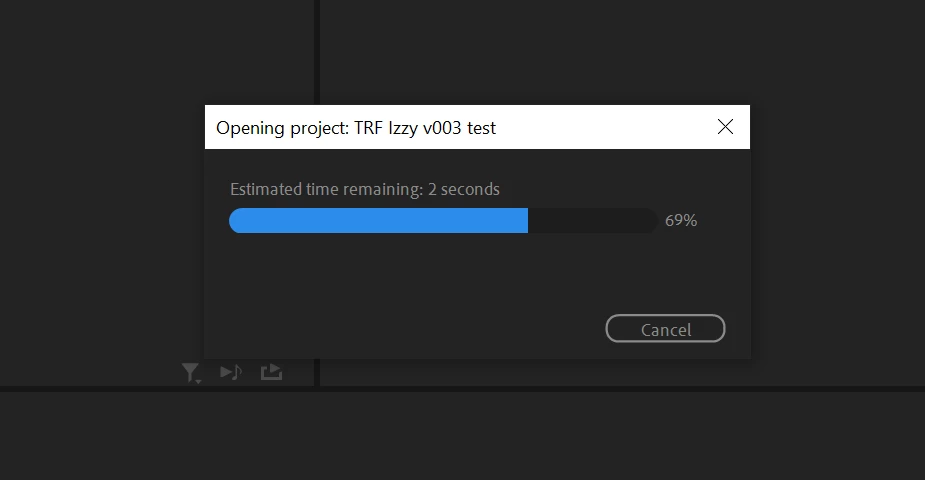
Sometimes it will move to 70% and hang for hours.

I

have tried this process on 3 different PC's. Here's other things I've tried:

  • Restarting Premiere
  • Restarting the computer
  • Launching Premiere as Administrator
  • Holding Ctrl+Shift while launching Premiere to reset plugin caches
  • Holding Alt while launching Premiere to reset preferences


I have a number of projects that use the same camera type footage and are built the exact same way, with very little use (if any) of VST or other plugins. This is the only project that I can't open. I have no idea why this one seems to be the outlier. 


I'm currently on Premiere v23.2. Specs include AMD Ryzen 9 5900X 12-core 3.70 GHz, 64 GB RAM. 


Anyone having the same issue? Any other ideas I can try?


40 replies

Legend
June 28, 2023

You may have a piece of corrupt media in the project.  Try this, disconnect your media drive and then launch Premiere and load the project.  If it successfully loads, we can then figure out how to discover the problematic media.  It can be complicated, so post back if this works, and I'll try and remember how to do this (not enough coffee yet).

Participant
June 28, 2023

I have no plugin and media cache has been cleaned. However, I have some after effects files (.aep) link into my premiere projects.

Neckebba
Inspiring
June 28, 2023

Ddi you clean the Media cash? Are there Dynamic links in youre  edit? thirth party plug ins?

Participant
June 28, 2023

Same problem here on several different projects. I'm opening the files on a fresh computer I just buyed so no plugin problem, cache files, etc...

Participant
May 20, 2023

Hi, I just had this "69" problem with all of my projects at the same time, the problem was with BCC plugin! try removing plugins one by one in C:\Program Files\Adobe\Common\Plug-ins\7.0\MediaCore , hope I`ve helped, have a nice day 🙂

benjaminhunter
Participating Frequently
May 18, 2023

This issue popped up for me with 23.4, and when I switched back to 23.3, it persisted. Even auto save files. Something is terribly wrong.

mhredit
Participant
May 10, 2023

I am having this same exact problem right now

Participant
April 3, 2023

No fixes yet. How about you guys???

Participant
March 28, 2023

did you fix this "69" problem? 

joegetto
Participant
March 5, 2023

Hi, 

Im having the exact same problem. 

Have you found any solutions to this?