
Participant
December 18, 2025

Receiving unable to read Image file. GDI Status: Invalidparameter Direct2D Drawbot Premiere 25.3

  • December 18, 2025
  • 7 replies
  • 254 views

Hardware configuration 

  • CPU - Ryzen 5600H

  • Graphics card - RTX 3050 driver 591.44 dec 4, 2025

  • RAM - 16 GB

  • Type of storage (i.e. SSD, HDD) - SSD

  • Operating System Version - Windows 11

  • The type of media you are working with

    • What camera did it come from? DSLR

    • Is it a screen recording/software generated video? None

  • What are your sequence settings? HD 1080x1920 25 fps 

  • If this is a problem exporting, what are your export settings? no issue when exported at first

  • I have tried placing the project on different drives still the same.

why this issue?

I tried using .mts extension file on my project used MCCS5-6 plugin that claimed it'd fix the issue, but it did not work, uninstalled it from C:\Program Files\Adobe\Common\Plug-ins\7.0\MediaCore\MainConcept  


Here are the issues and errors

1. unable to read Image file. GDI Status: Invalidparameter

2. Direct2D Drawbot error. HRESULT: -2147024809

3. A low-level exception occurred in: Mainconcept Codec Suite (Importer:39)

all the errors pop up and I tried removing media cache, restarting downgrading premiere pro files
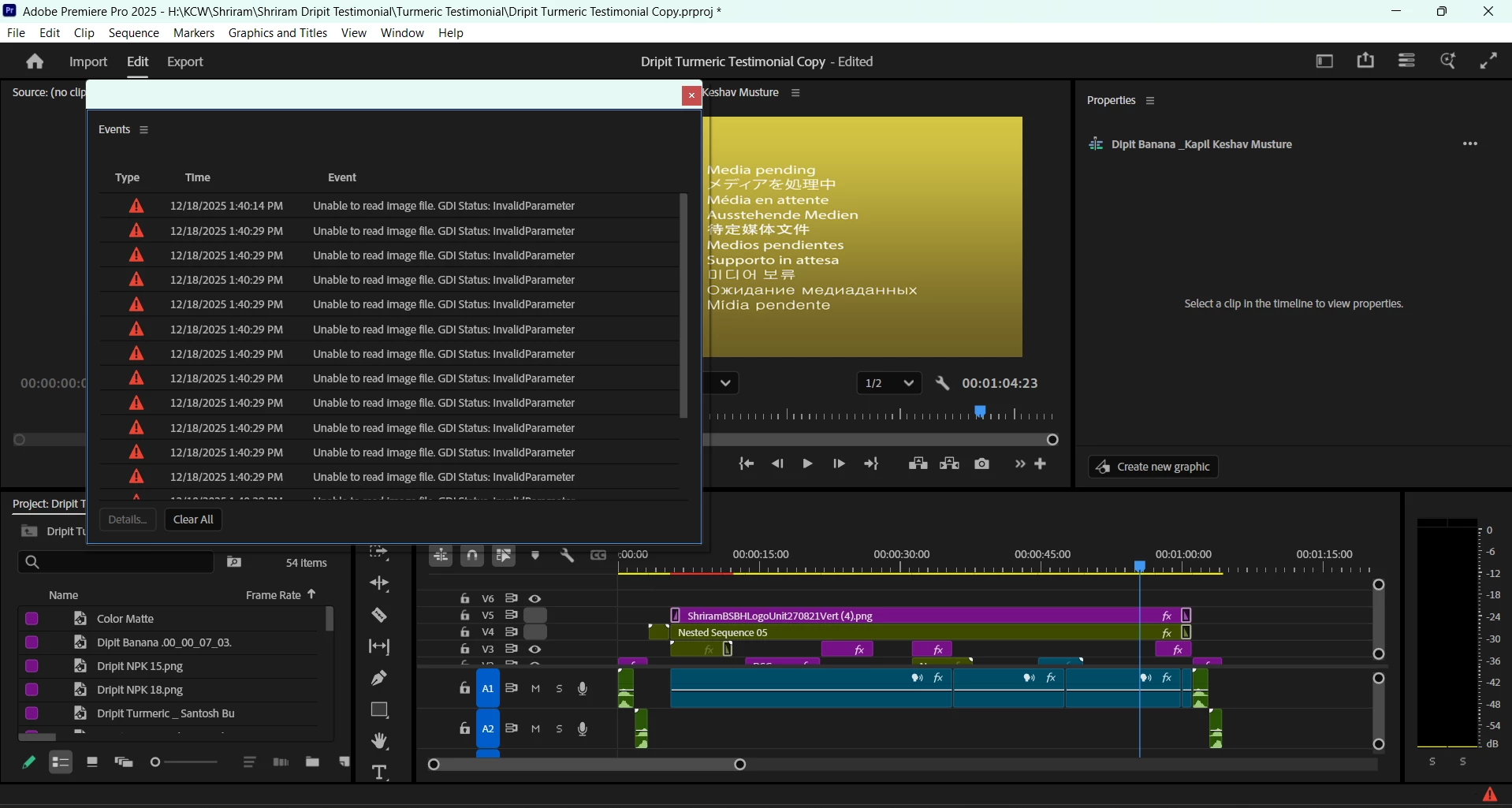
 

pranjal5C3A_0-1766045806630.png

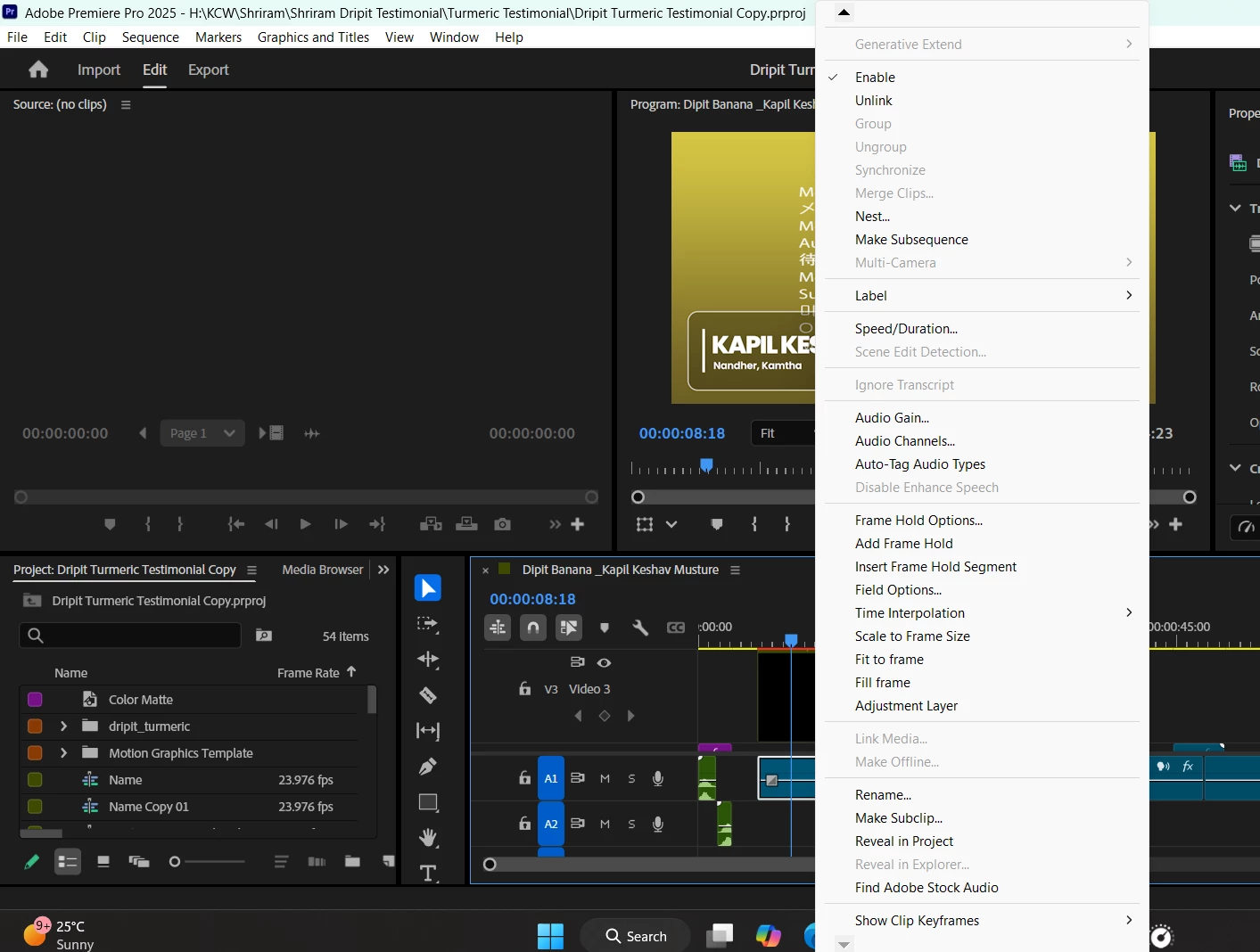
pranjal5C3A_1-1766048737606.png

I cannot link the media as well.


7 replies

Participant
December 23, 2025

Participant
December 23, 2025

Screenshot 2025-12-23 180427.pngI have the latest version yet it's not able to import mp4 or any video format files now what to do

Participant
December 22, 2025

Also Media encoder 2025 is also not responding if i try to convert any file now

IanB_360
Community Manager
Community Manager
December 18, 2025

Hi @pranjal5C3A 
Thank you for all the information you provided.  It would help us if you could use the link here, How to Report a Problem, which has steps to provide more information that can help us identify the issue. 

Here to help.

Ian

Ann Bens
Community Expert
Community Expert
December 18, 2025

Why are you unable to edit and export.

The plugin will let Premiere edit the ac3 audio.

Participant
December 18, 2025

Thanks but now I'm unable to export and edit anything any of the old projects or the same project 

Ann Bens
Community Expert
Community Expert
December 18, 2025

Guessing the MC plugin is the culprit: its old.

Are you using this plugin because of the ac3 audio?

If so might want to look at this plugin.


Download Dolby AC-3/AC-4 Installer - MajorGeeks