

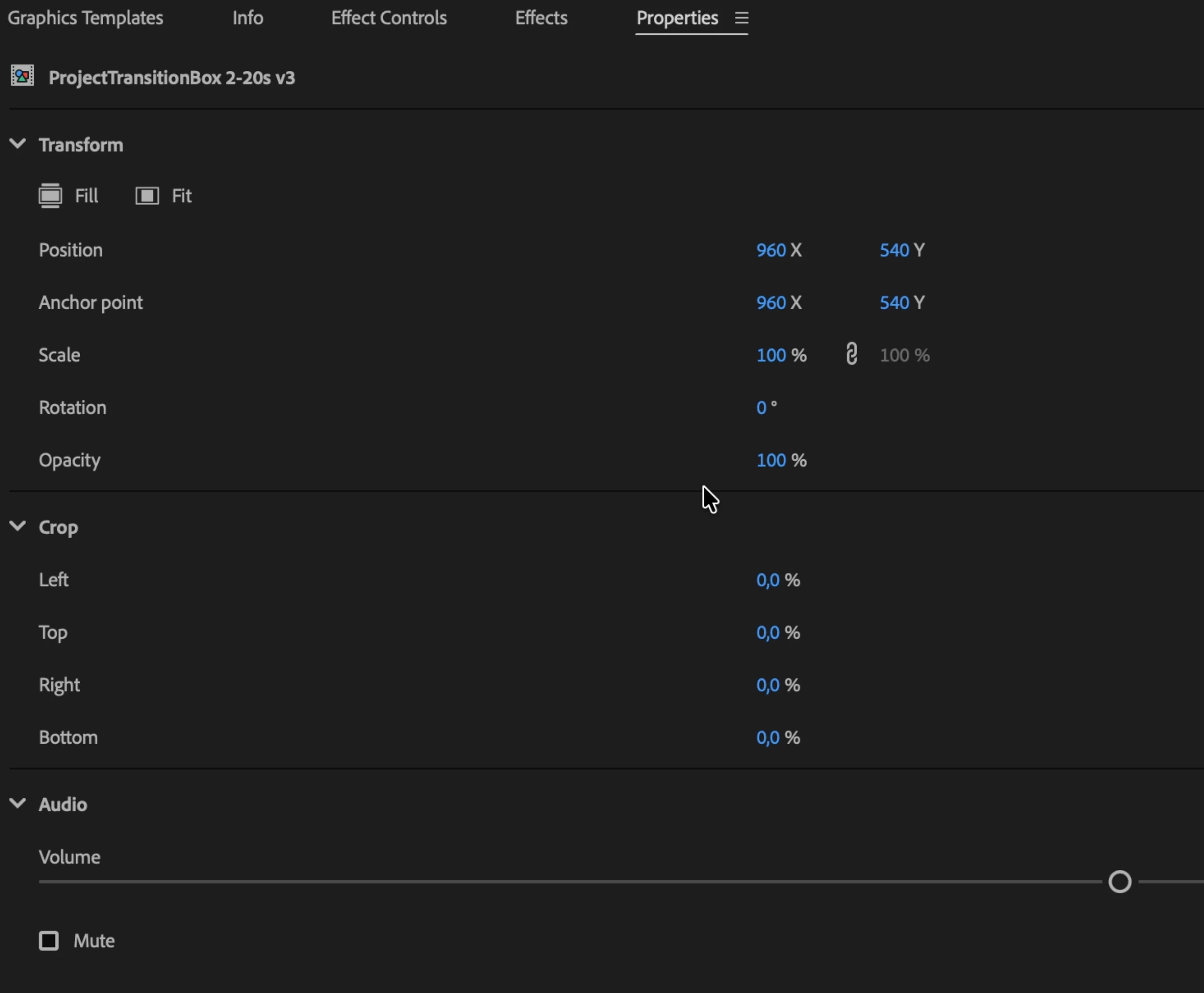
There are no settings options in the "Properties" panel for Graphics Templates after the first edit of the Setting.
Essential Graphics Properties Panel Empty/Missing (all Templates with Audio)
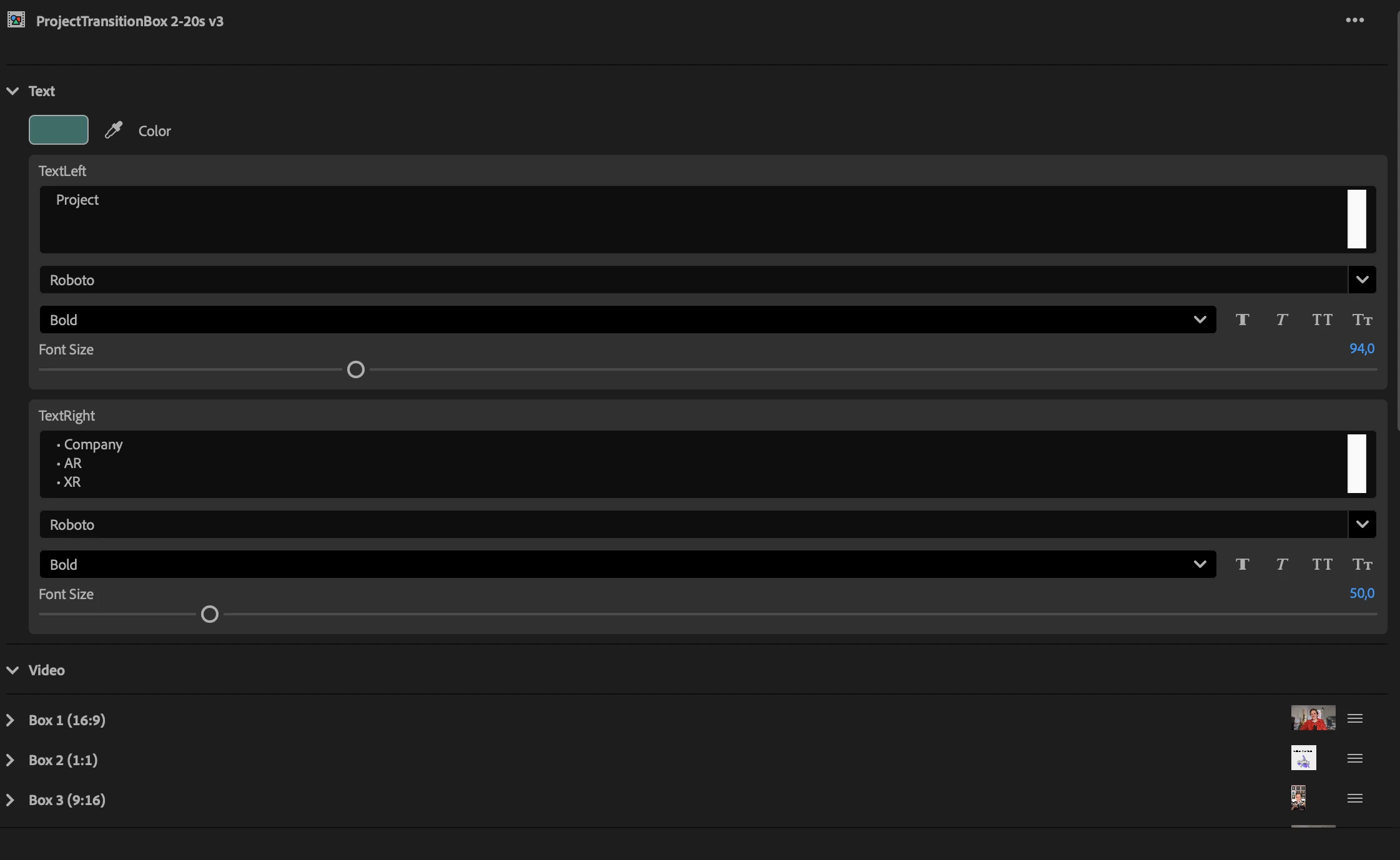
I am experiencing a critical issue with Essential Graphics templates created in After Effects and used in Premiere Pro. The templates work correctly for a short period, but after making initial adjustments, the Properties Panel (For Essential Graphics) goes blank with only the standard settings (crop,audio,transform) that are available for every clip, regardless of the type of clip.
Expected behavior
unExpected behavior
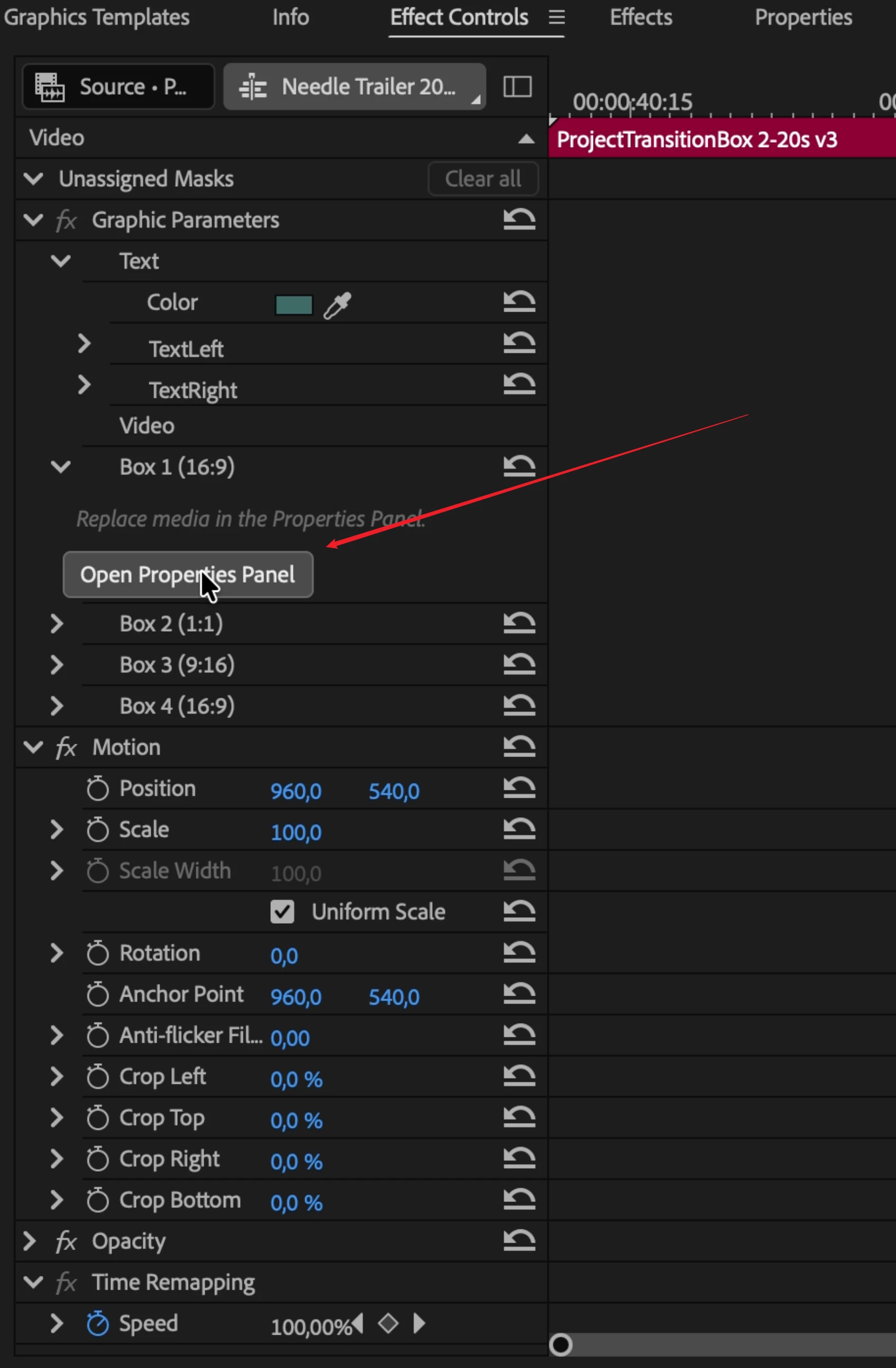
In the example, I show that even if you use the button in a different place in the interface, the window does not update its content.
to this
----
When I drag a fresh instance of the Essential Graphics template into the project, the settings appear correctly, but only for that specific clip. As soon as I select a different template clip in the timeline, the panel fails to refresh correctly: while the 'Headline' of the Essential Graphics panel updates to show the correct template name, the settings/parameter panel itself does not update, making it impossible to adjust any variables. I have encountered this so frequently now that it urgently needs a fix. It has reached a point where I have reverted to 'Dark Ages' workflows manually rendering out pre-comps and completely avoiding the Essential Graphics feature because it is currently broken and non-functional for my production.
Attempted Troubleshooting (Non-working solutions)
-
Updated Premiere Pro and After Effects to the latest version.
-
Restarted the application multiple times.
-
Restarted the PC. (Switch Mac)
-
Cleared Media Cache and Plugin Cache.


 AdChoices