
Participant
August 18, 2026

Update has scrambled clips in PP and keeps crashing

  • August 18, 2026
  • 3 replies
  • 27 views

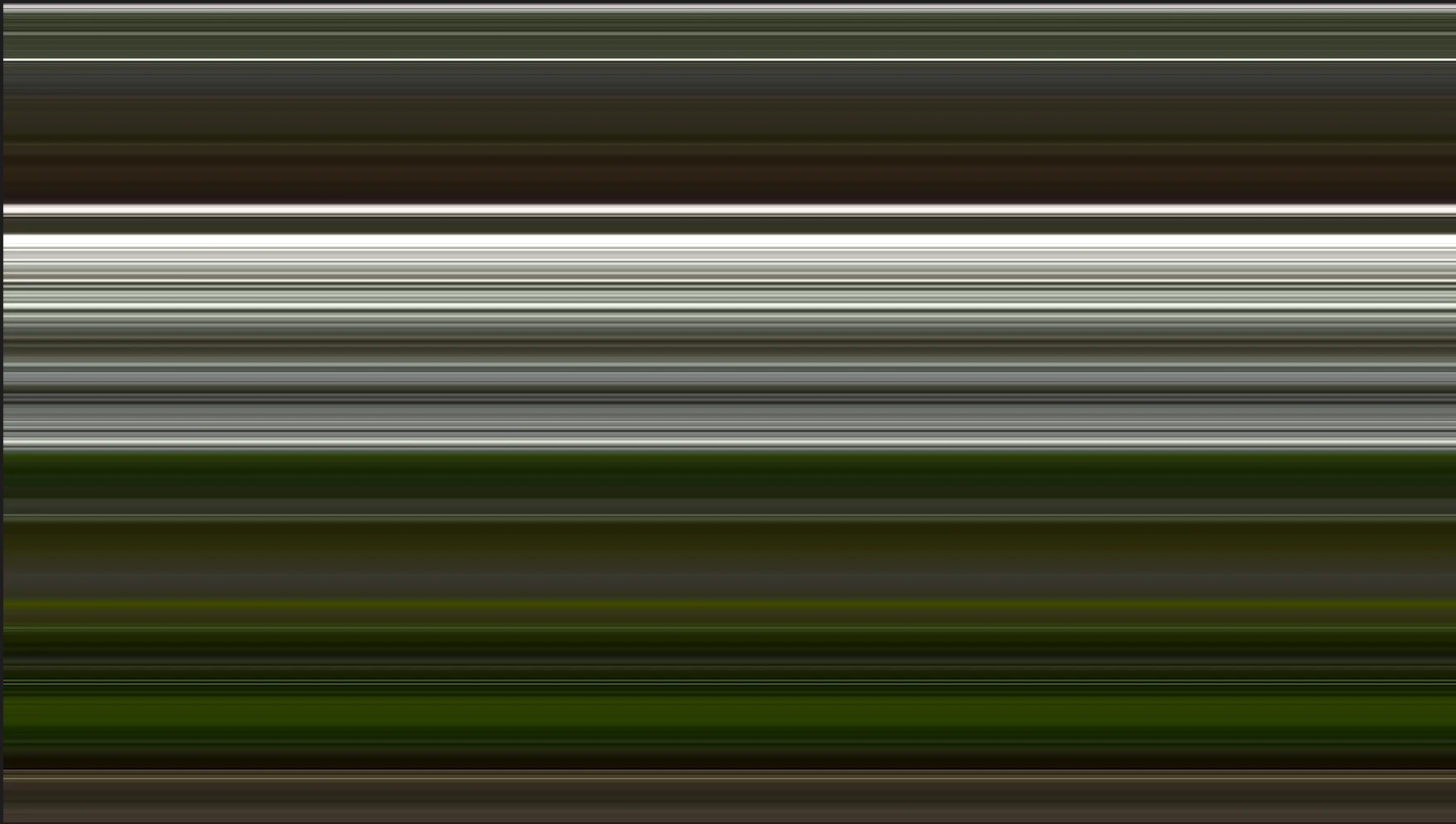
I’ve been cutting the same project for 6 months, no problems. Then with horrible timing this GPU update got pushed through just the week I’m delivering the project and I’m having so many problems this is absolutely maddening. I’m on an intel imac with a ton of ram but things are now freezing and even though I can move the mouse around all functionality in PP stops, I can’t even hit play. I’ve been struggling through it with multiple restarts but the last straw was then some footage has gone haywire. Nothing has changed at the metadata level but half of it is weirdly stretched and sized out of frame and the rest looks like this. It’s still solid at the finder level so I don’t know how to fix it for my offline playouts and the mix is tomorrow. This is appalling. I’ve tried new sequences, restarts, unlinking and relinking. Honestly I’m back on avid next project, I can’t believe this update got pushed through 
 

    3 replies

    Participant
    August 18, 2026

    I’m on Mac/sonoma I’m just in one project so haven’t tested it in others but I’ve taken an xml of the footage into resolve to deal with it and it’s fine there so it’s definitely a problem with pp reading AVC codec. 


    I didn’t run any kind of update of premiere mid project, but I saw a pop up within PP that I had no way to disable saying it was running a GPU update as a background process. When PP freezes I can still work in other programs fine, but then when I try to quit or force quit out of PP it freezes my machine and I have to hard restart it. Also whatever it is doing to the graphics driver now if sending my fans into overdrive, this wasnt a problem a week ago. I’m not getting crash reports as it’s just freezing and being non responsive rather than going through a crash cycle so it’s not generating one as I have to hard restart my machine to get anywhere. I’m not about to roll back my version of pp as I’m delivering a project. But to reiterate, I didn’t run an update but looking in CC there looks like 5 updates you guys ran last week but the one that’s from over a week ago has dropped off that list so I don’t know the version number I was on but this has only been a problem in the last few days  

    KatieToo
    Community Manager
    Community Manager
    August 18, 2026

      ​@Kate32201527v69r Thanks for that additional information. Might we see a screenshot(s) of the Media Properties on your AVC footage? 

    Okay so the GPU update you mentioned, I believe that usually comes up when Premiere is updating. Do you happen to have it toggled on for automatically updating on Creative Cloud Desktop app? You can check this in 2 easy ways.

    1) Launch Creative Cloud desktop app, go to top right corner where profile pic is and click that. Preference popup loads and make sure you’re on the left sidebar “Apps” Tab (may by default) and toggle off Auto-Update if it’s on and green. 
    -OR-
    2) Same step to launch the app, you can instead directly clicks Apps on left sidebar, then click on the triple … dots across from the top right “Installed Apps” > Enable OR Manage Auto-updates depending on which setting you’re already on. See screenshot.


    To find which Premiere version and build you’re on, launch Premiere and go to the top menu Premiere > About Premiere, that will give us the exact version and build you’re currently on. You can even take a screenshot and attach here.

    Because you’re on an Intel mac, I also wanted to be sure you’d seen this announcement for upcoming v27 releases.

    Let us know your version and build as a next step and if you’re having that issue happen in other projects or just that one.

    Appreciate it,
    Katie

    KatieToo
    Community Manager
    Community Manager
    August 18, 2026

    Hi ​@Kate32201527v69r 

    Thanks for stopping by the Premiere forums! Oh wow, sorry to hear you’re having so much trouble there, and we’d like to try to help. In order to better troubleshoot this, we need to ask for a few more details like if Mac (and what macOS) or PC (whether Windows 11/10, plus what driver version & build), what version & build of Premiere are you using, how’s your media stored or do you have dual monitors with our bug report details. I did see you’re using Intel Mac, that said, but what OS version/build?

    Importantly to also ask:
    1) is this happening in some projects or all projects?
    2) What about new, empty projects?
    3) What was the last working version of Premiere where you didn’t have issues (was that v26.3, 26.2.2, etc.)

    Can you let us know what GPU update was done? Do you mean instead that you updated to Premiere v26.3.2 and started having these issues happen?

    It sounds like the freezing can sometimes be cleared by restarting, and I wondered if the freezing is just affecting Premiere, or elsewhere on the Mac too.

    If you are having crashes, has any crash report come up to send in yet? If you can, put your email in the blank before sending, and then DM to let us know what that email was, so our team can directly pull up that report and have a looksee at what’s going on.

    Regardless, if it’s OS or Premiere related, does rolling back or downgrading to a prior version help clear the issue?

    Hope to help and let us know those details as that’ll help narrow things down!
    Katie