
Participant
June 29, 2026

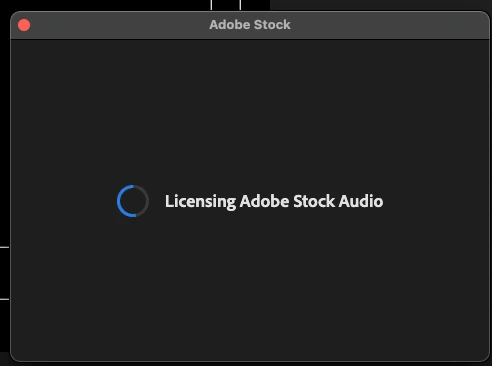
When licensing adobe stock music, it never finishes, and gets stuck for hours.

  • June 29, 2026
  • 1 reply
  • 0 views

When licensing adobe stock music in premiere, via right click, after selecting the type of license the window just keeps loading. Even after updating to the newest premiere version today. I even let it sit for two hours while I went to the gym and meetings, with no change. Also clicking the cart icon in the Essential Sound Browse panel didn’t work. 

A work around I found was to download and license the music track directly from the adobe stock website.
 

    1 reply

    Community Manager
    June 29, 2026

    Hi ​@Gravitate Online,

    Welcome to the Premiere forums. Thanks for reporting this issue and providing a workaround. For the team to better understand and to try to assist further, can you please provide information in the format below?:

    • Premiere Version: What exact version of Premiere are you using?
    • Operating System: Specify Windows or macOS, along with the version.
      • GPU Driver (Windows only): Please let us know your video card driver version.
      • We recommend updating to the most recent version; for NVIDIA users, we strongly recommend the Studio version of the driver.

    Comparing when and where the issue occurs helps us narrow down the cause:

    • Does it affect all projects or only some?
    • Does it affect new, empty projects?
    • When did the problem first begin?

    For additional context and links pertaining to Premiere 26.3, please see:

    Best,

    Jonathan