Participant
September 21, 2026

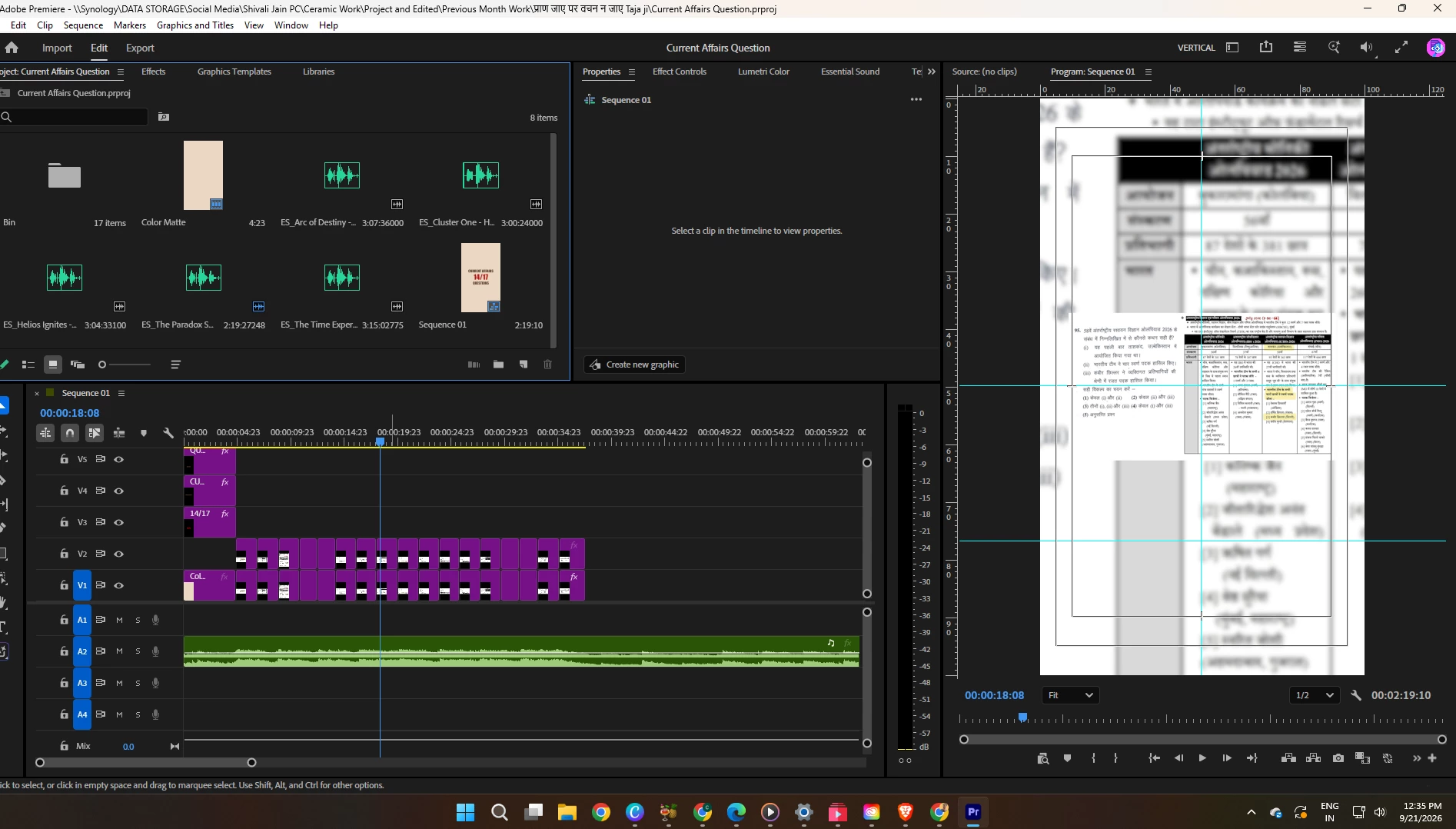
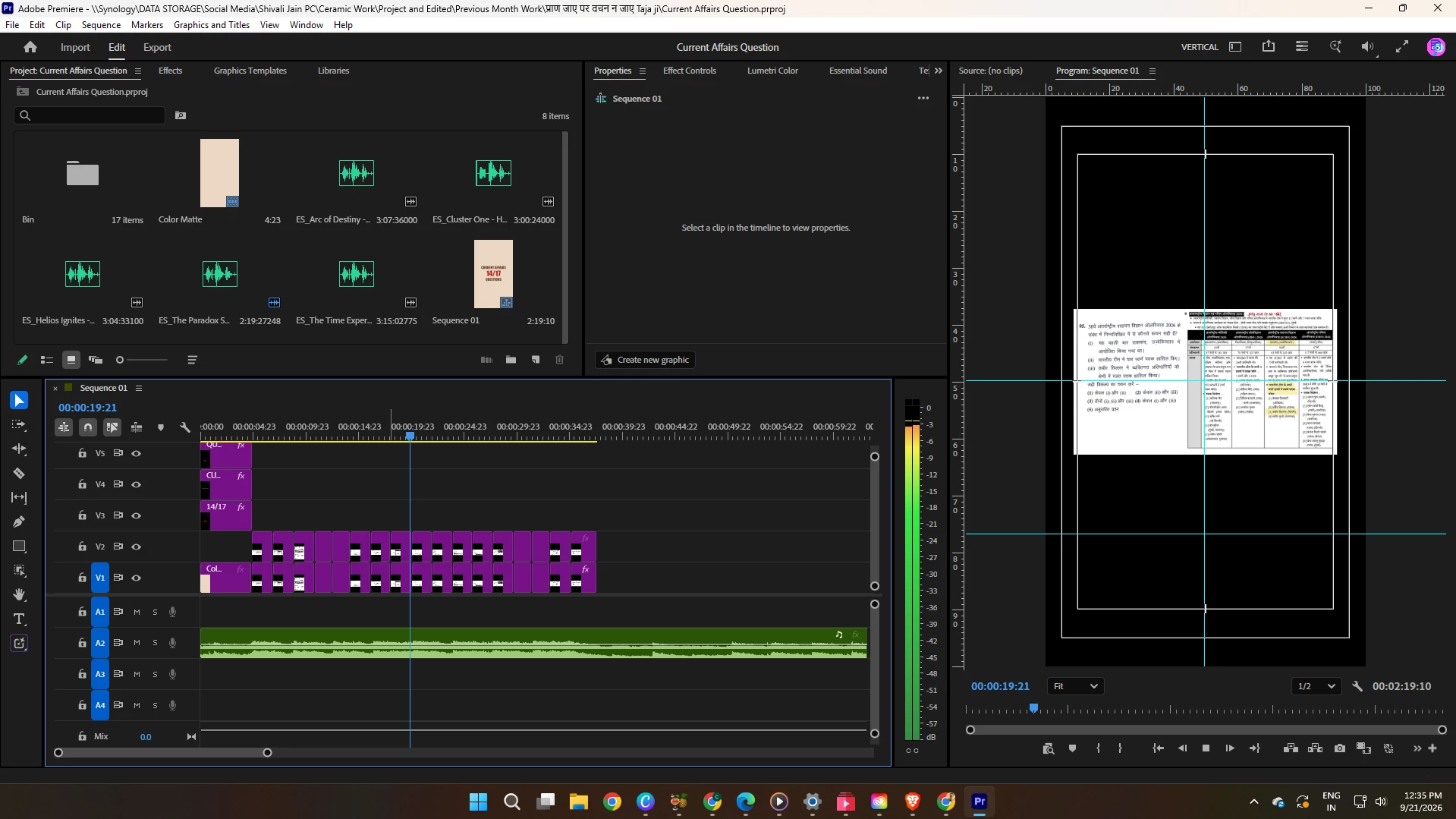
When the video on the timeline is paused, the layer below it is visible. However, when the video is played, the below layer disappears and is no longer visible.
  • September 21, 2026
  • 4 replies
  • 54 views

The first image is when the video is paused and second is when it’s playing

 

    4 replies

    Participant
    September 22, 2026

    What are the dimensions of the images on V1 and V2?  And are you applying a motion scale, or the transform effect?  If so, what % level zoom?  And what’s the sequence’s height/width?

    Odds are, the extents of that image are exceeding what your GPU texture limits are, or the amount of GPU ram available.  So at playback, the sequence is rendering at half resolution, and it has enough room to composite successfully;  but when paused, the default is to render at full resolution for better quality, and it doesn’t have the headroom for that one.

    What’s your graphics card, and how much ram does it sport?

    Stan Jones
    Community Expert
    Community Expert
    September 21, 2026

    ​@curious_thinker552c 

    I’m (also!) curious, but don’t think it should matter: what are your settings (Program Monitor → Wrench icon) for Playback and Paused resolution, and is High Quality checked?

    Stan


    Peru Bob
    Community Expert
    Community Expert
    September 21, 2026
    Amy the Stuv
    Community Manager
    Community Manager
    September 21, 2026

    Hi ​@curious_thinker552c ,

    Welcome to the Premiere Forums. Thanks for submitting your bug report. We need a few more details to try to help identify the issue. Please see, How do I write a bug report?


    Additionally, can you see them both if you render your sequence? Are these the same PNG files just the V1 Video Track has different scaling to V2? This will help us try to recreate the issue in house to help us diagnose exactly what is going on.


    Thank you for bringing this to our attention,

    Amy