Participant
November 9, 2025

Wrong color for my HEIC photos when exporting with Premiere Pro

  • November 9, 2025
  • 3 replies
  • 99 views

Hello Premiere Pro community! 

I have a problem with adobe modifying the contrast of my .HEIC files when exporting.
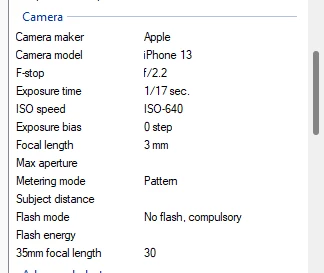
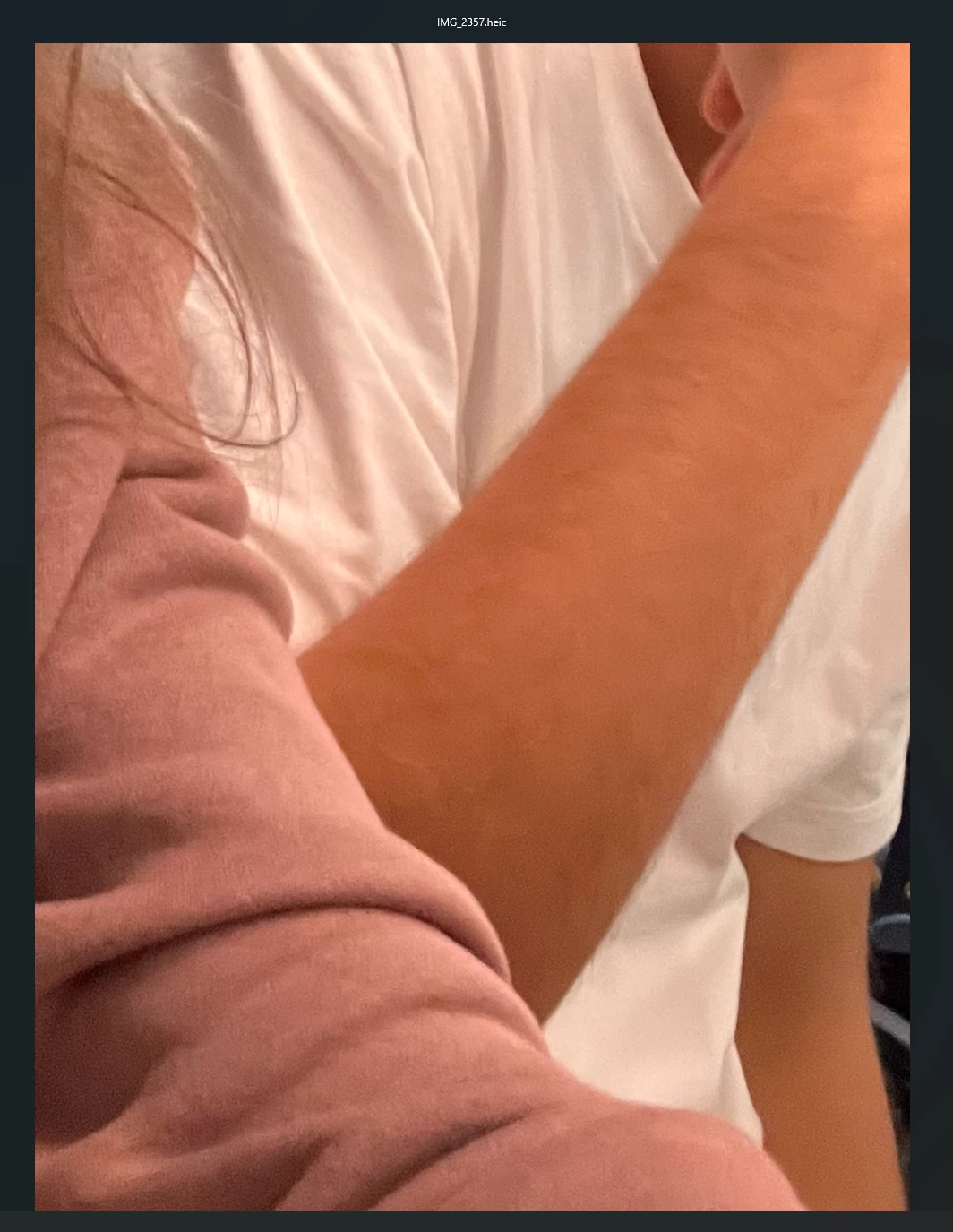
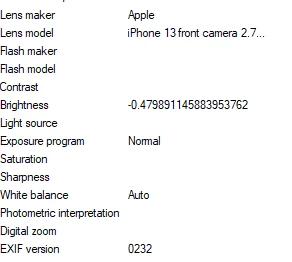
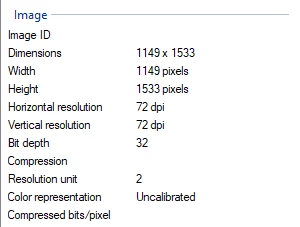
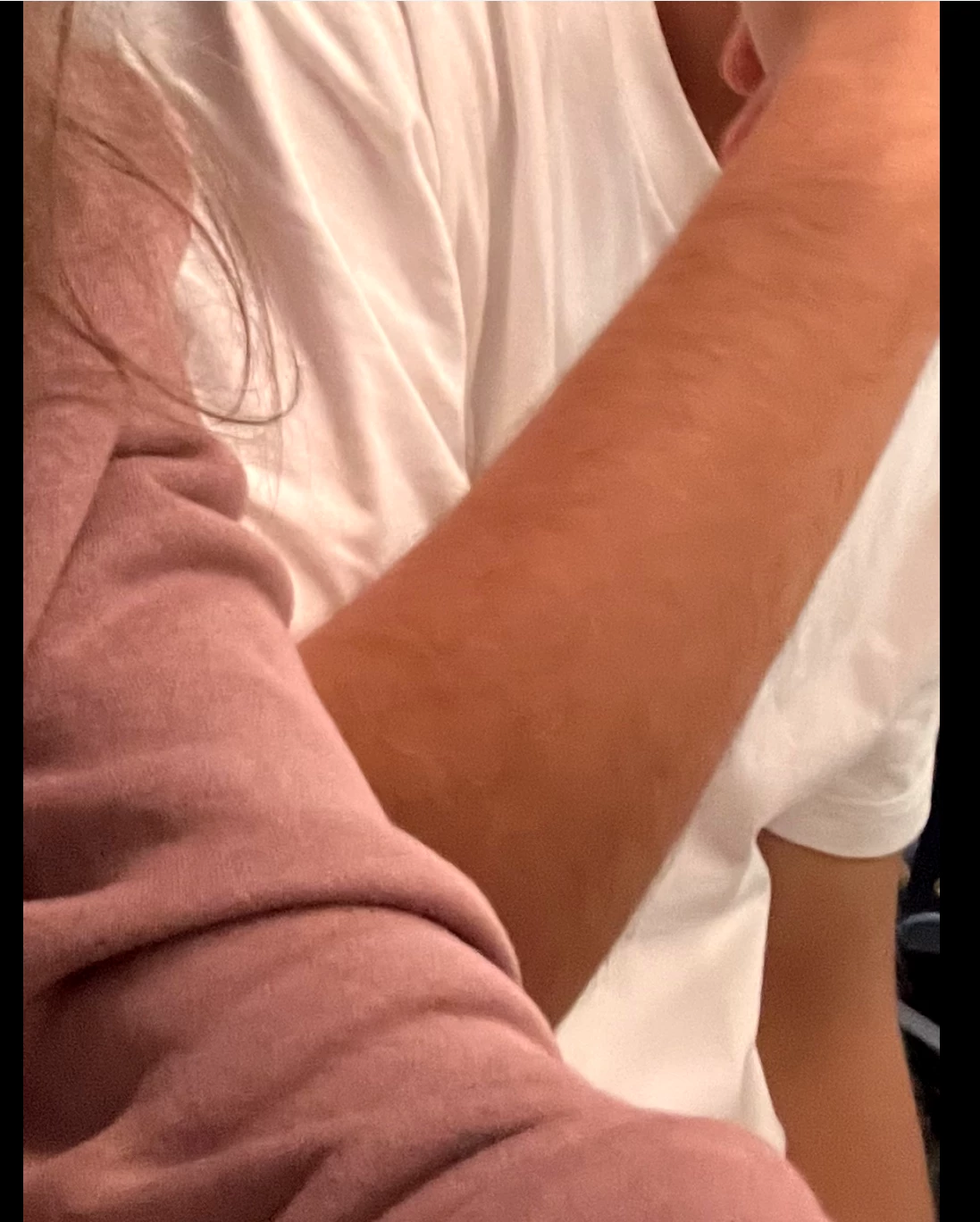
Here I will attach a screenshot of the original .HEIC file (because I can't upload HEIC files here) and its properties and then screenshost of the exported video files (H.264 and ProRes 4444 XQ) so you can see the difference in the color of my skin.


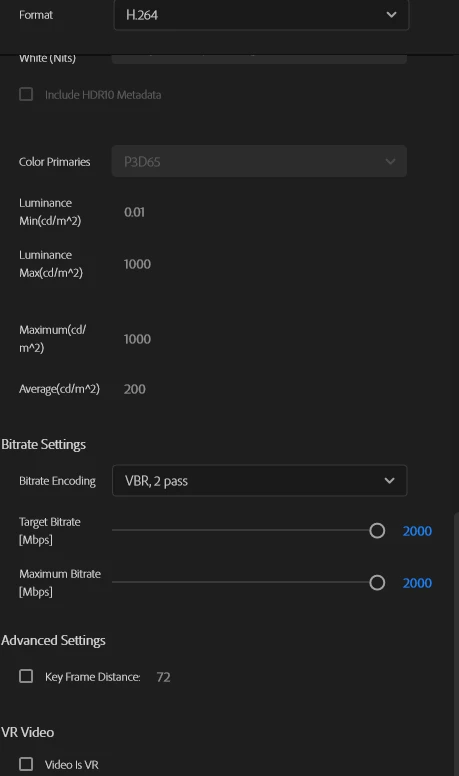
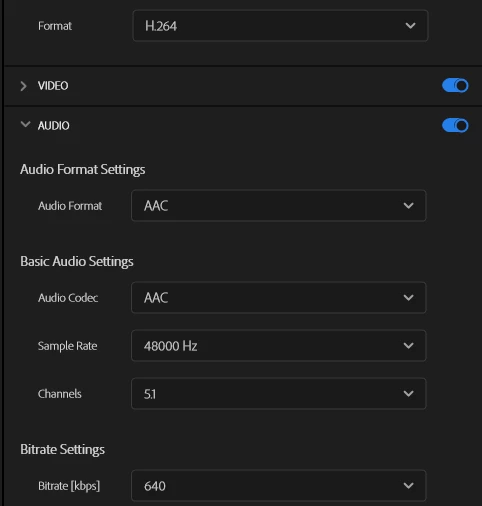
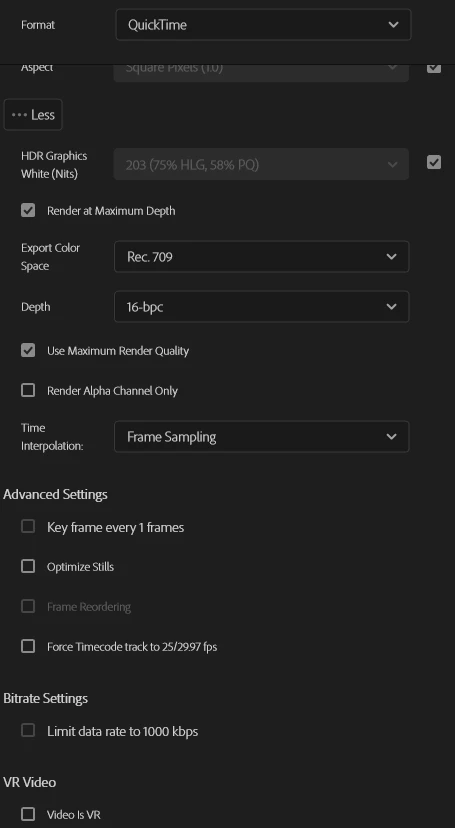
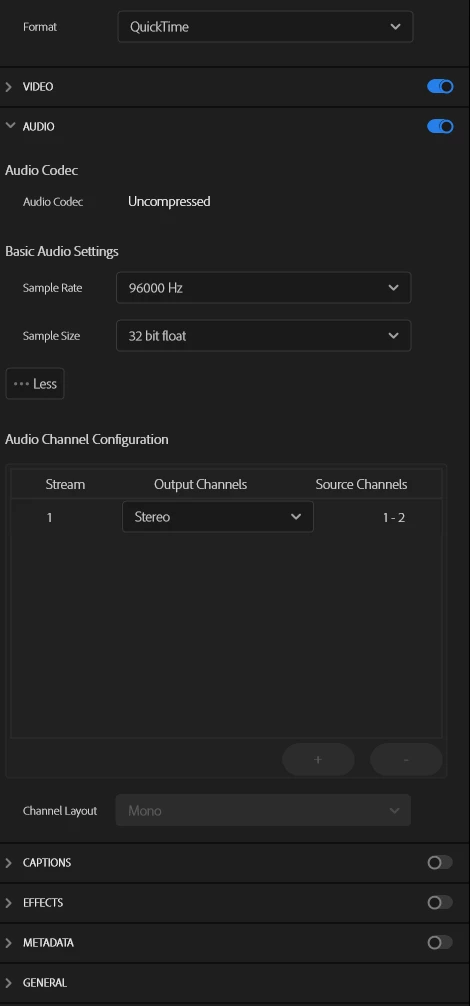
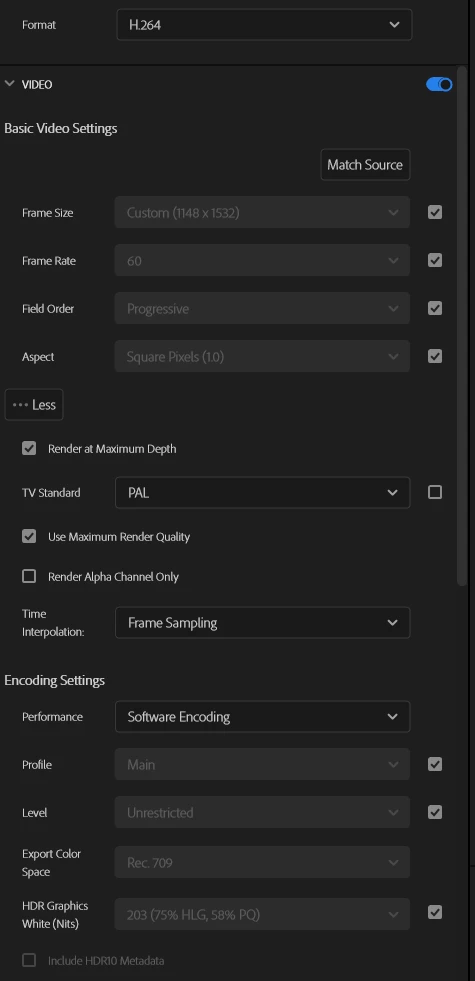
Now I will upload screenshots of the export settings of my H.264 video file and a screenshot from the resulting video.

And here is the Apple ProRes 4444 XQ video looking different from the original photo and the H.264 video.
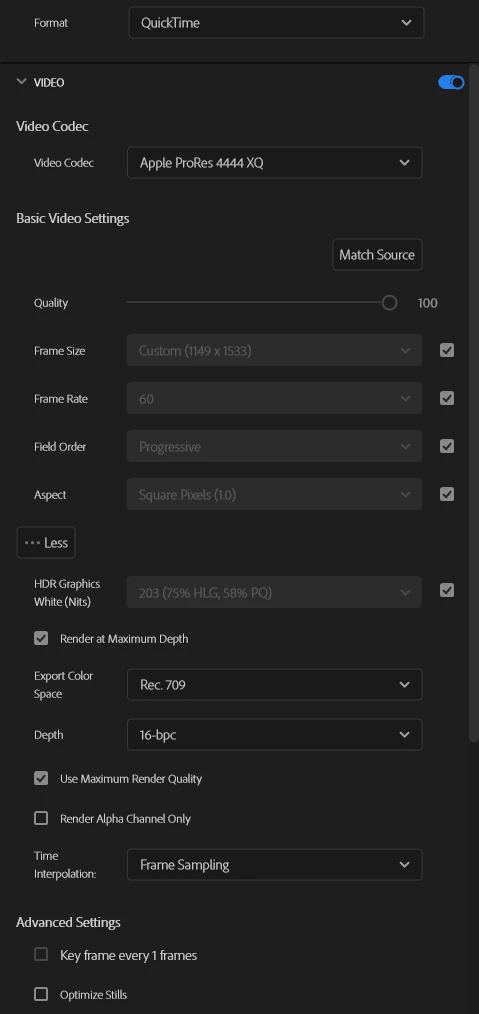


I have tried exporting with different HDR color spaces, but this only takes away even more contrast from my photo. 

I will also attach the original file, both screenshots and the H.264 video file below, but there will be no preview I think. 

Could you please let me know if I am doing something wrong here or if this is just a bug from Premiere Pro?


3 replies

R Neil Haugen
Legend
November 10, 2025

Jamie is asking questions for a good reason: color management controls all this, and you did not include any information that would help.Yea, it's far more complicated than it used to be!


So, we need to know the color space of the original file, and your complete color management settings options in the Lumetri Settings tab, the tab named Settings ... and what screen you're viewing it on, and any apps used outside of Premiere for viewing.


And an entirely different can of worms that could be in play here, is that Apple messed up big-time by setting their OS color management app to use a wrong display transform for Rec.709/SDR video playback. So another type of mess happens if you are working on a Mac, and without having the screen set to Reference mode HDTV. Many Macs do not have that option, sadly.

Everyone's mileage always varies ...
jamieclarke
Community Manager
Community Manager
November 10, 2025

Hi @NttSkippy -  Thanks for submitting your bug report. We need a few more details to try to help with the issue.
Please see, How to Report a Problem.


You can find the premiere version in the help menu at the bottom "About Premiere..."


Can you navigate to your Lumetri Panel under settings and share a screenshot of your settings.  Do you see a difference if you check the box "Display Color Management"?


Sorry for the frustration.

NttSkippyAuthor
Participant
November 9, 2025

I forgot to mention here that I am using adobe premiere pro 2025, but I am not sure what version exactly.