


Participating Frequently
November 1, 2024

Cannot access community.adobe.com when logged in with my Adobe account

  • November 1, 2024
  • 16 replies
  • 1254 views

Hi.


(I’m posting this from a free account using a different email address, because my Adobe account can’t access the site.)


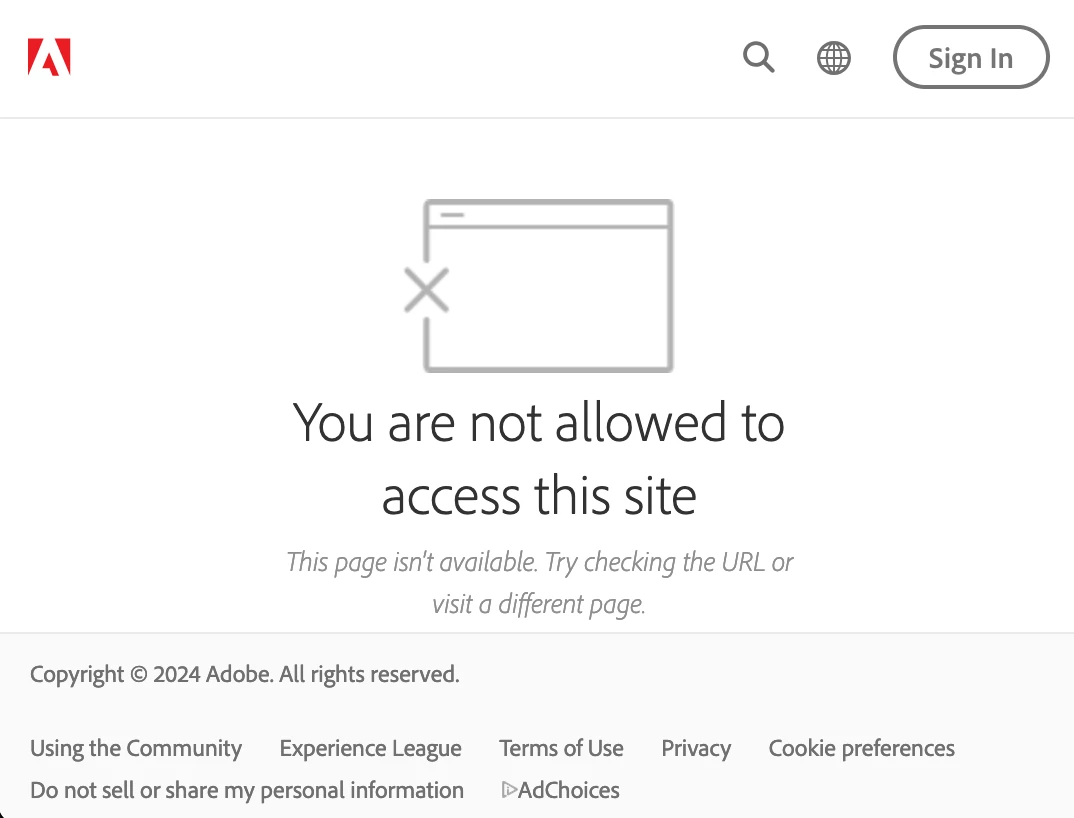
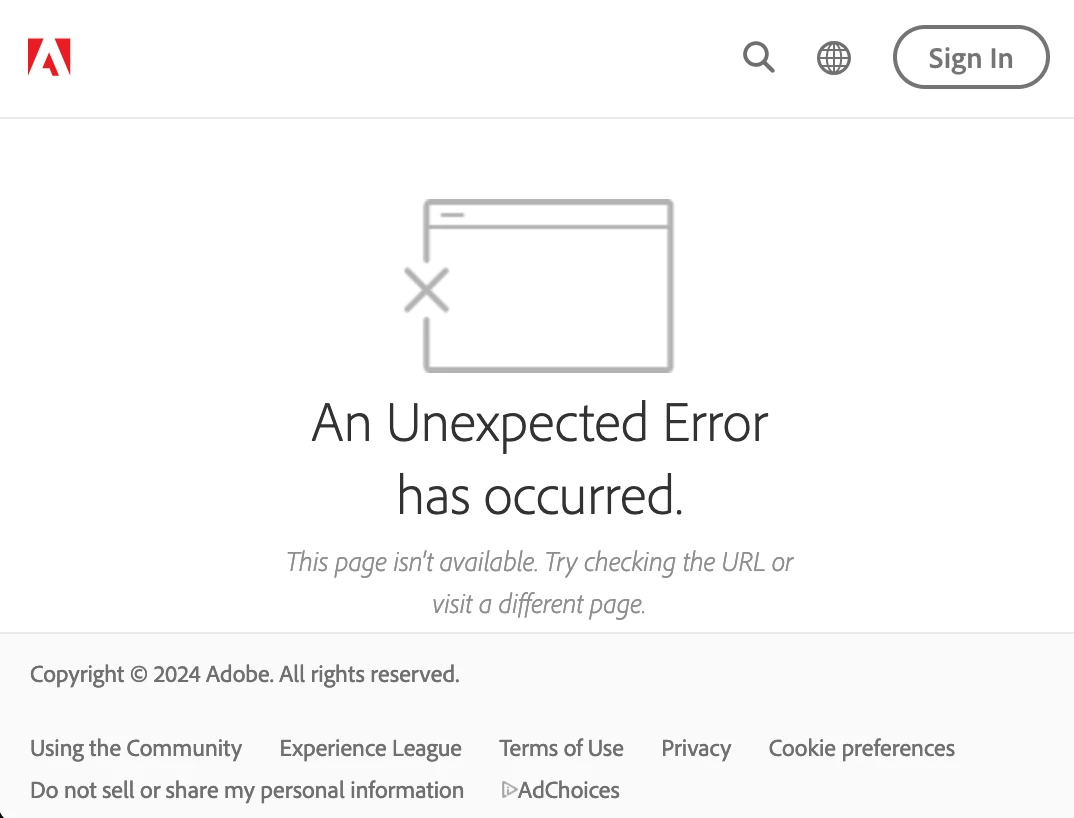
When I'm logged into my paid Adobe.com account, every page on community.adobe.com returns an error message. I am completely locked out. The site displays the message “You are not allowed to access this site,” then usually, not always, immediately redirects to another URL (https://community.adobe.com/t5/errors/FilterErrorHandlerPage),  displaying the message “An Unexpected Error has occured.” 


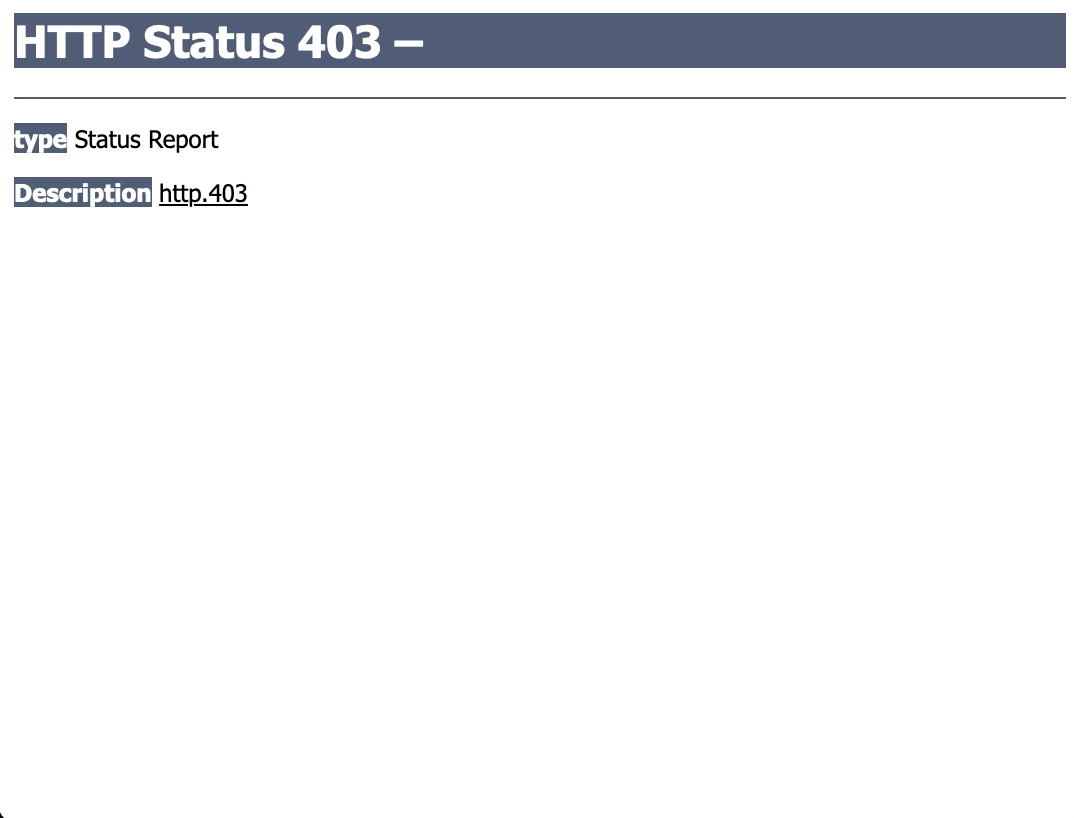
Even though I’m signed in, the error pages have a “Sign In” button at the top-right, but clicking it returns a 403 error from the server.


This happens on every browser I’ve tried: Mac Safari, Firefox, and Chrome, and on iPhone Safari. I spent about 2-1/2 hours with Adobe support, and all we accomplished is getting me logged into a new free account to access this site.


Am I banned? Is there something wrong with my account? 

Thanks.


Screenshots:


First error page:
 

Second error page:
 

Server error 403:
16 replies

Jeffrey_A_Wright
Community Manager
Community Manager
September 2, 2025

I am sorry, @Michael Zed, there is no process to appeal for a ban being lifted.


You can avoid having your current account banned by verifying that all of your future contributions meet the Community Guidelines listed at https://community.adobe.com/t5/using-the-community-discussions/adobe-community-guidelines/td-p/4788157.

Participating Frequently
September 2, 2025

Thanks, all.

@kglad in case it's not clear, my banned profile is @Michael Zajac (11734151). I'm currently posting from @Michael Zed (40760391).


@Jeffrey_A_Wright, thank you. I have not violated the guidelines, so that didn't ensure not being banned without cause or explanation. How can I contact a responsible person to un-ban my Adobe account? This constantly having to figure out how to log in and out with two accounts to use the website is disruptive. 

Jeffrey_A_Wright
Community Manager
Community Manager
March 17, 2025

@Michael Zed , I can confirm that the profile you linked to has been banned.


Please see https://community.adobe.com/t5/using-the-community-discussions/adobe-community-guidelines/td-p/4788157 for a list of guidelines to follow to ensure your current account is not banned. Thanks!

kglad
Community Expert
Community Expert
November 27, 2024

what user name cannot post here.

Participating Frequently
November 27, 2024

If you mean my Adobe-associated profile on this website, it’s 11734151.


Or do you mean my profile at Adobe.com? I don’t know how to link to that, but it seems to be associated with the same User ID number 11734151.

kglad
Community Expert
Community Expert
November 20, 2024

@Michael Zed 


what is your user name link or profile link?

kglad
Community Expert
Community Expert
November 19, 2024

@Jeff_A_Wright 


was the account holder for @Michael Zed banned?

Participating Frequently
November 19, 2024

kglad wrote:

try using a mobile phone browser with wifi disabled.


Same result via mobile connection. This free account works. My paid Adobe account returns only error pages.


(Now that I’ve done that, it looks like I can’t access the site from mobile at all, because it now gives a “sign in” button that doesn’t work and offers no way to sign out. On the Mac my login carries over from Adobe.com, but it doesn’t on the phone.)


The problem is not the network. It is my Adobe account on this website.


kglad
Community Expert
Community Expert
November 19, 2024

try using a mobile phone browser with wifi disabled.

Participating Frequently
November 19, 2024

Nancy OShea wrote:

Use another browser like Chrome or Firefox that accepts scripts & pop-ups. Also disable VPN if you use one.


I tried Chrome and Firefox. My original account can’t view the site in any browser. My alternate account can view it in all of them.


I don’t use a VPN.


Adobe support took me through all of these options and more, and finally admitted that they have no access to administer this site. 


There’s no problem connecting to the site. When I log in with that account, the site returns error messages. I think I need a site administrator to troubleshoot, reset, or delete my original login account so I can start fresh.


Anyone know how to contact a site admin here?