Participant
March 25, 2023
Open for Voting

P: Transparent background or layers

  • March 25, 2023
  • 89 replies
  • 11869 views

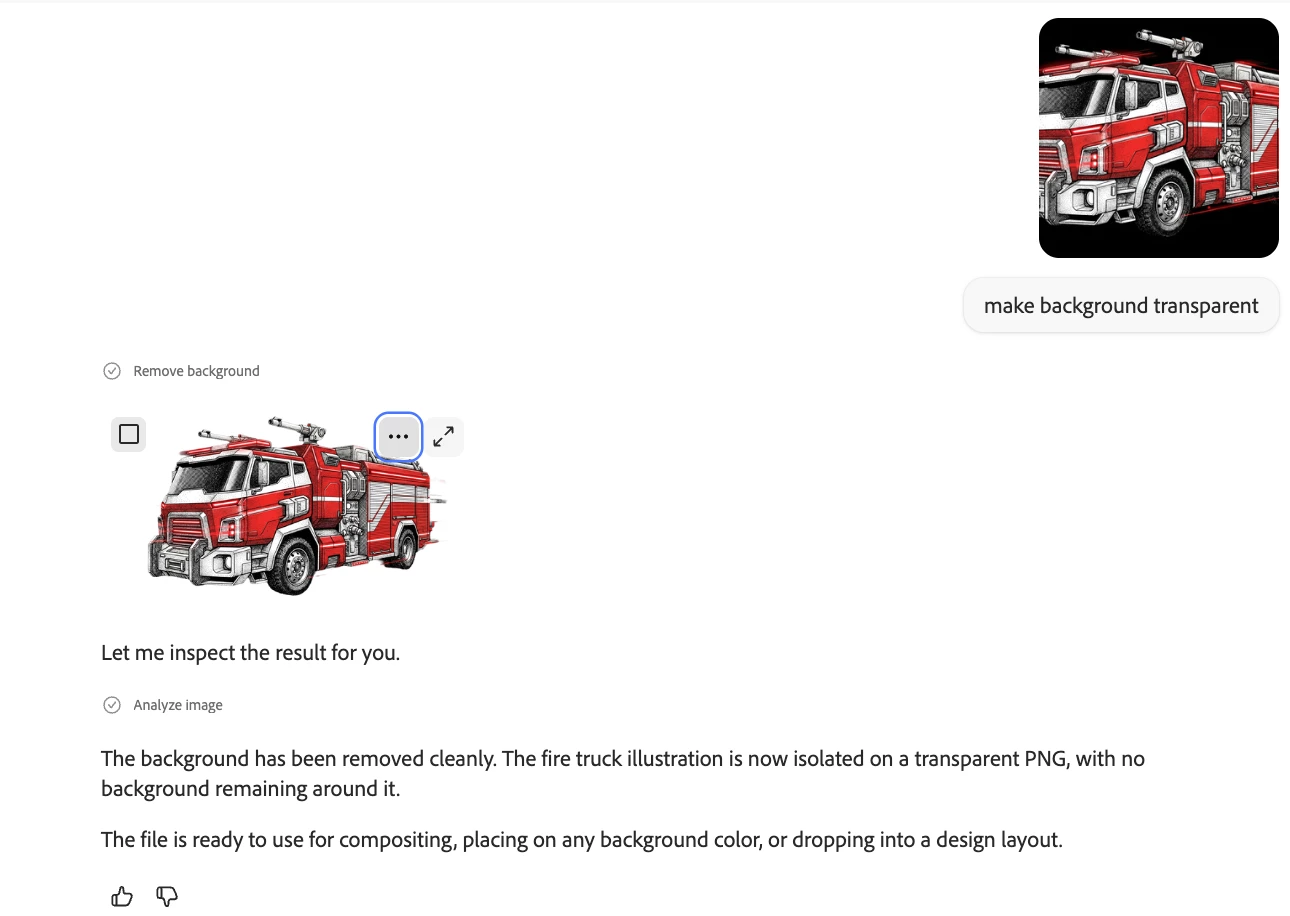
Is there a way to generate an image with a transparent background. Altrnantively, will there be a way to produce an image as file with layers so we can easily  remove the background? 

89 replies

droopydog500
Community Manager
Community Manager
November 26, 2024

Hi @STEFFANIE MELISA_SUER4656,


ok, I moved your post to this thread where others have asked for the same feature.


my best,

    droopy

Adobe Community Expert (not an Adobe employee)
Participant
November 26, 2024

Hola, Buenas Tardes Podrian poner para que generar las imagenes sin fondo? en formato png en ADOBE FIREFLY

droopydog500
Community Manager
Community Manager
November 26, 2024

Hi @STEFFANIE MELISA_SUER4656,


Are you asking for Firefly to be capable of generating images with a transparent background?


Thanks,

    droopy

Adobe Community Expert (not an Adobe employee)
Jill_C
Community Expert
Community Expert
November 23, 2024

Or you could learn how to use editing software and easily create a truly transparent image from the one with the white background. If a client wants a transparent image, they want to buy one and not invest the work in doing it themselves...

Jill C., Forum Volunteer
Participant
November 23, 2024

I was able to partially bipass this prolem by adding "(The picture needs to be a cut-out meaning with a white backgound)". It is still one layered image but you can extract the image more easily from the background.

tillt
Known Participant
November 11, 2024

It would be great, to be able to generate images with transprant backgrounds (via text prompt or a checkbox).

Participant
November 7, 2024

For the love of God, make that Adobe's first priority!  Should I come in and do it at my price?  

Participant
September 27, 2024

For example, write [walnut, transparent background].
= I get a picture of a walnut with a transparent background.

Then it will be convenient without having to work twice.

Kazumizi il Enfiaré
Participant
September 18, 2024

When using png files for reference/style it would be nice to be able to save files with transparent backgrounds/alpha channels. I've other ideas, but that's all for now - really love Adobe - with you had a nonprofit/final payment instead of subscription that doesn't include everything - but that's another issue entirely. Cheers 🙂 Austin

Kaz
Kartika Rawat
Community Manager
Community Manager
September 18, 2024

Hi Austin!

Thanks for sharing your valuable feedback. We'll share it with our product team, and they'll look into it. 

Give us a shout if you need any help.

KR

Participant
September 12, 2024

Why have the feature to remove the background in Firefly if we can not save it after the edit? What is the point, or is it a bug? It did a great job with fur and I would like to avoid using Photoshop to clean it up. Photoshop did terribly in removing the background. 

Participating Frequently
September 12, 2024

Firefly's background removal feature might be limited or still under development. This could explain why saving the edited image isn't currently possible.

While Firefly's performance with fur is promising, you might need to use Photoshop or other image editing tools for more precise background removal or to save the final result.

Participant
August 26, 2024

cuando se está en la herramienta relleno generativo, la herramienta deja seleccionar el fondo. Seria una buena idea poder descargar la imagen con transparencia en png.