Participant
March 25, 2023
Open for Voting

P: Transparent background or layers

  • March 25, 2023
  • 89 replies
  • 11869 views

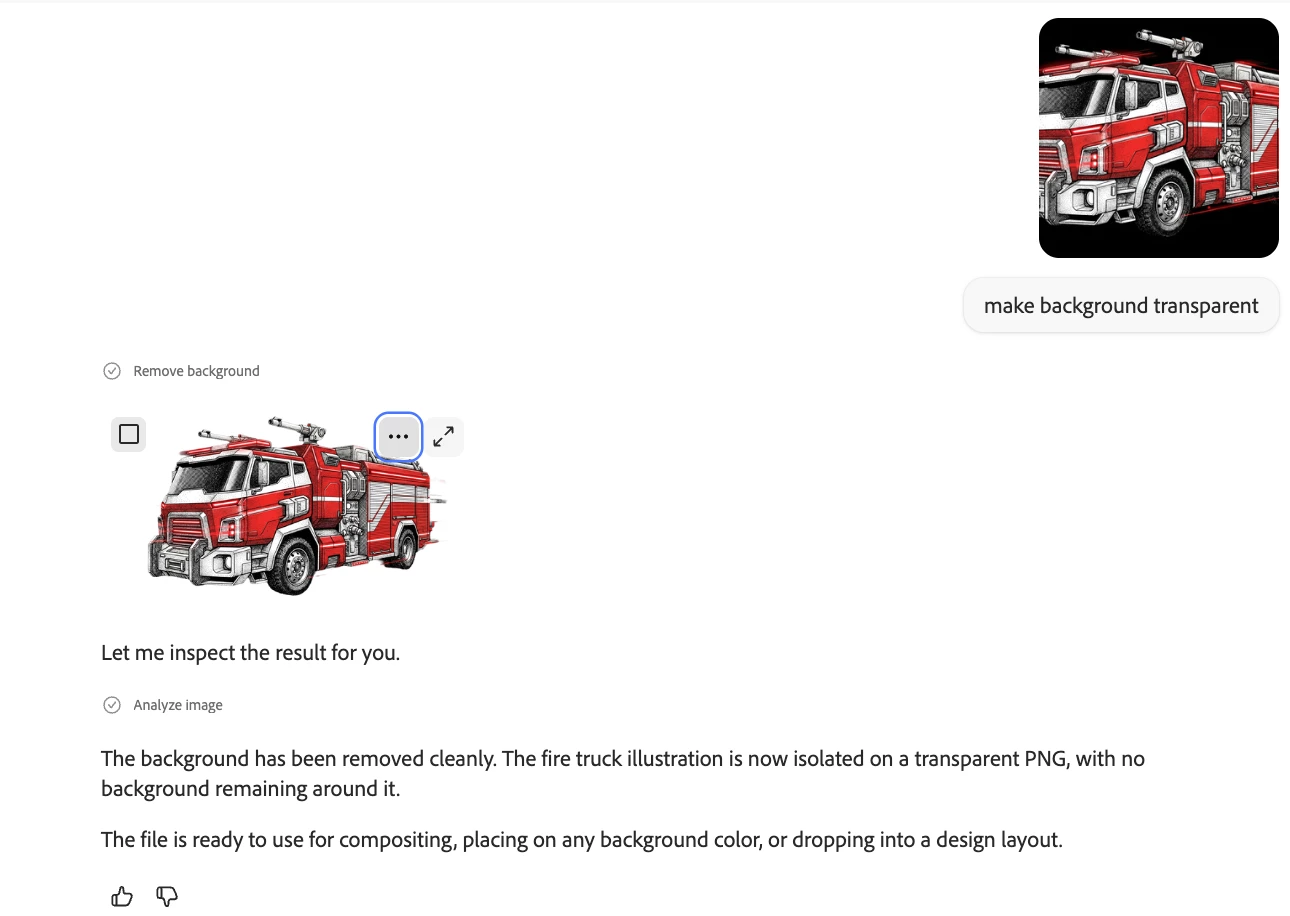
Is there a way to generate an image with a transparent background. Altrnantively, will there be a way to produce an image as file with layers so we can easily  remove the background? 

89 replies

Participant
August 9, 2024

Yes, you have to tell Firefly to add full white BG, and then use select color in your editor of choice--however, this is cumbersome, and the magic marquee, the select by color functions...they never work right. So much time wasted. Firefly cuts it out great usually, and then I spend three times more time selecting and removing it in another app. It's a marketing strat among other things. It's not given to use to bring us to spend more money with Adoble. 

Participating Frequently
August 9, 2024

Given what I use Photoshop for — digital scrapbooking — your suggestion of having the ability to create objects with a transparent background in Firefly would speed up my design process exponentially. As it stands, I have to prompt Firefly to create something on a "white background," then extract the object to perfection in order to meet digital scrapbooking quality control industry standards. Transparent backgrounds is definitely on my wish list.

Jill_C
Community Expert
Community Expert
August 3, 2024

The ability to edit posts in this forum is not available to newcomers. You need to have made a certain number of posts before that feature is available to you, though I can't recall what that number is. I think it's meant to thwart scammers.

Jill C., Forum Volunteer
Participant
August 3, 2024

Maybe I'm missing this obvious missing function, but can you also add an EDIT POST to this forum, so that I don't have to stare at my typo powerless. I mean...it's so fitting it's a missing function. If it's here and I can't find it...well, it's a design issue then.

Participant
August 3, 2024

I can't for the life of my understand how after removing the BG perfectly, I can't freakin' download that image. It FORCES me to add a generative fill in the BG. Who's idea was this? JUST ADD THIS FUNCTION it's a no-brainer. I know I'm being rude here, but if you only knew the Adobe woes I've had as of late...ooo wee.

Participant
July 22, 2024

You can edit art as layers 

samanthac52755844
Participant
June 6, 2024

Would like this also. 

Participant
May 21, 2024

Need this feature.  Thank you.

Participant
April 7, 2024

I'm removing the background from an image, but when I download and save, the background is still there, even though it's removed in the preview. How do I save without the background?

Monika Gause
Community Expert
Community Expert
April 7, 2024

Using Firefly you can replace the background with something you let Firefly create. But for removing the background and making it transparent, you will need an image editor.

Participant
September 12, 2024

I have the same issue. So my question is why have the feature to remove the background if you cannot save it that way? What is the point? It's done, but now I have to go through extra steps. It did a great job with details in the fur and it's busy work in an editor. 

Participating Frequently
March 31, 2024

I agree... would love to be able to make clip art images with no background.