


Open for Voting
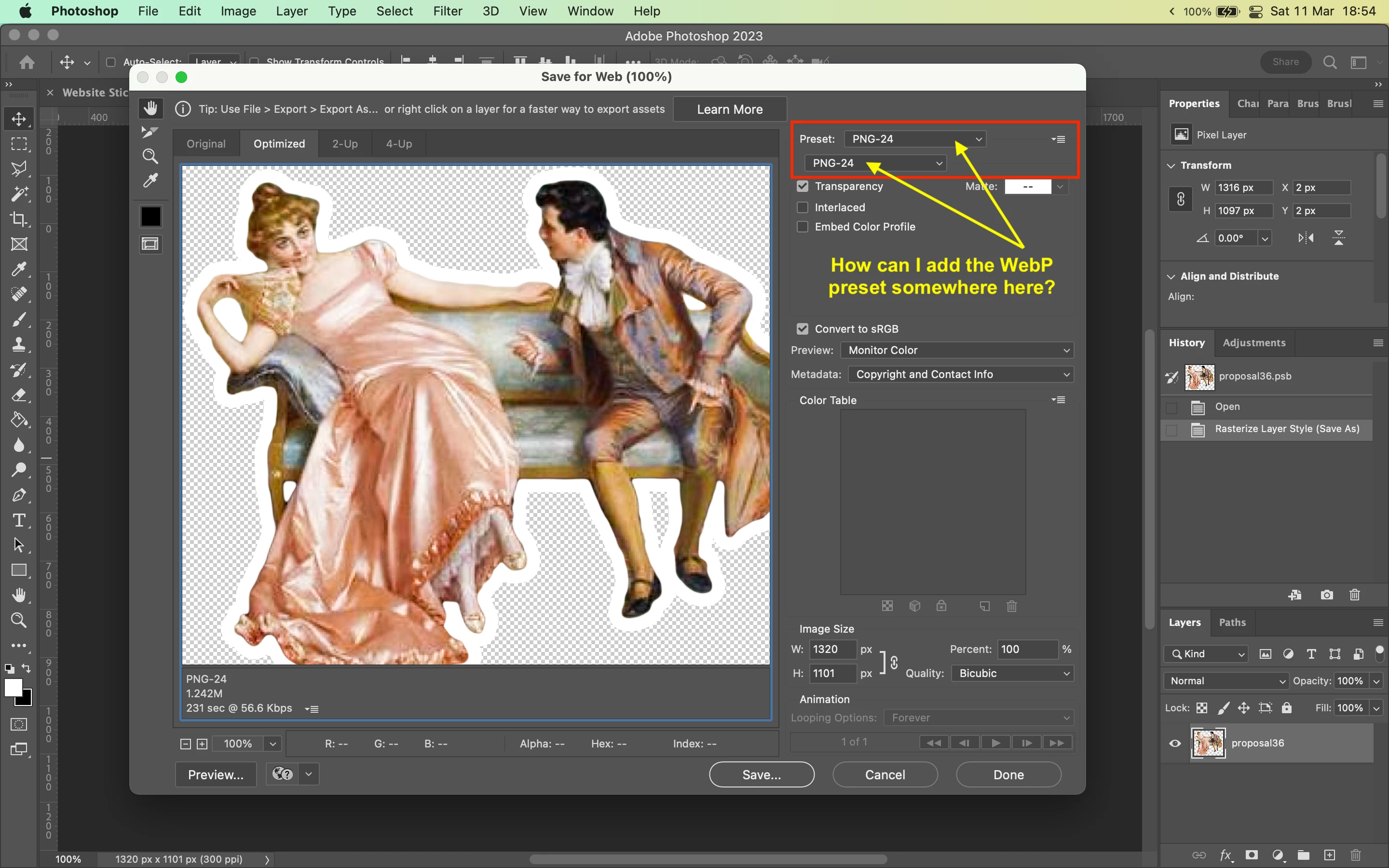
Adding WebP preset to Save For Web?
Hi,
Whenever I'm working on a file, 99% of the time I use the Save for Web shortcut [CMD+Option+Shift+S] to export my files.
Right now I'm working on preparing some images for a website and I need to export them in the WebP format.
I know that I can export to WebP through the "Save as..." window, but that doesn't let me adjust the scale/dimension and see the output file size, which is a bit annoying because I need to have that control to make sure the file is the right size.
Is there a way to add a WebP preset to the list of presets in the "Save for Web" window?
Thanks!
 AdChoices