


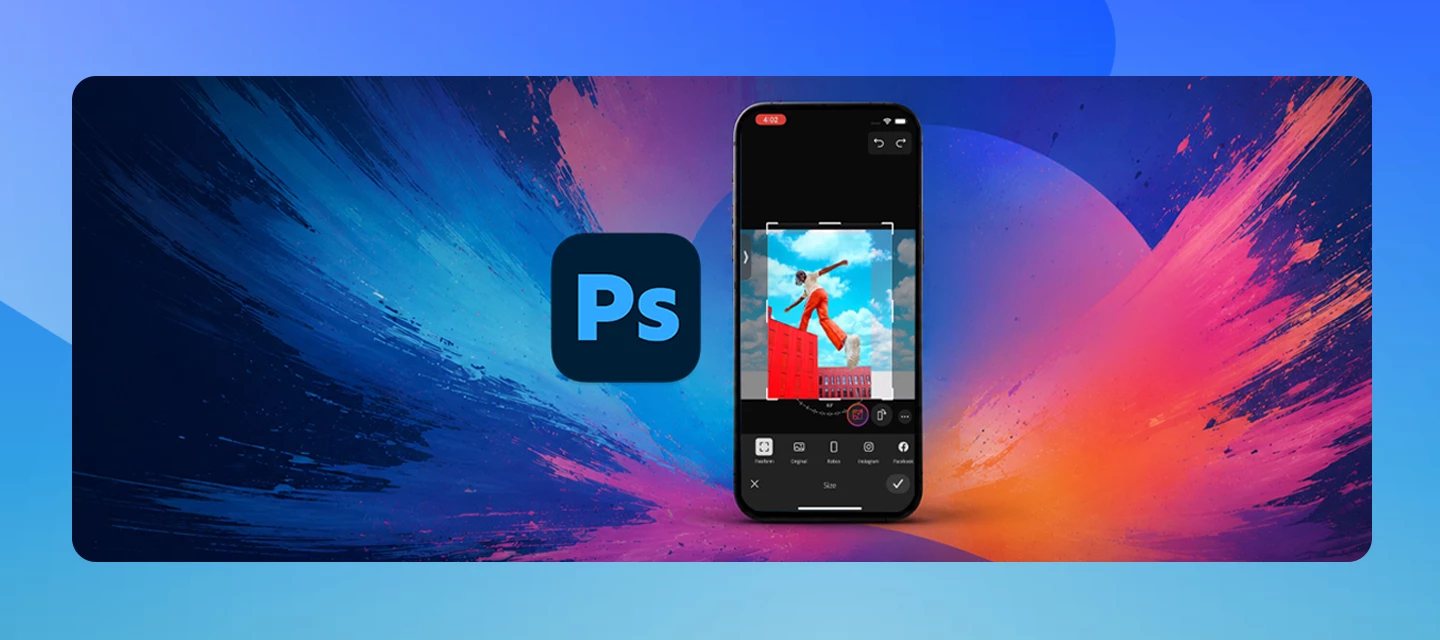

Photoshop for Android, iPhone and iPad
Als letztes aktiv
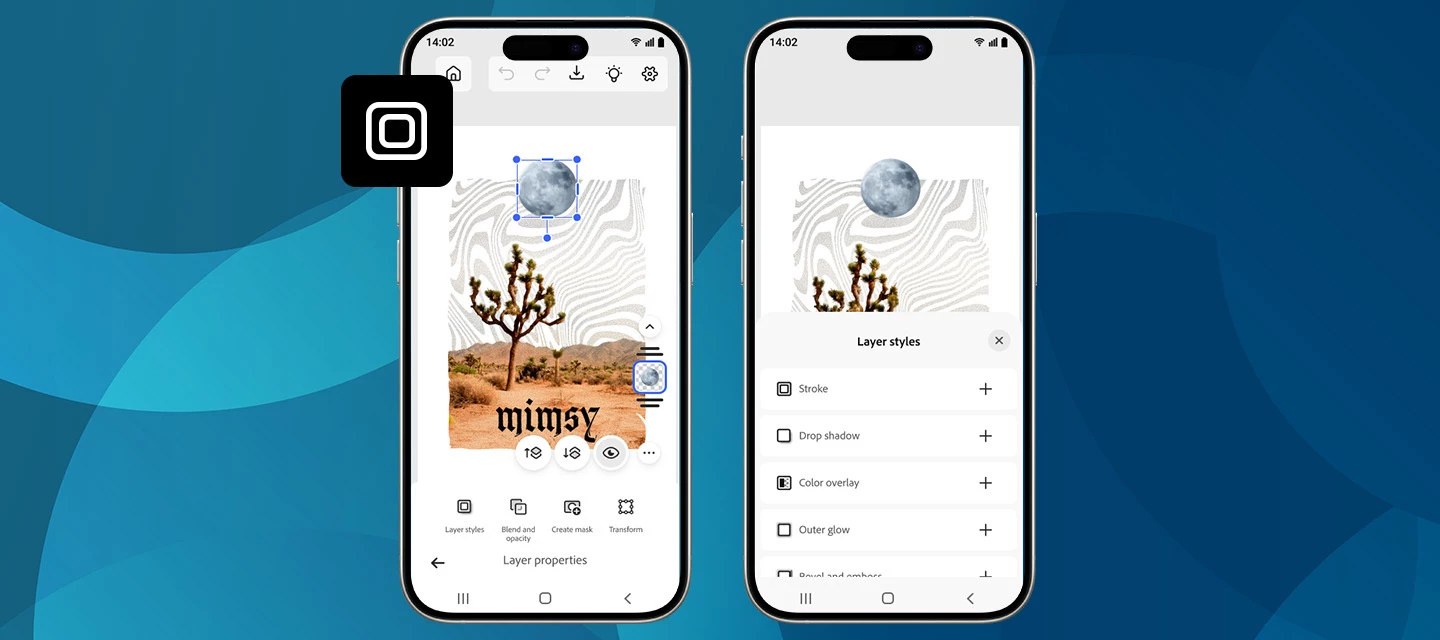
We’re excited to roll out a new creative boost in the April release of Photoshop on mobile! You can now apply Layer styles directly on your phone, making it easier than ever to add polish, depth, and personality to your designs, right from your pocket. What’s NewWith the latest update on Photoshop for iPhone and Android, you can apply a range of Layer styles to elevate your edits. From subtle shadows to bold outlines and glowing accents, layer styles help your objects stand out without extra steps. Getting startedCreate a new project or open a photo, switch to the Tools workspace, and go to Layer properties > Layer styles. From there, choose the look you want and fine-tune it with intuitive controls.New styles are now available, including Stroke, Drop Shadow, and a lot more. Want to explore what these and other styles can do? Each one comes with adjustable settings like Size, Color, and Opacity, giving you full creative control. Simply tap the checkmark to apply and continue creatin
We've split the Photoshop community into two dedicated spaces so you can find the conversations, tips, and apps that fit how you actually work:🖥️ Photoshop (Desktop & Web)📱 Photoshop Mobile Two focused communities mean more relevant content, better discussions, and an easier way to connect with creators and experts who work the way you do. Welcome to your new home for mobile editing. This is the place to find mobile-first techniques and inspiration, ask questions, share your creations, and swap tips with fellow mobile creators. Work on desktop or web, too? You'll find all those conversations over in the Photoshop (Desktop & Web) community. We'd love to hear from you. Does separating Desktop & Web from Mobile make it easier to find what you need? Explore your new community and let us know how it's working for you in the comments.
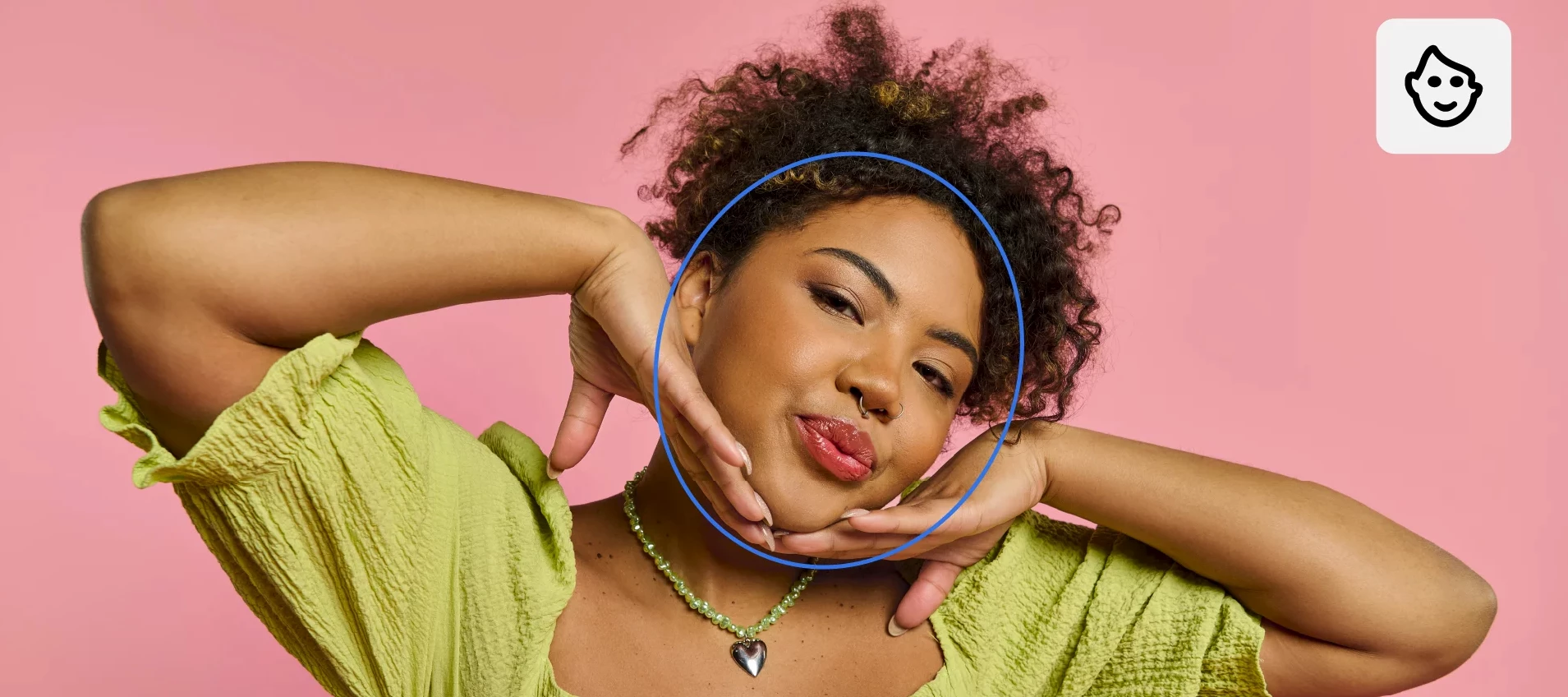
We're excited to announce the launch of Photoshop on iPhone version 2.0, packed with amazing new features we're sure you'll love exploring.What’s new Editing just got a lot more intuitive and creative with Photoshop on iPhone. With Harmonize, you can drop people or objects into your images and have lighting and color automatically blend for a clean, natural result that feels like it was always there. Portrait editing is just as seamless, with Photoshop automatically recognizing facial features so you can easily refine expressions, adjust details, or enhance your photos with precision. And when you want a quick refresh, one-click effects let you instantly apply effects to style, color, and texture of your images for a new look in seconds—all right from your phone. Read more about the October release here. Update Photoshop on iPhone to the latest version through the Apple App Store and explore the new tools for faster, more intelligent editing. To check if Photoshop on iPhone is compat
Sie haben bereits einen Account? Anmelden
Noch kein Konto? Konto erstellen
Enter your E-mail address. We'll send you an e-mail with instructions to reset your password.