



Answered
Reader DC -- "Pick your color theme" Pop-up occurs EVERY time program is launched.
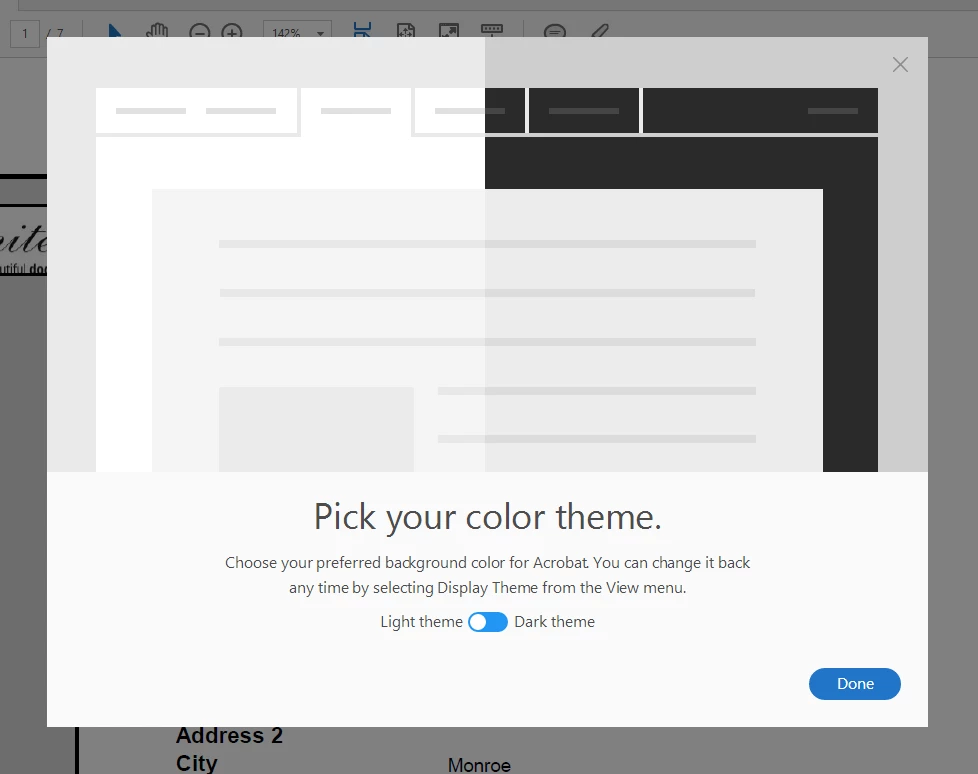
We have a virtual environment with Windows 10 virtual machines running Adobe Reader DC version 2015.023.20056 (currently the most recent version). EVERY time a pdf is opened, without exception, the pop-up above covers the page and has to be closed by clicking "Done" or clicking the X in the top right corner. I am the manager of information services at my company and I get complaints from users constantly. This needs to be resolved, or we will be forced to remove all Adobe applications in favor of an alternative application. We are paying customers and have Creative Cloud licensing as well and are extremely disappointed that we must resort to using a forum to try to find a solution due to lack of other support options.
 AdChoices