Correct answer creative explorer

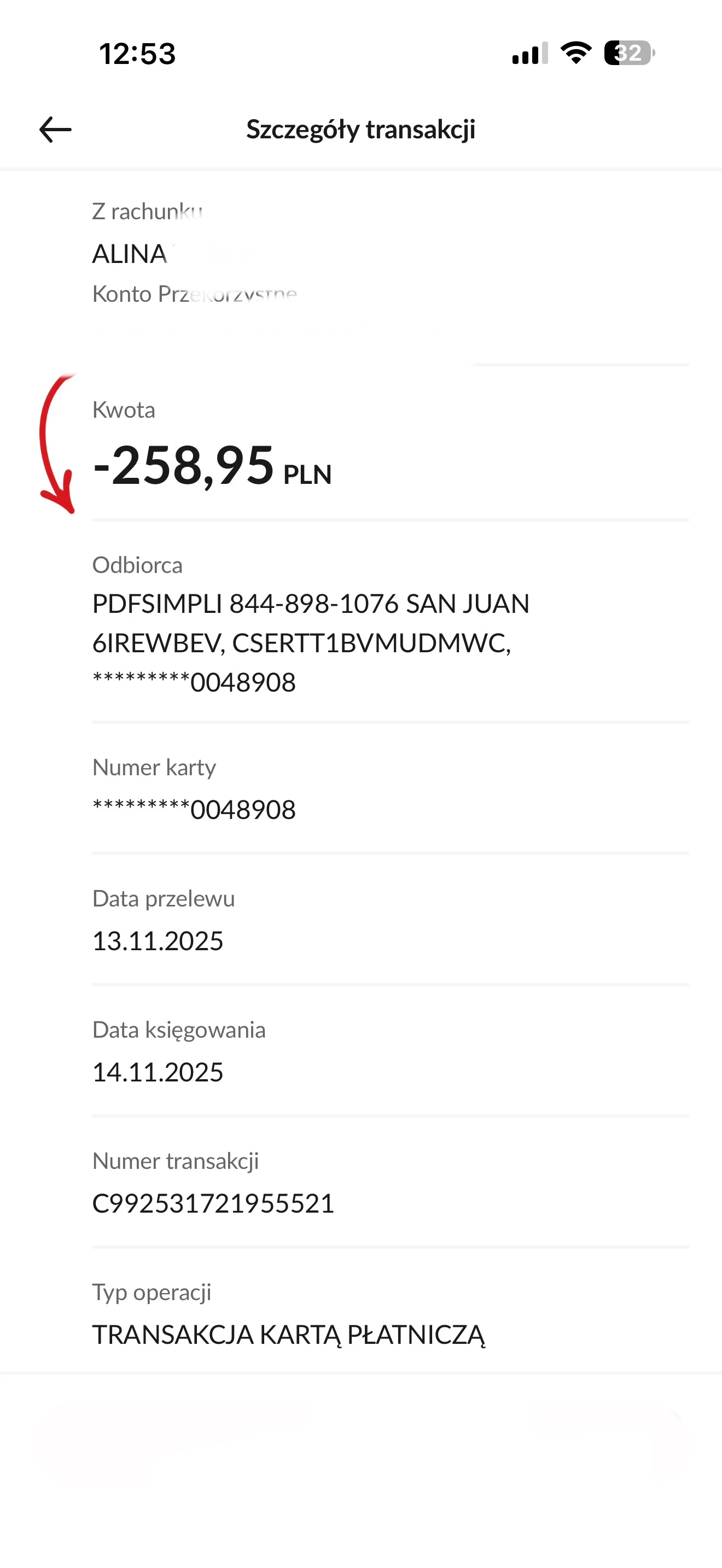
@alina_0711 because you made your post in the Acrobat Reader Mobile forum, this would mean you may have made the purchase on your mobile device on the Google Play Store or Apple Store, you need to contact them directly. Adobe does not have access to your accounts and billings.  A refund depends on when you cancel and the type of subscription you purchased. For most plans, you get a full refund if you cancel within 14 days of your initial purchase. Learn if you get a refund when you cancel. Now, if you are a past user have used a trial versions and then cancel it, the company may not cancel it and charge you for the app. 

Here’s how to cancel based on your subscription type:

  • On Android: Use our automated cancellation form to submit your request. It only takes a few moments.
  • On iOS (iPhone or iPad): To cancel your subscription, follow the instructions outlined in the help article.


Here’s how to cancel based on your subscription type:

https://community.adobe.com/t5/adobe-scan-discussions/how-to-cancel-acrobat-mobile-or-scan-premium-subscriptions/td-p/15427706

1 reply

creative explorer
Community Expert
creative explorerCommunity ExpertCorrect answer
Community Expert
November 16, 2025

@alina_0711 because you made your post in the Acrobat Reader Mobile forum, this would mean you may have made the purchase on your mobile device on the Google Play Store or Apple Store, you need to contact them directly. Adobe does not have access to your accounts and billings.  A refund depends on when you cancel and the type of subscription you purchased. For most plans, you get a full refund if you cancel within 14 days of your initial purchase. Learn if you get a refund when you cancel. Now, if you are a past user have used a trial versions and then cancel it, the company may not cancel it and charge you for the app. 

Here’s how to cancel based on your subscription type:

  • On Android: Use our automated cancellation form to submit your request. It only takes a few moments.
  • On iOS (iPhone or iPad): To cancel your subscription, follow the instructions outlined in the help article.


Here’s how to cancel based on your subscription type:

https://community.adobe.com/t5/adobe-scan-discussions/how-to-cancel-acrobat-mobile-or-scan-premium-subscriptions/td-p/15427706

m