Inspiring
February 17, 2021
Answered

Blank pages at end of inline PDF

  • February 17, 2021
  • 3 replies
  • 1626 views

We just started using the inline PDF viewer and love it. Thank you for making this! 👍


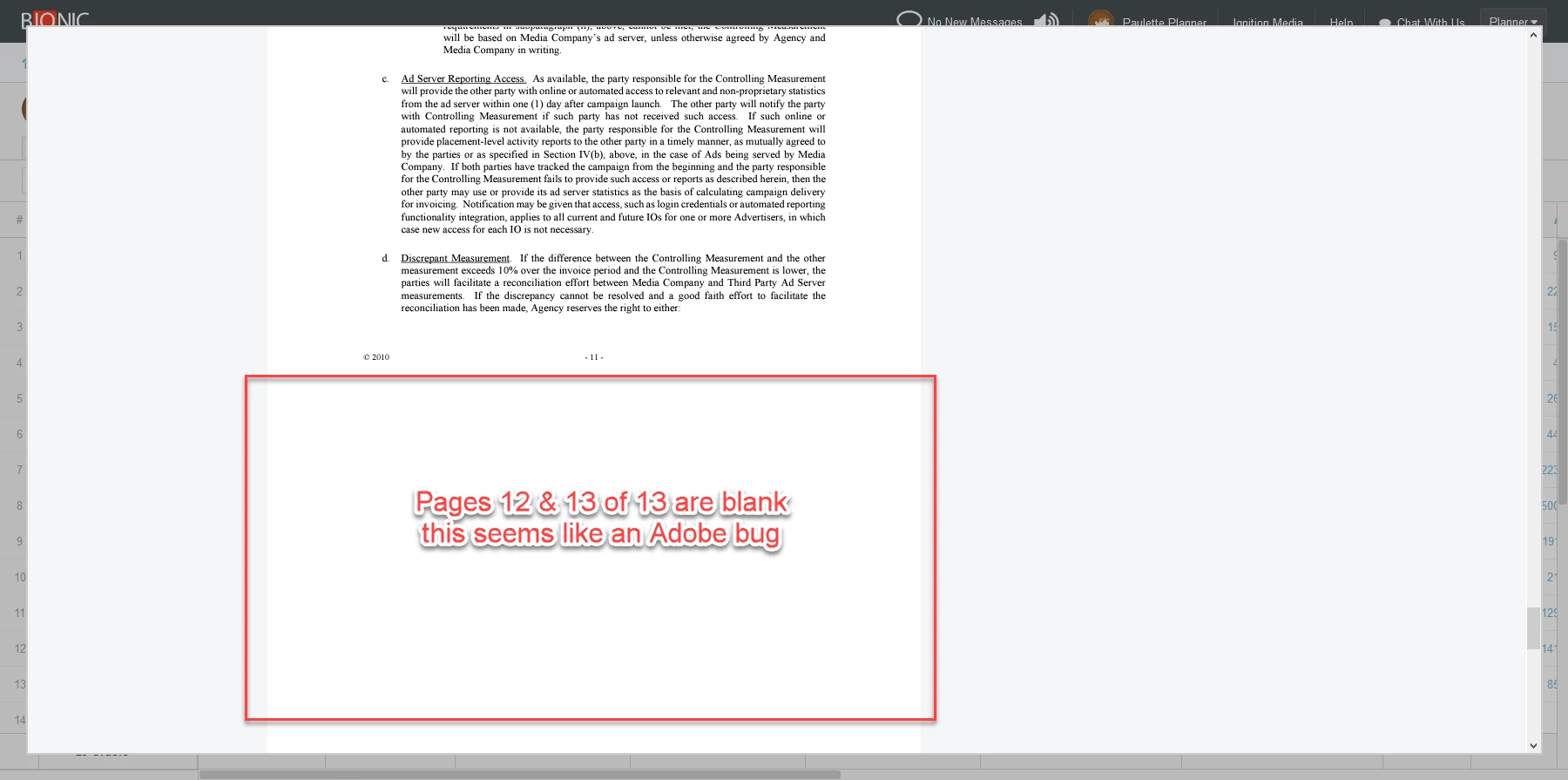
However, we are encountering a problem on longer documents.  The first pages appear fine. After some point, the pages are blank. For example, I have a 13 page document. I see pages 1-11, but 12 and 13 are blank. Oddly, if I hit the page down button a number of times (side note: the page up/down is glitchy), pages 12 and 13 will eventually appear. Below is a screen shot.


Thank you for your help!


This topic has been closed for replies.
Correct answer josephp71575241

We found a solution. The trick to "train" the viewer on the context is to pass the containing div id to parentDivId in the AdobeDC.View config. We fixed it by adding this line to our code:


adobeDCViewConfig.parentDivId = 'nxm-full-page';


Here's a more complete code snippet for the inline viewer:


                        var adobeDCViewConfig = {
                            clientId: "<client code>",
                            divId: "order-terms-pdf-preview"
                        };
                        if ( Bionic.View.Page.isFullPage() ){
                            adobeDCViewConfig.parentDivId = 'nxm-full-page';
                        }
                        var adobeDCView = new AdobeDC.View(adobeDCViewConfig);
                        adobeDCView.previewFile({
                            content:{location: {url: orderTermsDocument.url}},
                            metaData:{fileName: orderTermsDocument.fileName}
                        }, {embedMode: "IN_LINE"}); //SIZED_CONTAINER


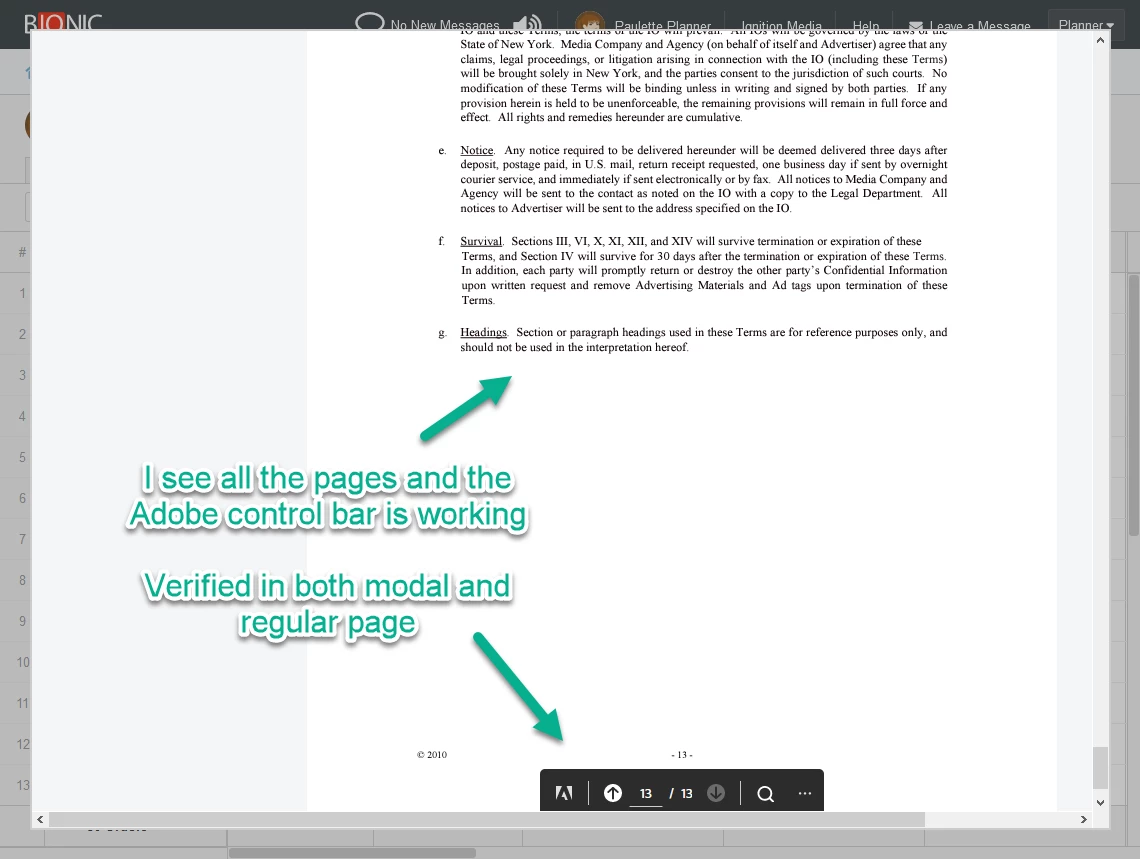
It's working like a champ now in the full page modal and regular web page. I see all the pages and no more glitchiness in the Adobe toolbar. Here's a screenshot:


I love this PDF viewer! 😁👍💯

3 replies

josephp71575241AuthorCorrect answer
Inspiring
February 18, 2021

We found a solution. The trick to "train" the viewer on the context is to pass the containing div id to parentDivId in the AdobeDC.View config. We fixed it by adding this line to our code:


adobeDCViewConfig.parentDivId = 'nxm-full-page';


Here's a more complete code snippet for the inline viewer:


                        var adobeDCViewConfig = {
                            clientId: "<client code>",
                            divId: "order-terms-pdf-preview"
                        };
                        if ( Bionic.View.Page.isFullPage() ){
                            adobeDCViewConfig.parentDivId = 'nxm-full-page';
                        }
                        var adobeDCView = new AdobeDC.View(adobeDCViewConfig);
                        adobeDCView.previewFile({
                            content:{location: {url: orderTermsDocument.url}},
                            metaData:{fileName: orderTermsDocument.fileName}
                        }, {embedMode: "IN_LINE"}); //SIZED_CONTAINER


It's working like a champ now in the full page modal and regular web page. I see all the pages and no more glitchiness in the Adobe toolbar. Here's a screenshot:


I love this PDF viewer! 😁👍💯

Joel Geraci
Community Expert
Community Expert
February 18, 2021

Thanks. Ignore my previous question. Please keep us posted as to your progress. I love seeing this stuff out in the real world.

Inspiring
February 18, 2021

Thanks for your help, @Joel Geraci !  I'll keep you posted.

Joel Geraci
Community Expert
Community Expert
February 18, 2021

Can you share the PDF in question and can you send the post the code snippet you used for embedding?

Inspiring
February 18, 2021

Thank you for your help, @Joel Geraci 


The code we are using is the default for inline viewing:


<div id="adobe-dc-view" style="width: 800px;"></div>
<script src="https://documentcloud.adobe.com/view-sdk/main.js"></script>
<script type="text/javascript">
	document.addEventListener("adobe_dc_view_sdk.ready", function(){ 
		var adobeDCView = new AdobeDC.View({clientId: "<YOUR_CLIENT_ID>", divId: "adobe-dc-view"});
		adobeDCView.previewFile({
			content:{location: {url: "https://documentcloud.adobe.com/view-sdk-demo/PDFs/Bodea Brochure.pdf"}},
			metaData:{fileName: "Bodea Brochure.pdf"}
		}, {embedMode: "IN_LINE"});
	});
</script>

We just replaced the client ID and file name and it works. Attached is the sample file we are using.


In doing some additional testing, I have a clue to the source of the problem.  We have two ways of viewing this content: (1) in a regular web page (2) in a full page modal.  The problem I was experiencing above was when viewing in a full page modal.  So, I was curious to see if the behavior is any different when viewing in a regular web page.  It turns out that everything works perfectly when in a regular web page - I see all the pages and there's no glitchiness in the toolbar and pagination:


So, it seems our problem is limited to using the inline PDF viewer in a modal.  Perhaps it is looking to the underlying web page vs the modal for context? That might explain why the toolbar is glitchy and pages 12-13 don't load.


Is there some way for us to "train" the PDF viewer to its context in our code?

Joel Geraci
Community Expert
Community Expert
February 18, 2021

Is the "lightbox" mode a possibility? This would let you get around the modal.

Inspiring
February 17, 2021

PS the "page down" button I reference above is the one in the Adobe toolbar