
Inconsistent bounding box results when mapping Adobe PDF Extract API results to PDF images
Issue:
I'm currently working on a project where I need to obtain bounding boxes for different components in a PDF, such as images, tables, and text. To do this, I'm using the "Bounds" and "ClipBounds" attributes for all elements, as well as the "BBox" attribute for images and tables. My goal is to map these coordinates to pixel format because I need to use them on PDF pages that have been converted to images. To achieve this, I'm using the following normalization code:
, y, w, h = int(x*img.size[0]/width), int(y*img.size[1]/height), int(w*img.size[0]/width), int(h*img.size[1]/height)
where img.size is the size of the PDF page converted to an image and width and height are the page dimensions according to the API output.
Actual Behaviour
This technique works for some PDFs, but it doesn't work for others. In some cases, I get neat bounding boxes using both "Bounds" and "BBox", while in other cases, I only get correct results using "Bounds" and not "BBox". There are also instances where both "Bounds" and "BBox" give bad results.
Expected Behaviour
I'm looking for a consistent way to map the API results to the images of PDF pages, regardless of the PDF file. Ideally, I want to obtain accurate bounding boxes for all components using a single technique.
Any help would be really appreciated. Thank you!
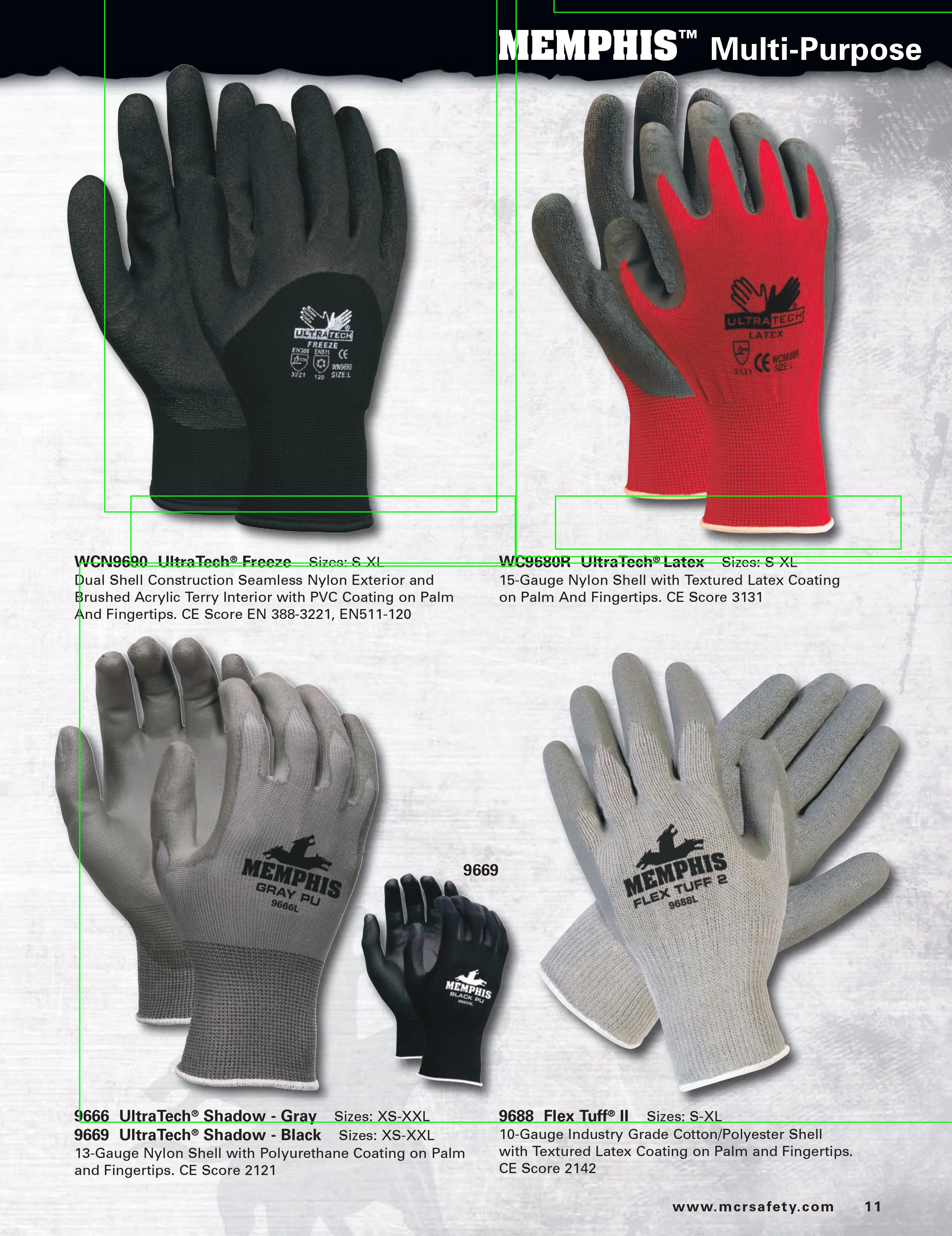
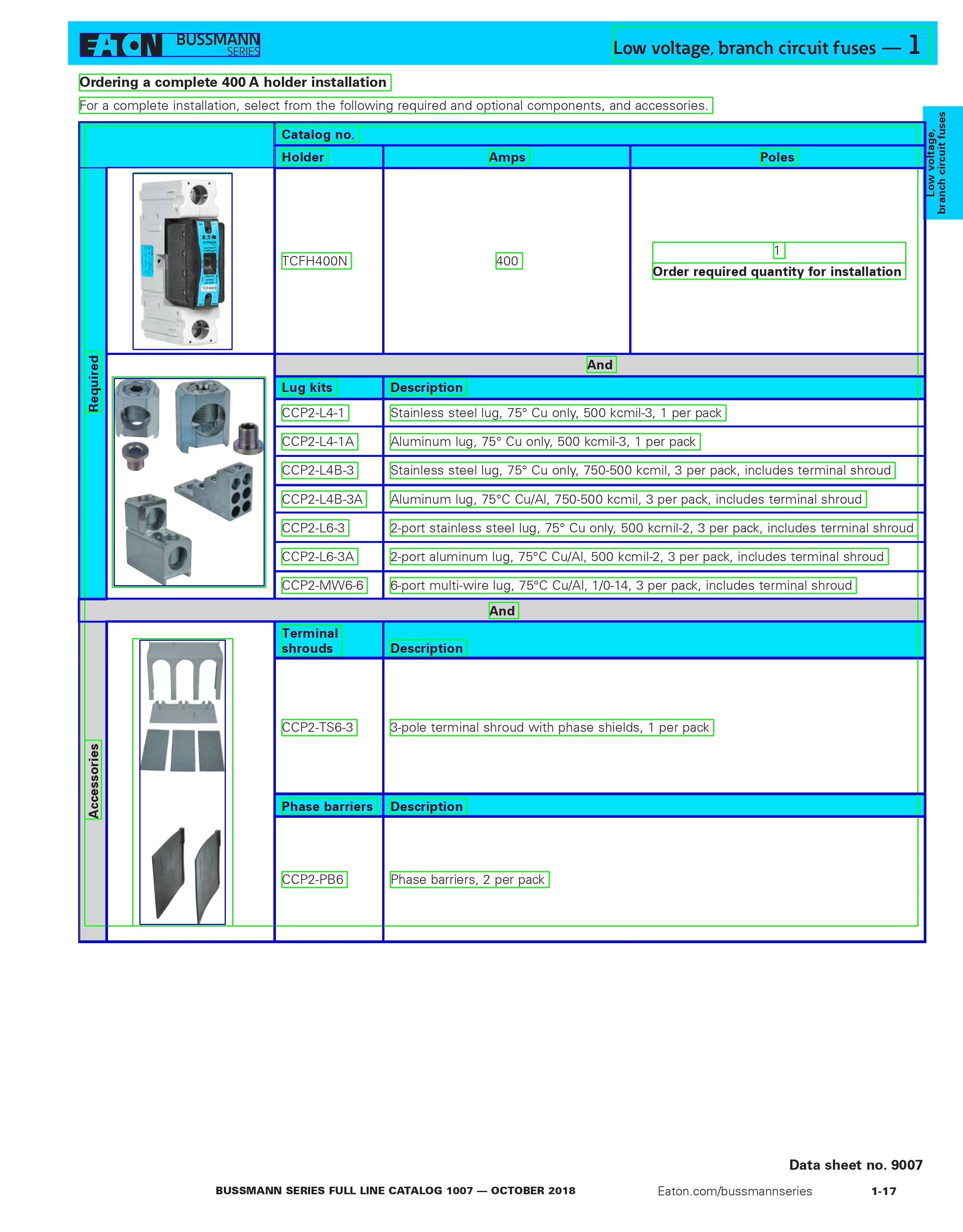
I have attached some examples here -


 AdChoices