

Participant
9월 1, 2022 2:55 오후 UTC
공지사항

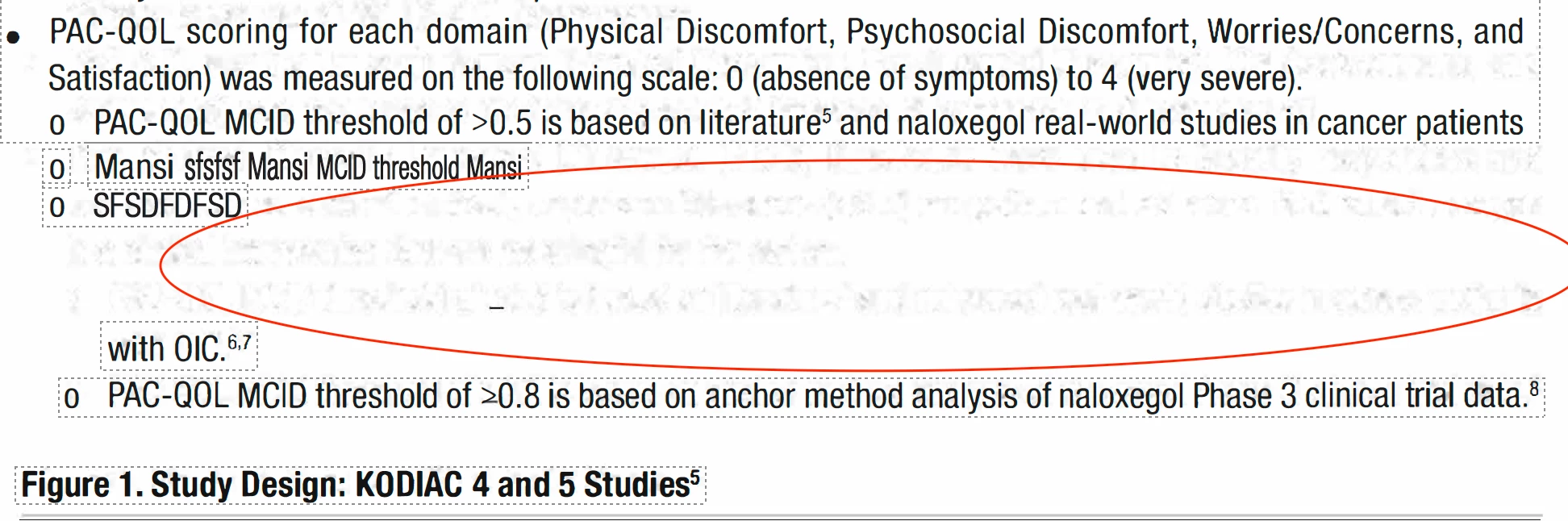
When moving text box on PDF document it shows muddy text underneath

Hello!


I am working on a PDF document with a client of ours. The client has windows and we have a Mac for reference,

We sent over a document, their Adobe seemed to read the PDF differently (New Font, size, etc) from the one we sent. Keep in mind, that they do have the correct fonts installed. but when the client converts to edit it changes to something different. We also saw that when they moved the text box, a weird muddy outline of text is underneath and can't be removed... This doesn't happen on our documents only on theirs. We aren't sure what caused this.
 

이 주제는 답변이 닫혔습니다.

6 답변

Meenakshi_Negi
Legend
9월 5, 2022 4:23 오후 UTC

Hi LizGarcia,


Thank you for reaching out.


As the issue occurs only on the client side, we will require the PDF to replicate the behavior.

Also, check if it happens with all the files you share with them or just one PDF causing this.


Would you mind sharing the sample PDF with us?

Share the Acrobat and OS versions on the client's machine.


Thanks,

Meenakshi

번역
LizGarcia작성자
Participant
9월 9, 2022 4:44 오후 UTC

So they have windows 10, See below for acrobat details.


번역
Meenakshi_Negi
Legend
9월 14, 2022 4:48 오후 UTC

Hi LizGarcia,


Thank you for sharing the information.

Please share the Acrobat version. You may take help of the steps suggested on the following page: https://helpx.adobe.com/acrobat/kb/identify-product-version.html.

Also, confirm if it happens only with particular PDFs.


Thanks,

Meenakshi

번역