
Edit grouped image (Illustrator vector file) downloaded from Adobe Stock.
Hi, I downloaded several vector images like #236927351 and I thought I could isolate one of characters, but I can't get it to work. Was I thinking wrong?
{Renamed by MOD}
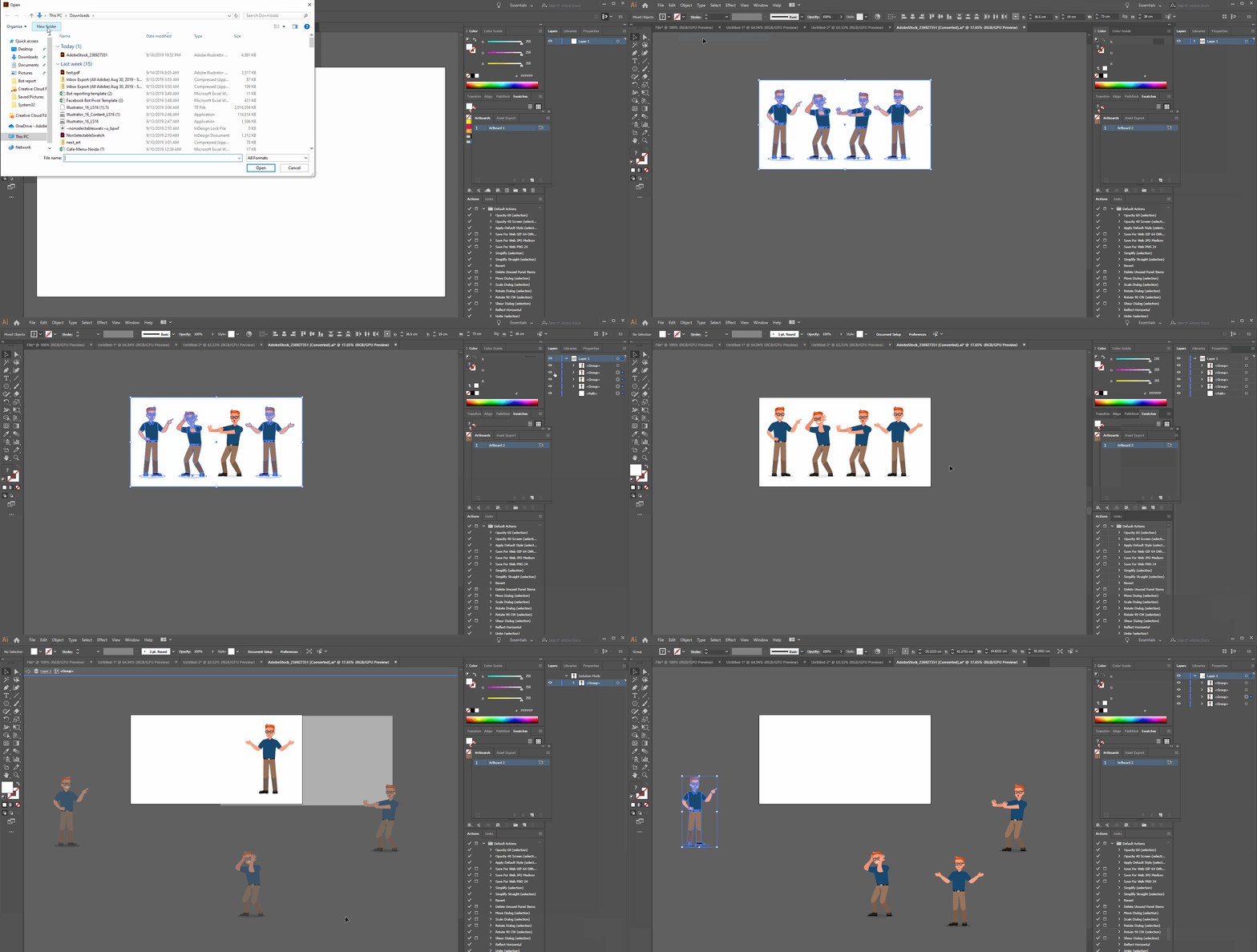
Hi, I downloaded several vector images like #236927351 and I thought I could isolate one of characters, but I can't get it to work. Was I thinking wrong?
{Renamed by MOD}
Hi Mindy,
Thanks for reaching out. Could you please confirm which application you are using to open the file? You can definitely isolate each character using Illustrator. Please go to the Layers panel, you will see all of them are grouped together. You just need to ungroup them (Object > Ungroup). Please take a look at this GIF:

Let us know if that helps or if you have any further query.
Regards,
Srishti
Already have an account? Login
Enter your E-mail address. We'll send you an e-mail with instructions to reset your password.