leight82384572
Participant
October 26, 2018
Answered

Edit Image

  • October 26, 2018
  • 2 replies
  • 331 views

HI, have purchased a number of line drawings such as: 178617145
From RetroColoring.com (this is not a live website but author name)


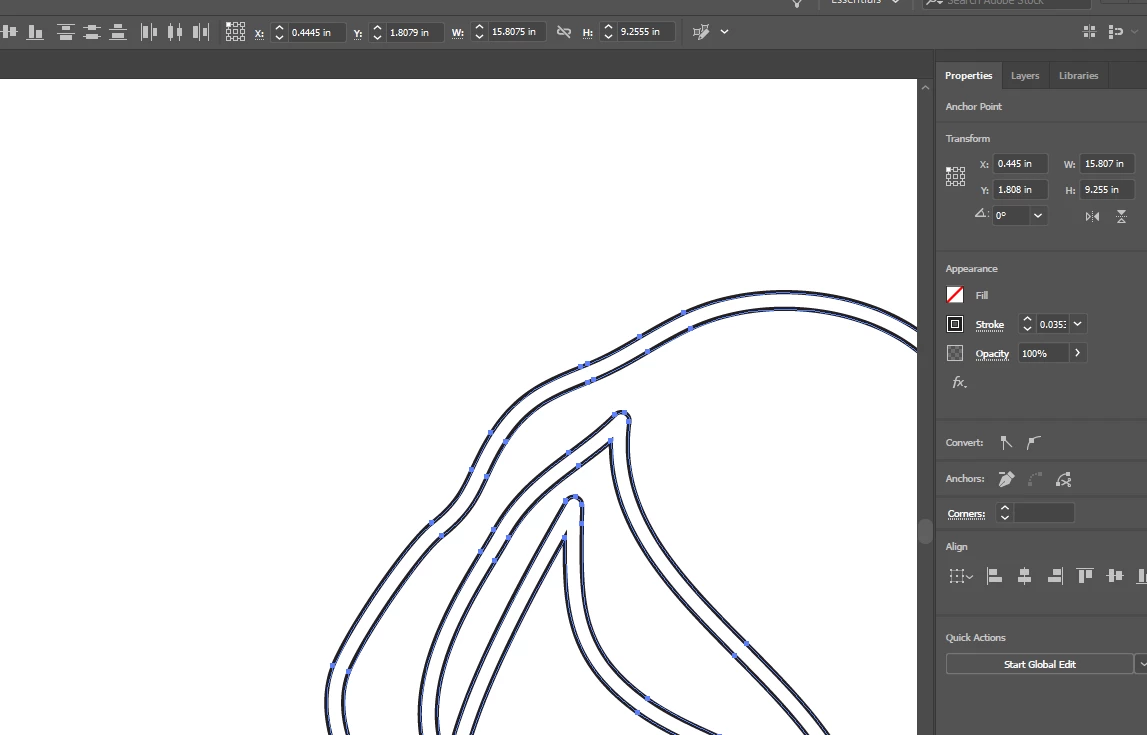
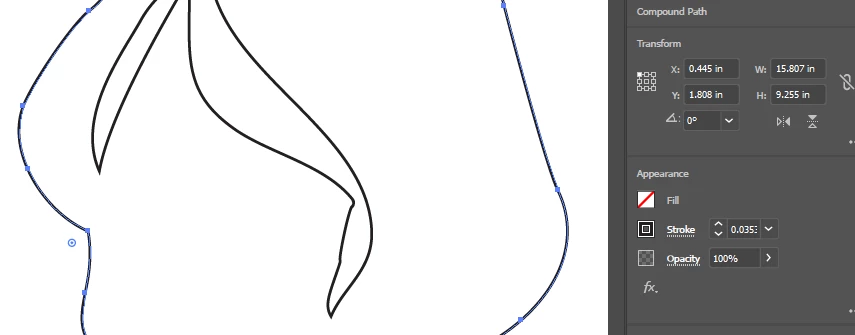
My question is are they available as a simple single line path, when I go to adjust them the setup seems to be far more complex. If not is there a way to convert them to a single path?

Secondly I would like to use them in after effects and  have them draw from left to right, I can see some are available as videos but not all. Is it possible to purchase video of the ones not showing in Adobe Stock and if not is there an easy way to automate the effect I'm after?

Can't find any contact into on Adobe for the illustrator or company who did them 'RetroColouring' to ask.

Thanks in advance.

Leigh.
    This topic has been closed for replies.
    Correct answer Srishti Bali

    Hi Leigh,

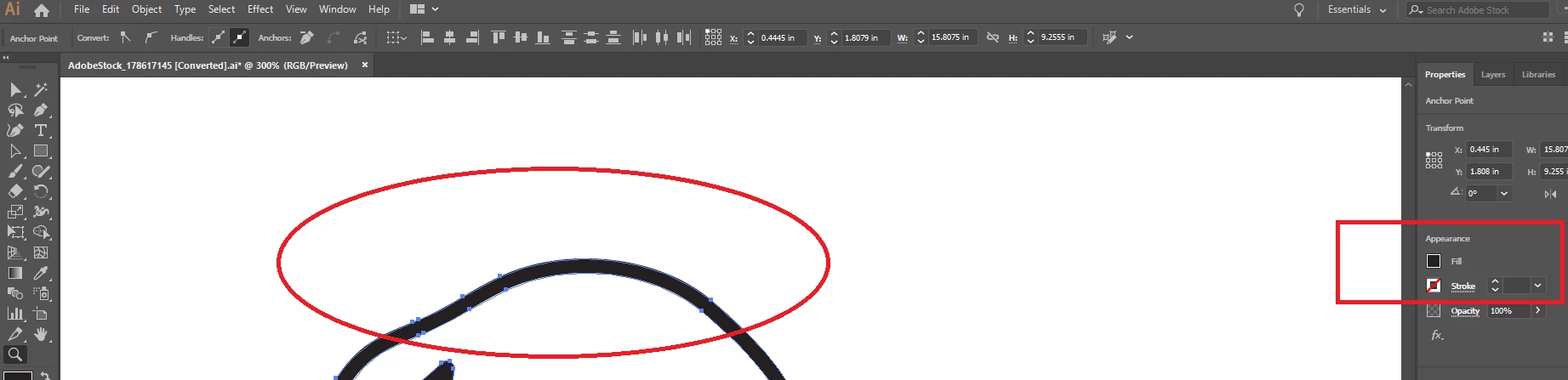
    I just checked the file, the black line which you want to edit is a fill(Color between the 2 lines) not the stroke(Path).

    If you make Fill Null and Stroke Black you will see the actual image.

    To make it single path image you will have to remove one out of those 2 lines one by one.

    Regards,

    Srishti

    2 replies

    Srishti Bali
    Community Manager
    Srishti BaliCommunity ManagerCorrect answer
    Community Manager
    November 13, 2018

    Hi Leigh,

    I just checked the file, the black line which you want to edit is a fill(Color between the 2 lines) not the stroke(Path).

    If you make Fill Null and Stroke Black you will see the actual image.

    To make it single path image you will have to remove one out of those 2 lines one by one.

    Regards,

    Srishti

    twaritar3263062
    Community Manager
    Community Manager
    November 13, 2018

    Hi Leigh,

    Thanks for reaching out to the Adobe stock community.

    If I understand correctly, you have downloaded an asset( 178617145 ) from Adobe Stock and you are trying to edit the image in Illustrator. I am looping in an expert srishtib8795206 to help you here.

    Regards,

    Twarita