



Where is the SFTP menu option?
Hello everyone,
I am having an issue where I cannot find the SFTP menu option on the Adobe Stock Contributor upload page.
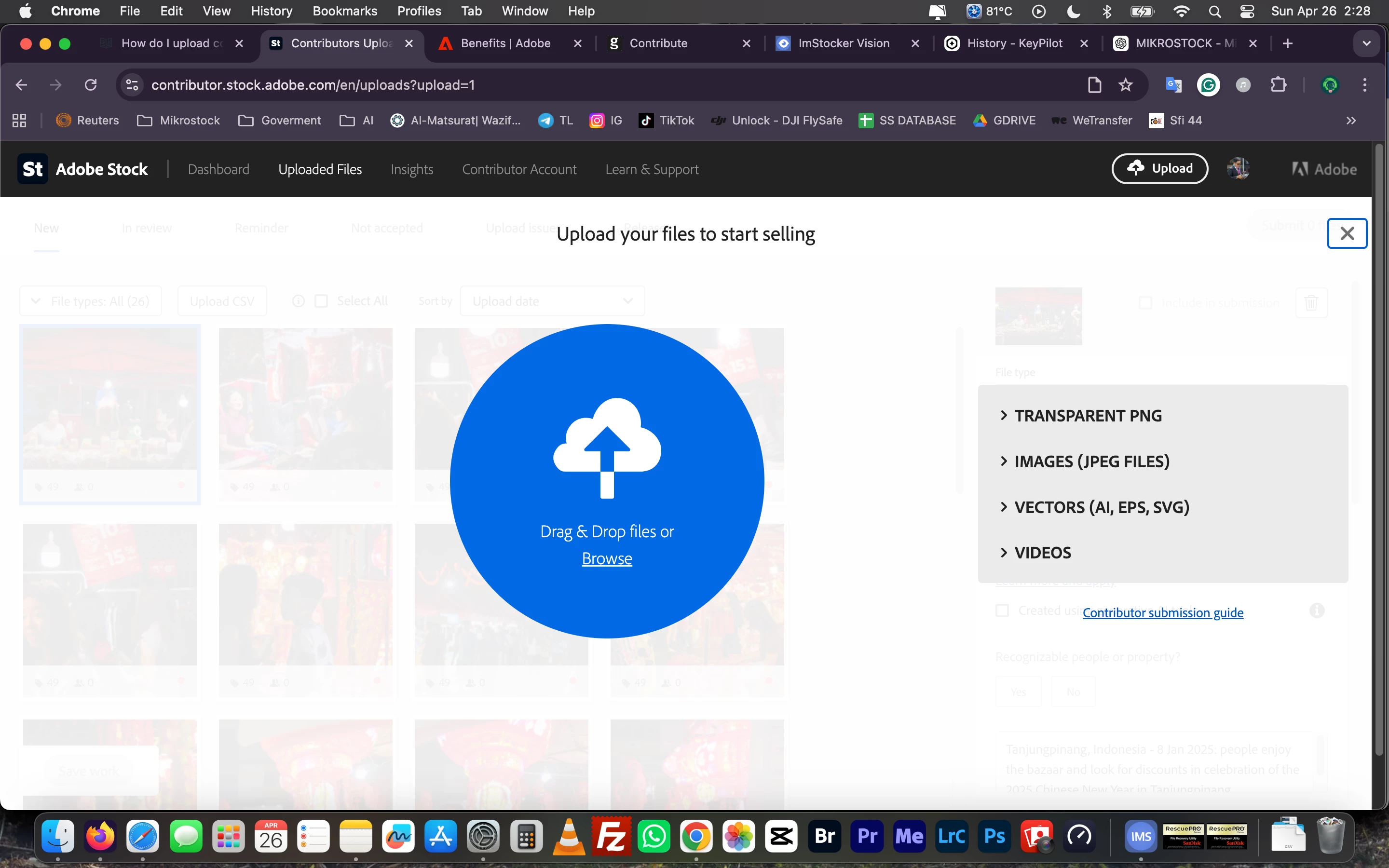
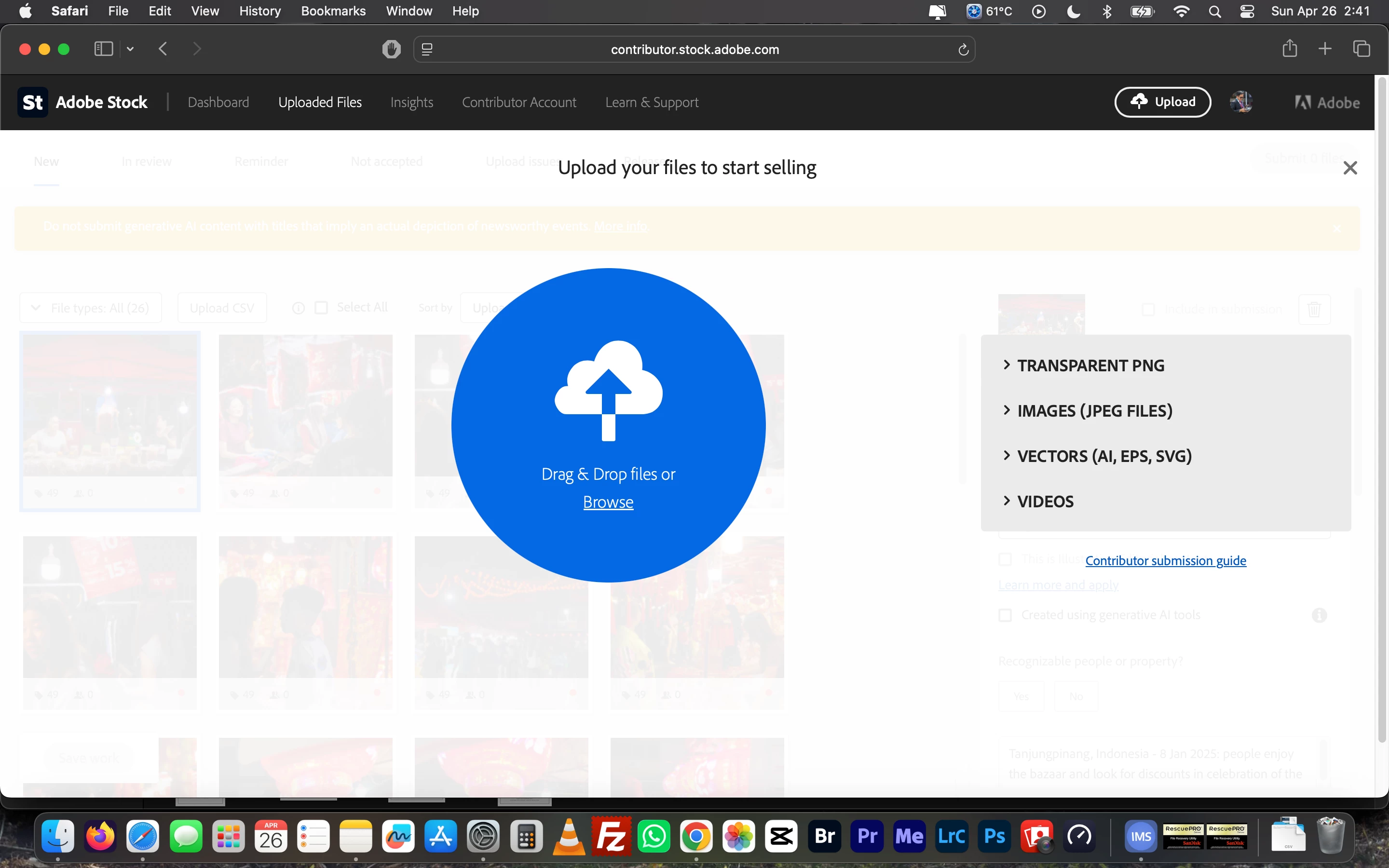
According to the official documentation, there should be a "Learn more" link right below the blue drag-and-drop circle to access the SFTP credentials. However, as you can see in my attached screenshots, this link is completely missing from my dashboard.
I have already tried troubleshooting by logging into my account using different browsers (Google Chrome, Mozilla Firefox, and Safari), but the SFTP option remains hidden in all of them.
Could someone please help me resolve this issue so I can upload my video files via SFTP? Is there a setting I need to enable or a new step I missed?
Thank you in advance for your assistance!

 AdChoices