Participant
June 5, 2024
Answered

How do I remove a password protection from a completed Adobe Acrobat Sign pdf?

  • June 5, 2024
  • 1 reply
  • 2306 views

I password protected a document for security when routing for e-signatures.

Now that the pdf is completed, I need it to be accessible without password protection for all parties referencing it (company internal use), without compromising document integrity. Users must be able to review the document, and access links in the document. How do I do this?

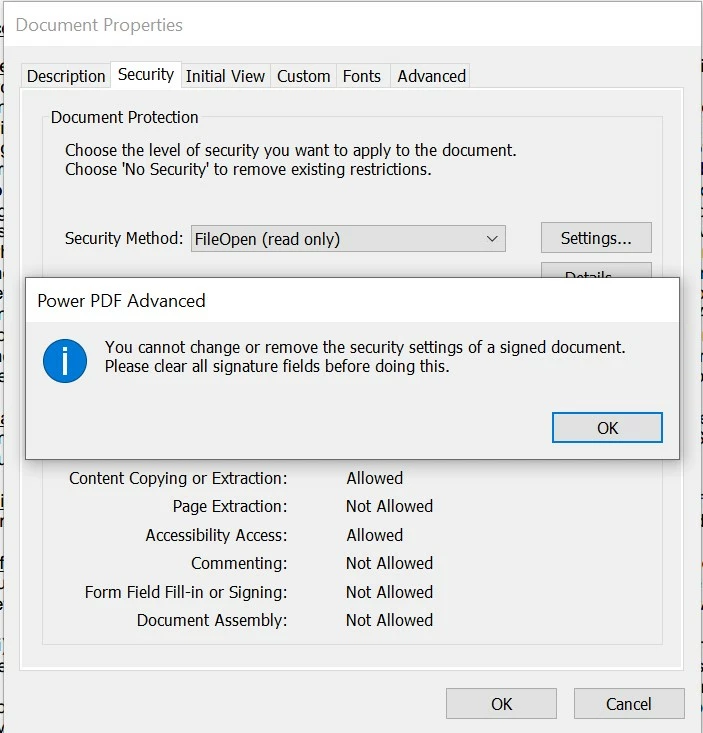
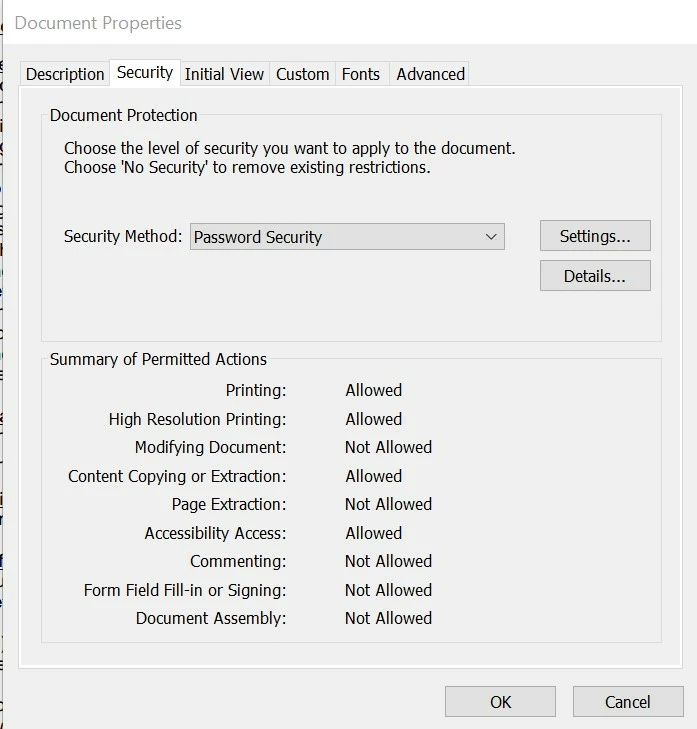
I tried using Manage Security on the pdf, but I got the message:

"You cannot change or remove the security settings of a signed document. Please clear all signature fields before doing this."

Note: We use Adobe Acrobat Sign, but not Adobe Acrobat pdf.

Can you help?
This topic has been closed for replies.
Correct answer Meenakshi Negi

See this thread

Password protect the document in Adobe Sign - Adobe Community - 11490167


Hi Tonya37856674jbd7,


Thank you for reaching out, and sorry about the delay in response.


If you use Acrobat Sign, the document is encrypted once it is signed and filed by all the recipients/ signers. There are two types of additional passwords applied to the document when you send it for signature. One is to view the final document, and the other is for the individual recipients. For more information, refer to the following community help document: https://adobe.ly/4cqTgV4.


As mentioned above, "protect data shared outside my organization via Adobe Acrobat Sign." Please explain what you mean here. It will help us understand and provide you with the correct information. 


Let us know if you have any questions.


Thanks,

Meenakshi


Marking a reply or response “Correct” will help future users with the same issue quickly identify the correct answer.

1 reply

mariahweyne
Inspiring
June 5, 2024

You cannot remove security settings once a document has been signed.  

Participant
June 5, 2024

Does that mean that passwords aren't required to protect data shared outside my organization via  Adobe Acrobat Sign? 

  • If yes, could you please share guidance?
  • If not, how do I  protect/encrypt the Adobe Sign email (documents, contacts) while in transit only?

I appreciate your response(s) & guidance. 

mariahweyne
Inspiring
June 7, 2024