
Question
How to TURN OFF auto-detecting "Form Field" and NOT TO PLACE them on document automatically
When I'm preparing a document to request signatures, the form fields are auto-populating; see the below screenshot.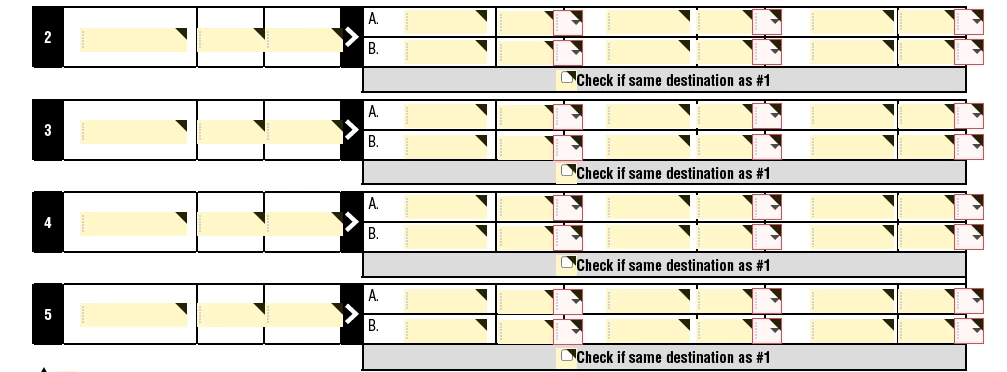
If I try to turn off "advance editing on," (below screenshot) it's not letting me do that.

Usually, when Adobe detects the form field, it gives you the option to place them on the form like below, but in my case, it is auto-populating the form field and neither giving me a choice not to place them on the form nor allowing me to turn off the "Advance editing on".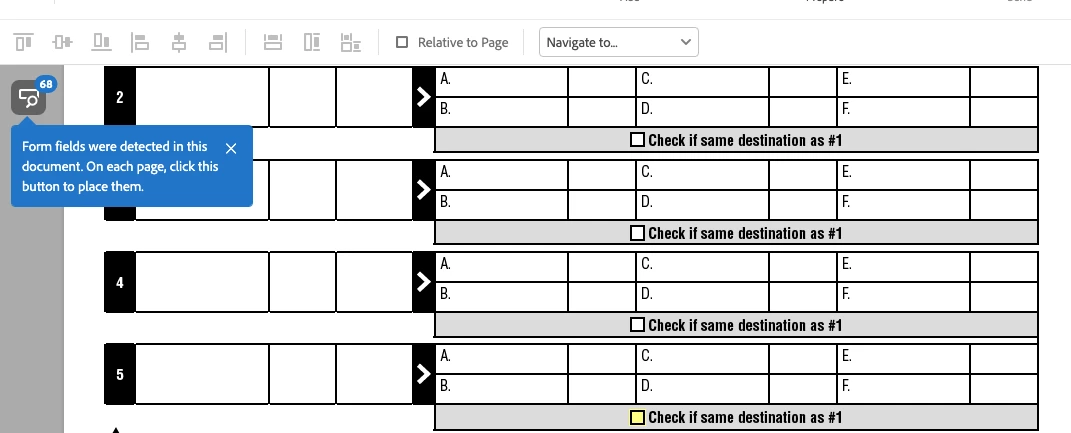
Please advise; the Adobe Support Community is the last hope as Adobe technical support tried for more than one hour but had no luck.


 AdChoices