



ateague70
Known Participant
Oct 19, 2016 8:26 PM UTC
Question

Signing with digital signature does not work in Adobe Acrobat Pro DC

I am using a MAC with Yosemite:
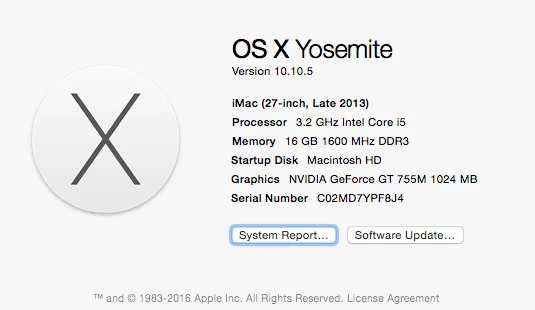
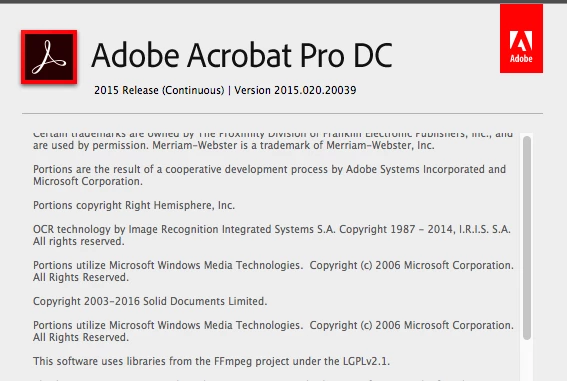
Here is my version of Adobe Acrobat Pro DC
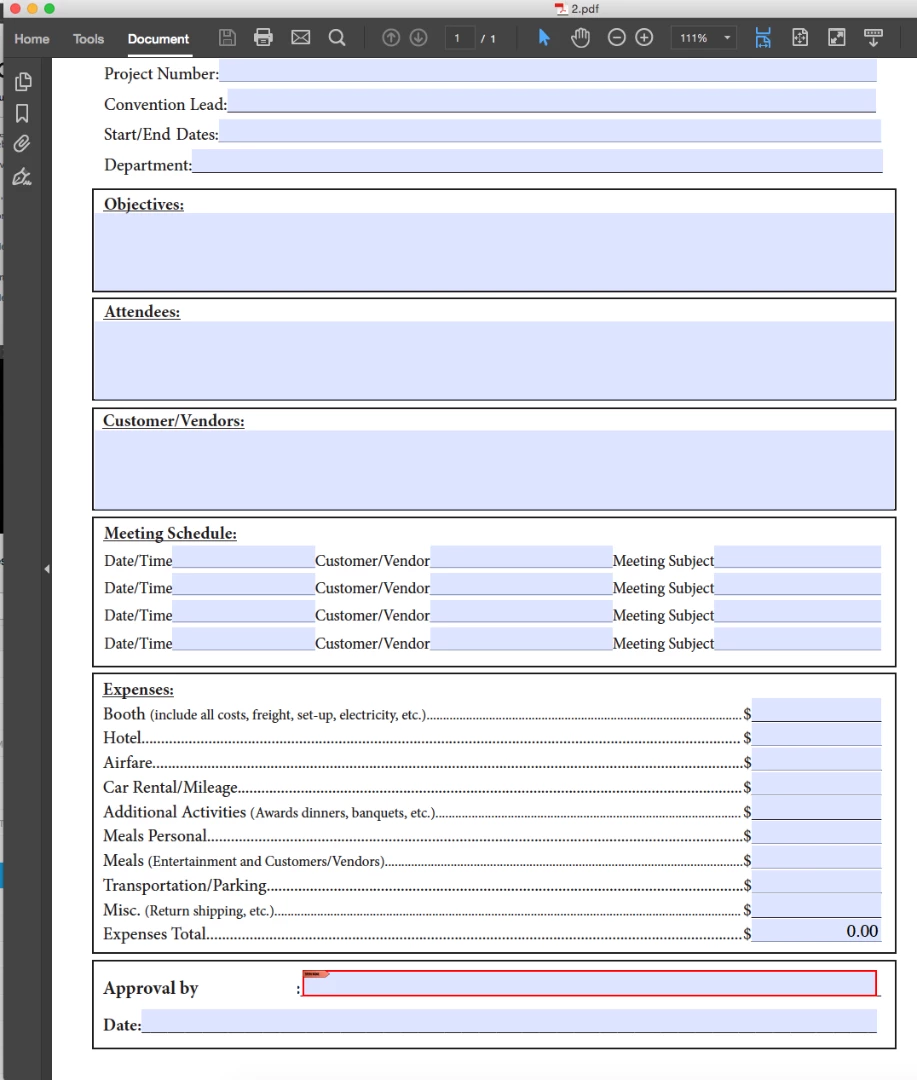
I have made an interactive pdf but the digital signature area is not able to be signed. I could create the box though.
The other areas are fillable:
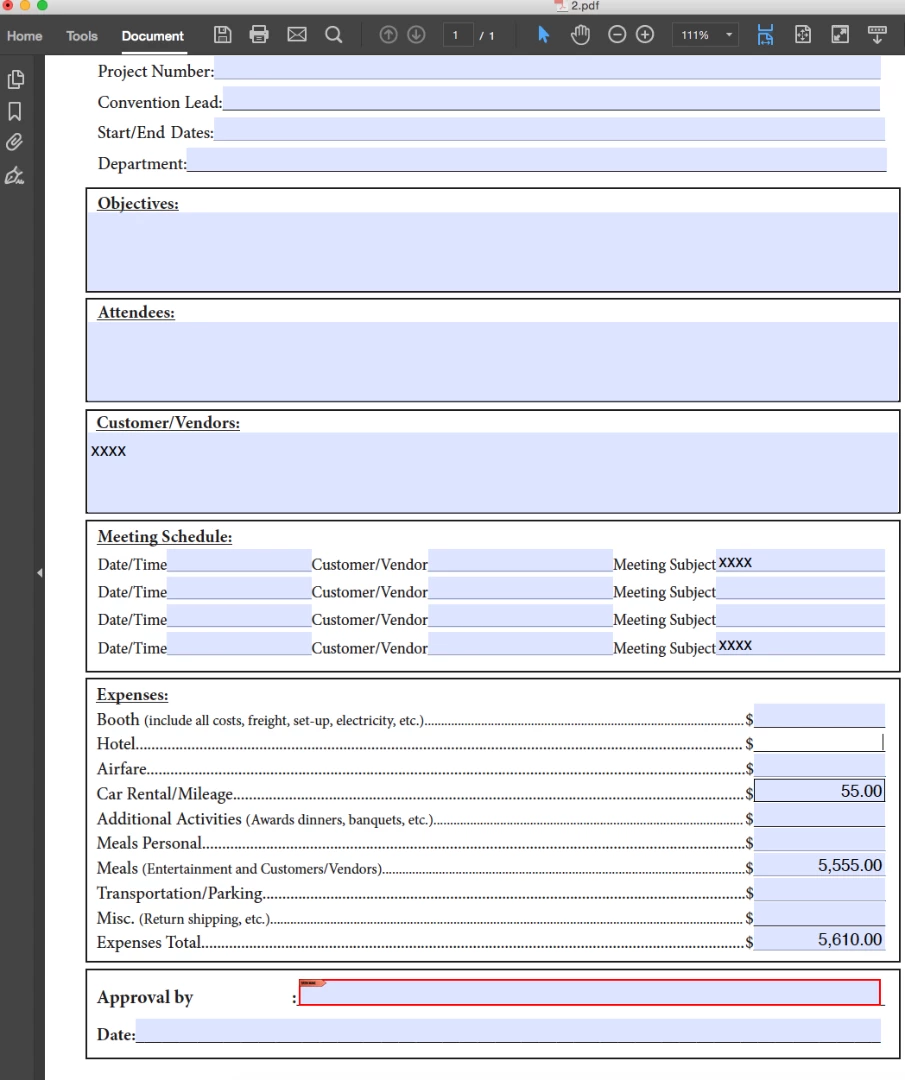
When I click on the signature box--to sign the form with a digital signature (which I do have, created already), I get a transparent gray-ish box and am not able to sign.
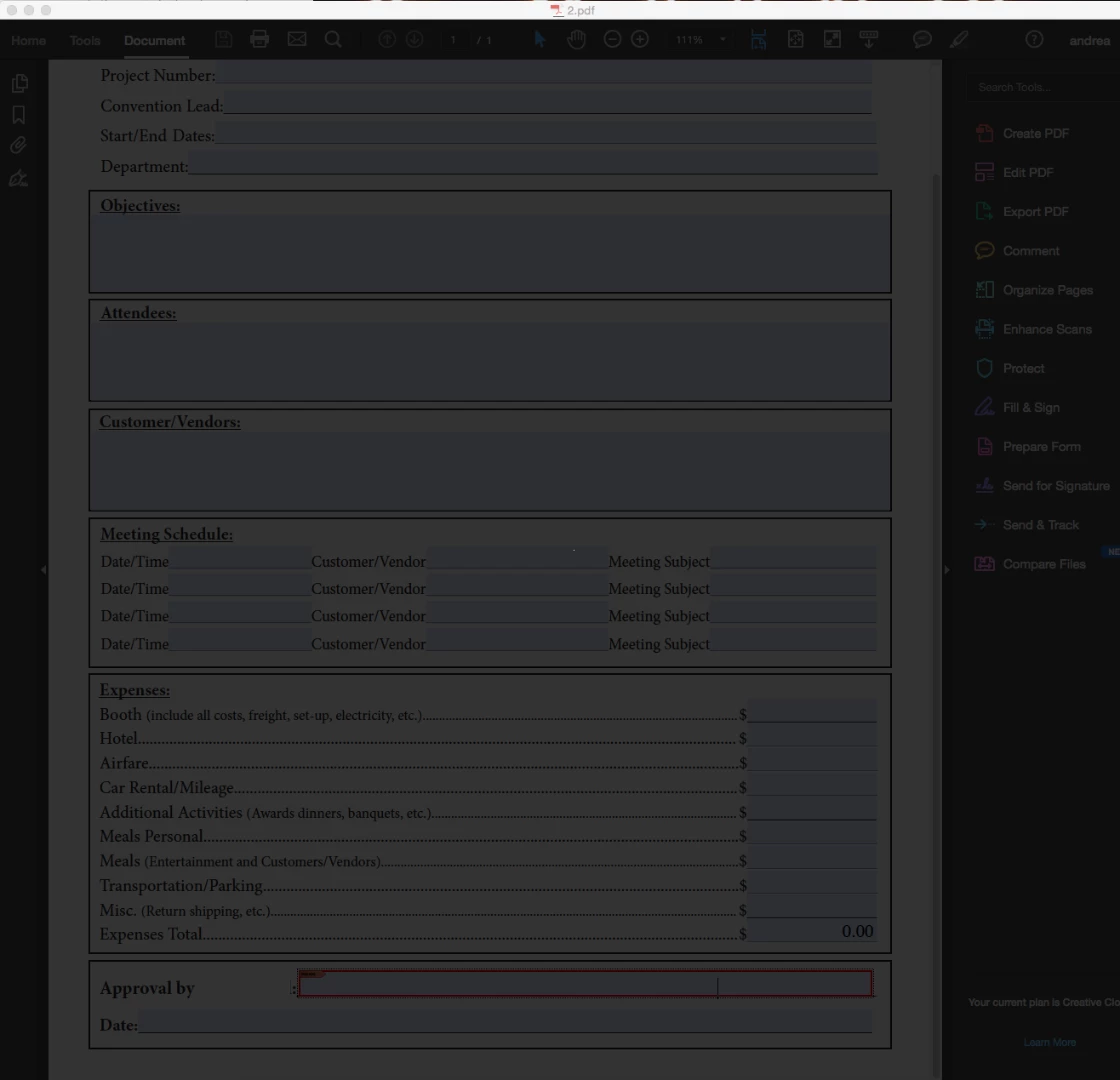
If I hit the esc button it will go away.

I need this to work, so please fix!

This topic is closed to new replies. Start a new post to keep the conversation going.

6 replies

ateague70
ateague70Author
Known Participant
Oct 27, 2016 12:31 PM UTC

nothing noted here worked.

I had to uninstall and reinstall acrobat.

Translate
AadeshSingh
Participating Frequently
Oct 19, 2016 11:41 PM UTC

Hi ateague70

Please click on "Prepare Form", delete the Signature field and add it again.

Save the document & then try to Sign it.

Let us know how it goes.

Regards,
Aadesh

Translate
ateague70
ateague70Author
Known Participant
Oct 20, 2016 12:17 PM UTC

I have already done that a few times...

Andrea Teague

[Signature deleted by host]

Translate
AadeshSingh
Participating Frequently
Oct 25, 2016 6:16 PM UTC

Hi ateague70​,

Please click on the Prepare Form tool in Acrobat DC -> More -> convert to Adobe Sign form. now send the document out for Signature.

Check if it fixes your issue.

Regards,

Aadesh

Translate