VipinGoudArt
Participant
February 4, 2026
Question

Hello everyone, I’m following up on this issue. My Adobe Stock account earlier showed 2,793 assets, but now only 2,457 are visible. Around 300 approved video footages have disappeared
  • February 4, 2026
  • 2 replies
  • 99 views


    2 replies

    Jill_C
    Community Expert
    Community Expert
    February 4, 2026

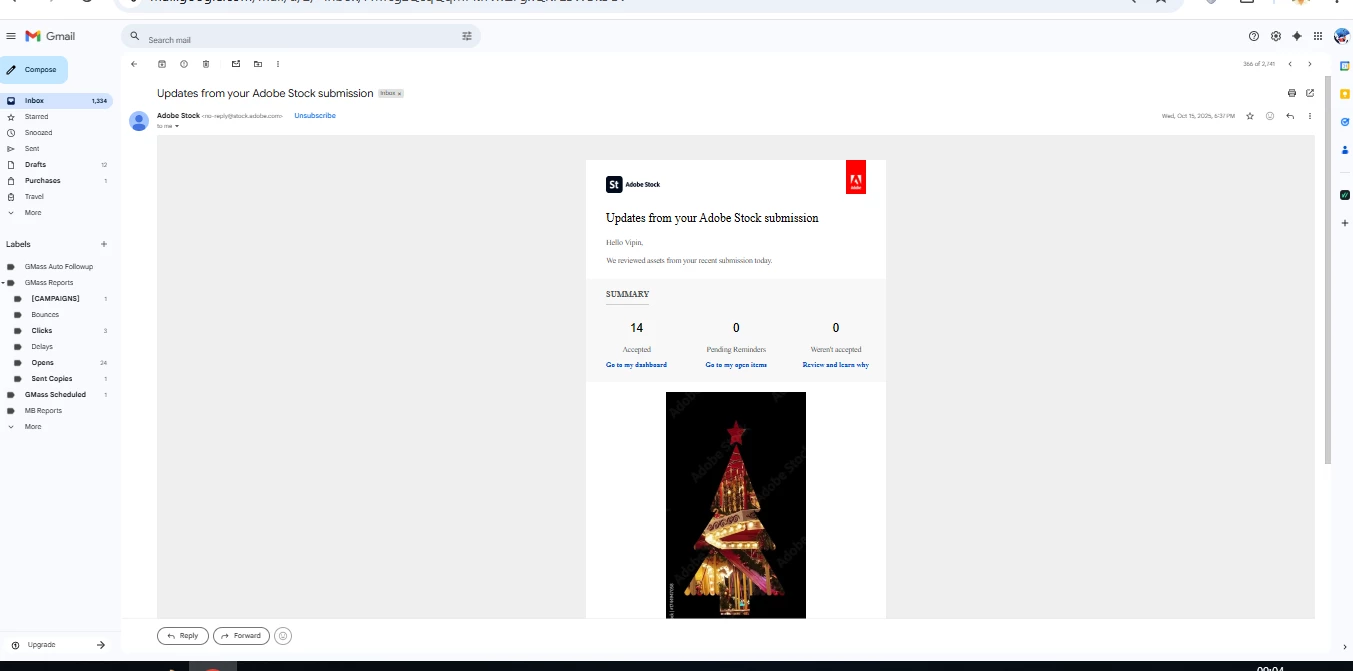
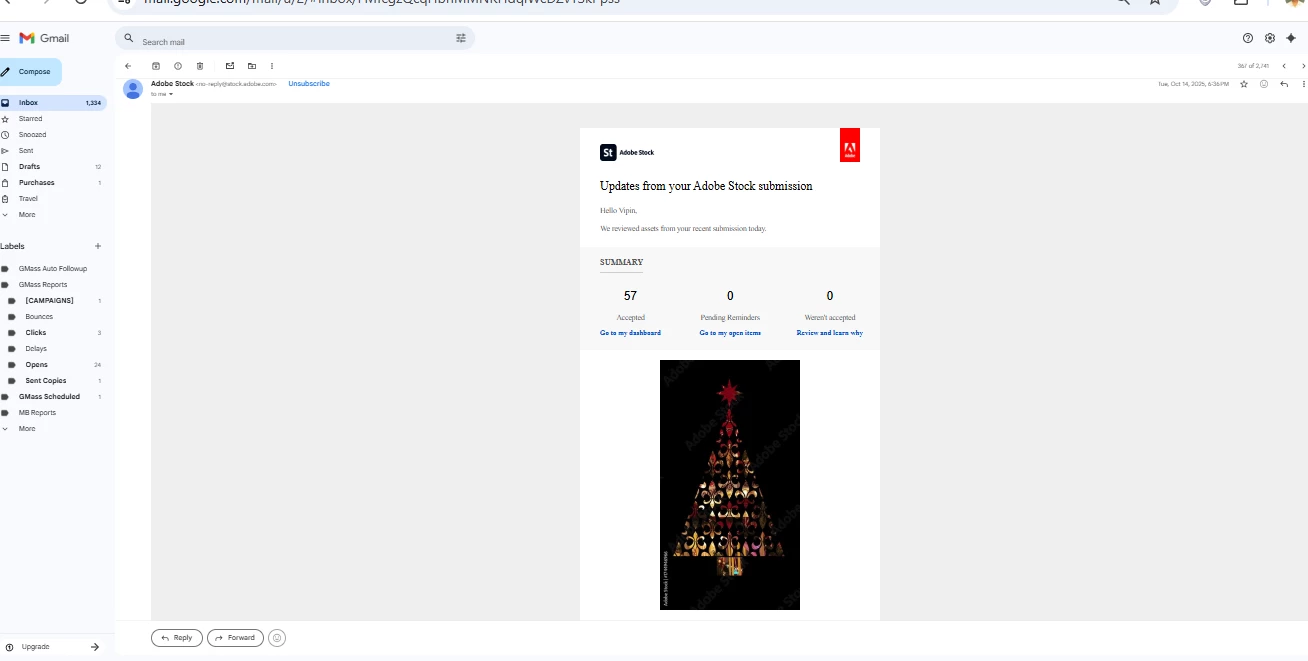
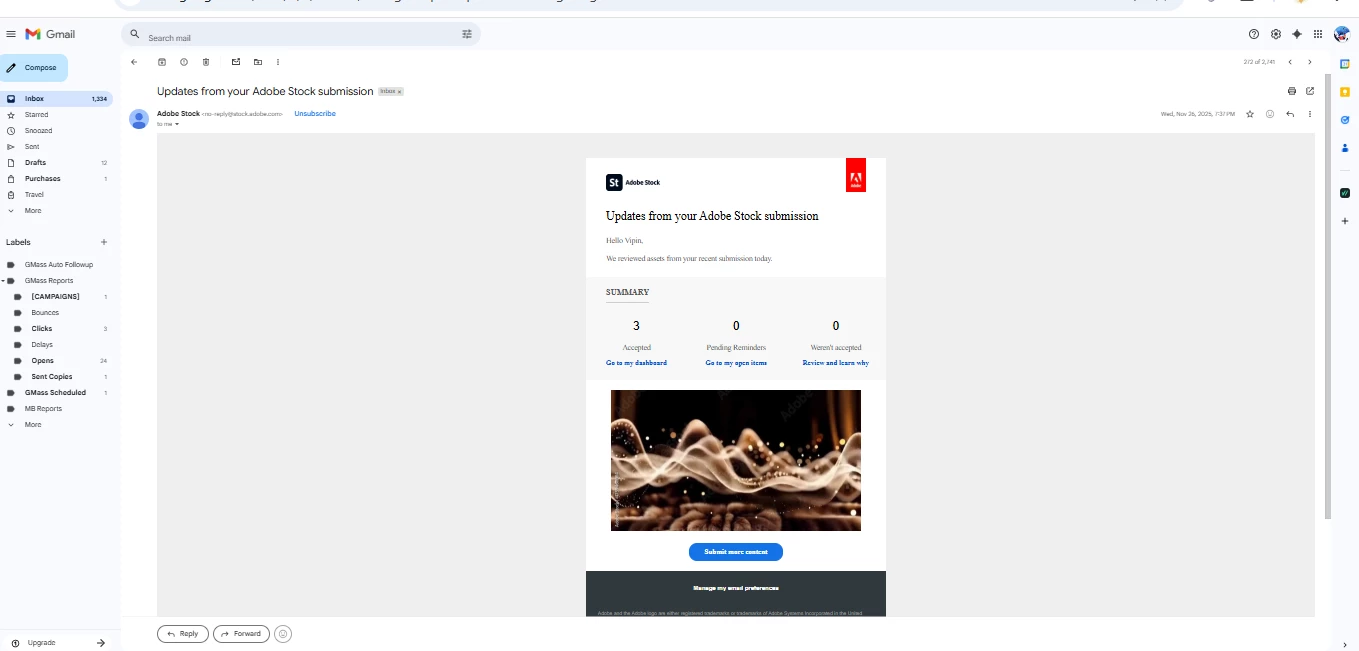
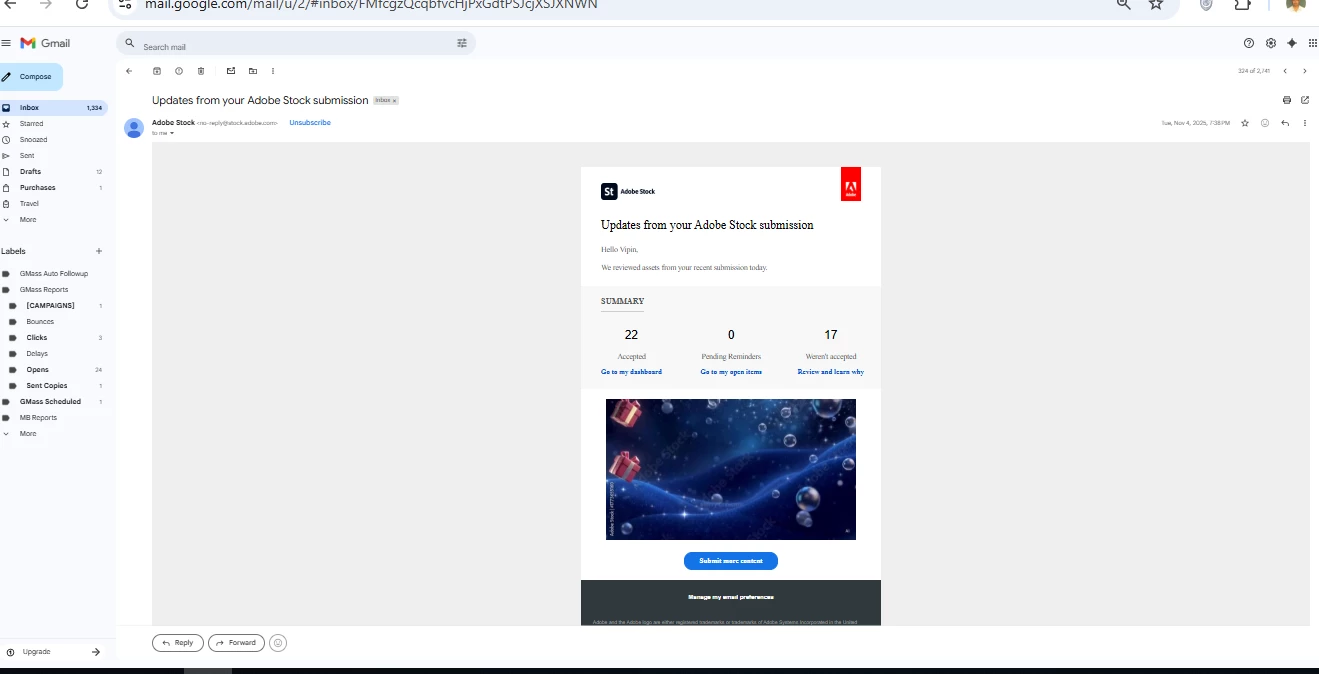
    Why did you start a new post on the same topic, and what is the purpose of these screenprints?

    Jill C., Forum Volunteer
    VipinGoudArt
    Participant
    February 6, 2026

    Hi Jill,
    I started a new post because the issue has changed and become more serious. Earlier it was about approval status, but now a large number of approved items are missing from my account, which is a different problem.

    The screenshots are shared only to clearly show the discrepancy in item counts and the current account status, so the community and support team can better understand what’s happening.

    I didn’t intend to duplicate the topic or create confusion—just trying to explain the issue more clearly with visual proof. Thanks for your understanding.

    RALPH_L
    Community Expert
    Community Expert
    February 4, 2026

    This is your third post regarding this matter.  I answered your question on the first post. Please go back and read the answer. Please do not open a fourth post regarding this matter. 

    VipinGoudArt
    Participant
    February 6, 2026

    Hi Ralph,
    Thank you for your response. I understand your concern about multiple posts, and that wasn’t my intention. I did read your earlier answer, but since the situation still hasn’t been resolved and the issue (missing approved items) remains unclear to me, I was trying to seek further clarity.

    I’ll continue the discussion on the original thread only and won’t open any new posts on this matter. Thanks for your guidance and time.


    RALPH_L
    Community Expert
    Community Expert
    February 6, 2026

    Your Pinterrest screenshot doesnt help one bit. I told you what to do if your images were removed for some violation. Look for the assets in your list of rejected assets.
    This is assuming that you can log into your dashboard. I  do not know what you are trying to show us in your second, 404, screenshot. Do you get the 404 error when logging on to your dashboard?