This topic has been closed for replies.
Correct answer Ricky336

Hello,

Basically, you need to scrutinise your image! Any possible abnormality needs to be rectified to ensure that Adobe won't reject it based on quality.

Due to the fact that AI images are becoming so prevalent, you have to be careful what you submit. The defects pointed out by @Abambo need to be considered, even though it may seem like splitting hairs!

You can't just generate an image and submit, because if you do, it will most probably be rejected.


7 replies

GenDream™
Inspiring
September 25, 2023

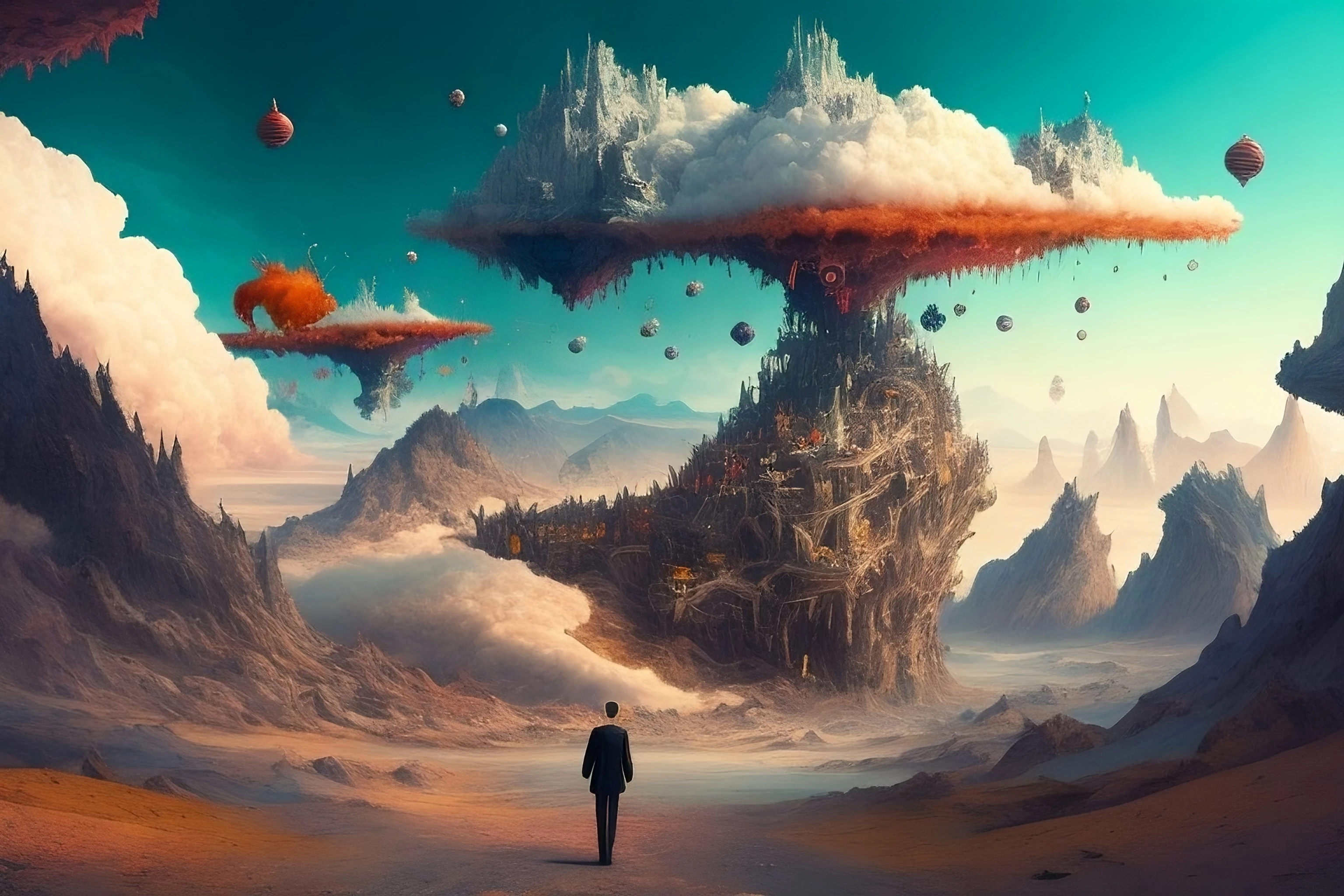
Besides what others have said. there are many Artificats like the person not having hands, head not attached..etc and other blurrly or areas with artifacts.

you should examine your pictures closely and edit them properly in Photoshop (or any other photo manplating programs) because Although midjourney uses advanced Ai technology, it will make mistakes. i have never uploaded an image straight out from midjourney/ stable diffusion, i always edit ( content aware, removing few things, lighting & shadows..etc). but my advice here is to remember to balance the time needed to edit an Ai image or just discard it ( if it's not worth the editing time).

and as danielle mentioned, once you start getting into the habit of editing and selecting your images you will develop a very good eye for spotting mistakes and your acceptance rate will hugely improve

good luck.

Keshani_SAuthor
Known Participant
September 27, 2023

Okay, Thank you so much for the advise...😊

daniellei4510
Community Expert
Community Expert
September 25, 2023

While Midjourney is often touted as the best AI platform presently available, it still has many shortcomings, among them being landscapes and wide angle surrealistic images in particular. While you should indeed inspect images at 200%, I go even further with images of the nature you posted here: 300% after upscaling. They might look great at their original size, but defects that are not apparent original are multiplied when upscaling. I prefer upscaling to a minimum of 20" on the long side at 300 dpi. If the defects that become apparent don't look fixable with a reasonable amount of editing, it's  consigned to the trash. Once you're in the habit of moderating your own images, rather than relying on someone else to moderate them for you, your acceptance rate will improve.

Adobe Community Expert | If you can't fix it, hide it; if you can't hide it, delete it.
Keshani_SAuthor
Known Participant
September 27, 2023

Okay, Thank you so much 👍

Jill_C
Community Expert
Community Expert
September 25, 2023

The head of the person is not attached to the body.

Jill C., Forum Volunteer
Ricky336
Community Expert
Ricky336Community ExpertCorrect answer
Community Expert
September 25, 2023

Hello,

Basically, you need to scrutinise your image! Any possible abnormality needs to be rectified to ensure that Adobe won't reject it based on quality.

Due to the fact that AI images are becoming so prevalent, you have to be careful what you submit. The defects pointed out by @Abambo need to be considered, even though it may seem like splitting hairs!

You can't just generate an image and submit, because if you do, it will most probably be rejected.
Keshani_SAuthor
Known Participant
September 27, 2023

Okay, Thank you ... 😊

Abambo
Community Expert
Community Expert
September 25, 2023

You should always indicate the refusal reason given to you by Adobe. Post the picture here as indicated. Check your pictures before submitting at 100% and 200% for artefacts. 


This picture is exposing many compression artefacts around objects and typical colour banding of a too low quality factor when saving JPEG files. There are also strange ghost pictures that may or may not be considered defects.


If you are new to stock, you should consider these resources: https://helpx.adobe.com/stock/contributor/tutorials.html
Please read the contributor user manual for more information on Adobe stock contributions: https://helpx.adobe.com/stock/contributor/user-guide.html
See here for rejection reasons: https://helpx.adobe.com/stock/contributor/help/reasons-for-content-rejection.html
and especially quality and technical issues: https://helpx.adobe.com/stock/contributor/help/quality-and-technical-issues.html

ABAMBO | Hard- and Software Engineer | Photographer
Known Participant
September 25, 2023

Are you seriously?! Each picture created by Midjorney has similar artifacts. If so, then it was necessary to reject all AI pictures.

Abambo
Community Expert
Community Expert
September 25, 2023
quote

Are you seriously?! Each picture created by Midjorney has similar artifacts. If so, then it was necessary to reject all AI pictures.


By @Sergii5CEA

You need to correct the errors. It's not because “Each picture created by Midjorney has similar artifacts” that they should get accepted.

ABAMBO | Hard- and Software Engineer | Photographer
Henrik Heigl
Community Expert
Community Expert
September 25, 2023
Keshani_SAuthor
Known Participant
September 27, 2023

Okay, Thank you so much Henrik...😊

RALPH_L
Community Expert
Community Expert
September 25, 2023

Blurry and it appears to have artifacts around the dark and light areas.

Keshani_SAuthor
Known Participant
September 27, 2023

 Thank you Ralph😊