DanielR.Graphics
Participant
April 17, 2026
Question

Can't download the images I generated and some other small things.

  • April 17, 2026
  • 2 replies
  • 31 views

Hi,

The main problem I have is that I can’t download images after I generate them. The only way that sometimes works is going into the edit section, but even that usually doesn’t work.

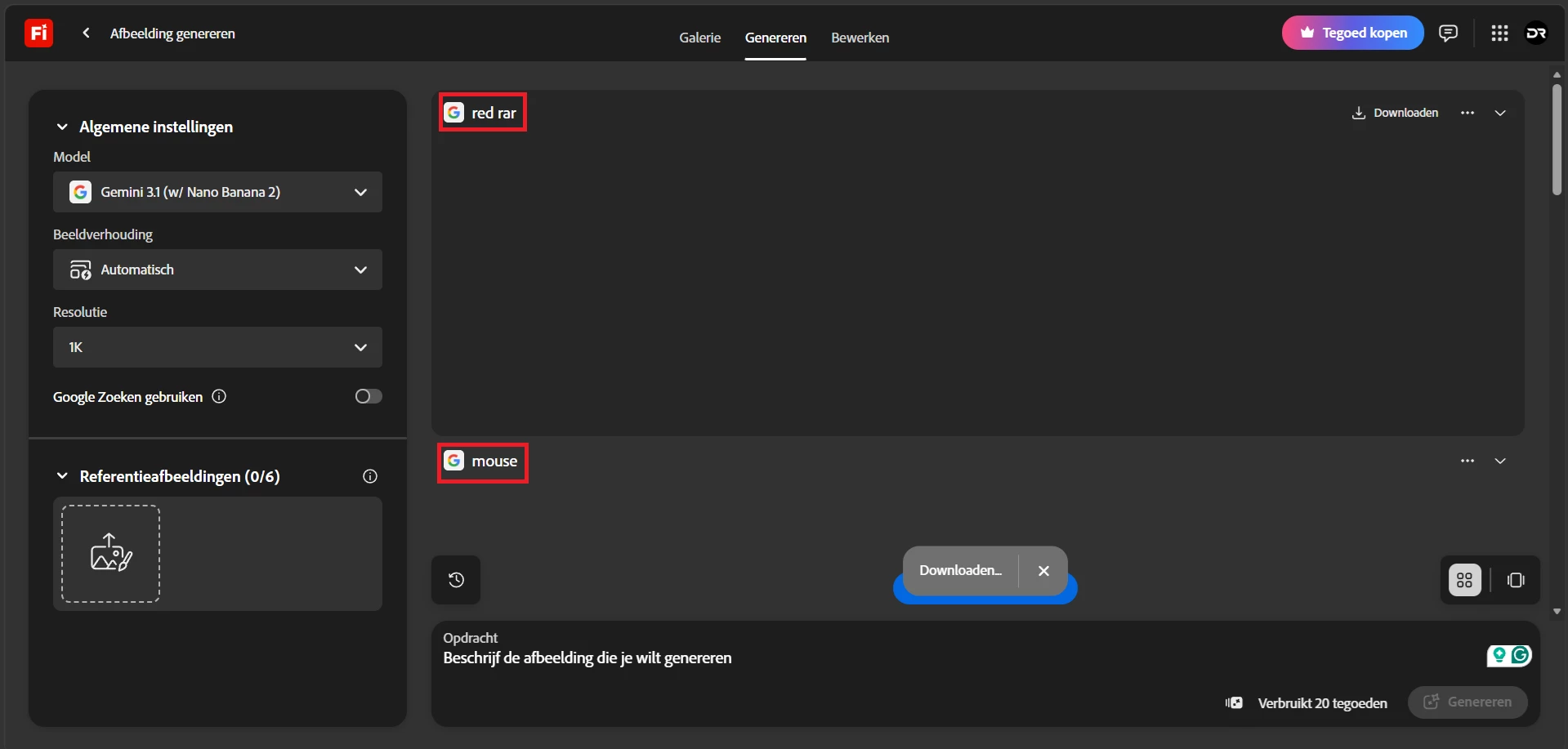
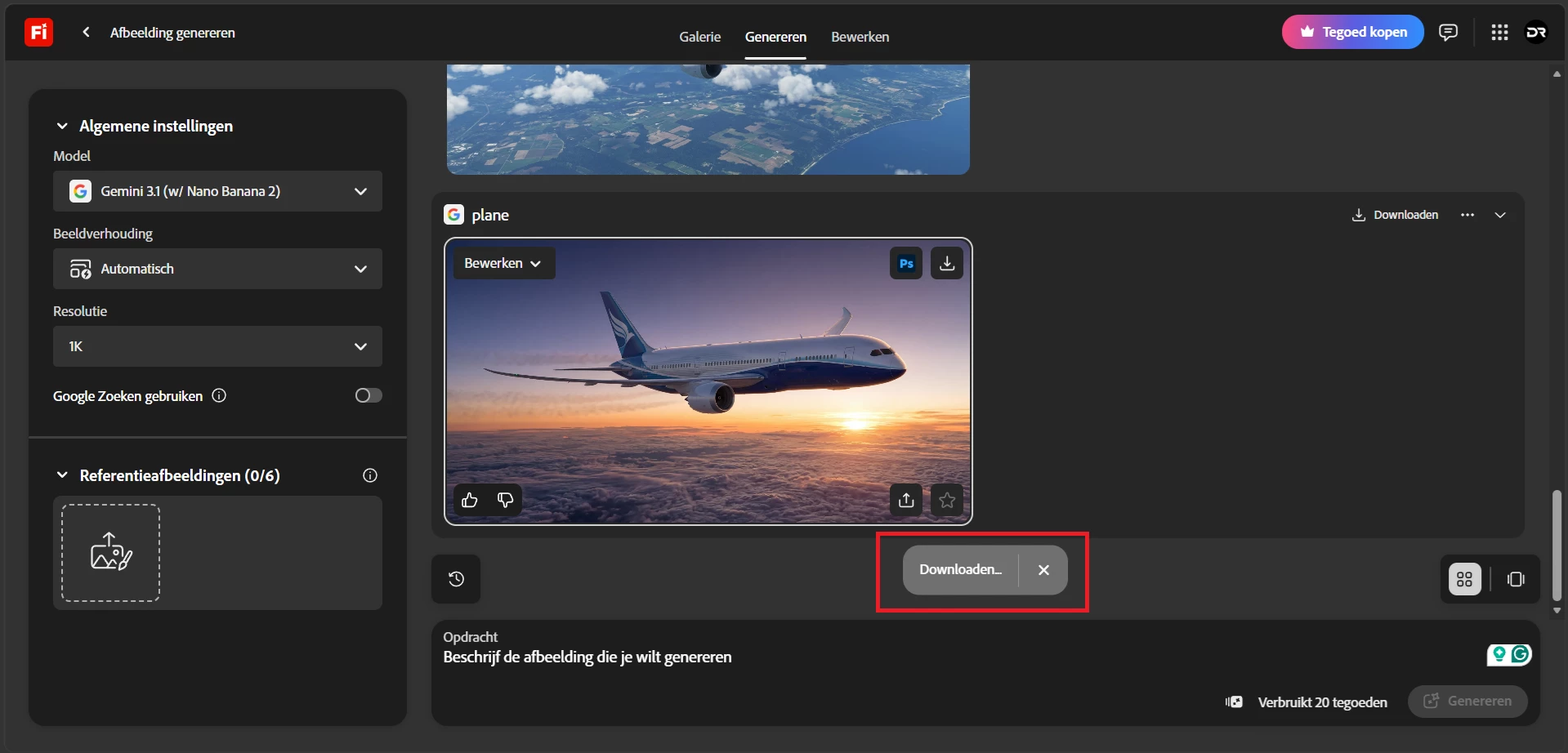
There are also some small things that feel off. For example, when I open the image generation page, it already says “downloading...” even though I didn’t generated or did anything yet.

I also still see old generations that I already deleted. I want a clean workspace, but they keep showing up when I scroll up.

I’d appreciate it if these issues could be looked into. Thank you for your time.
Why do I see this?
My old generations are still visible


    2 replies

    Hajar Toutsi
    Community Manager
    Community Manager
    April 17, 2026

    Hi DanielR.Graphics,
    Thanks for reaching out.


    Please try to download from the Generation history. Go to your Generation History tab, select the three dots in the upper‑right corner, and attempt to download the image from there.

    Regarding old generations appearing on the generator page, unfortunately there isn’t currently an option to hide or delete them directly from that page. For now, the best workaround is deleting items from Generation History or clearing your cache.


    If having this feature would improve your workflow, we encourage you to share the idea in the Feature Request section so the product team can track it.


    Please let us know if the download workaround worked for you. If not, let us know and we'll be glad to look into other options.
     

    Hajar

    [Moved to question]

    DanielR.Graphics
    Participant
    April 17, 2026

    Hi Hajar, thanks for reaching out so quikly. Normally, when I deleted images from the Generation History I wouldn't see them anymore but now I do and you can just see that it shouldn't be like that. I know that it's not that big of a deal but I just didn't have this look before. To fix all the other small problems, I would like to try clearing my cache. I think this might have a shot at working. Can you help me with that?

    Hajar Toutsi
    Community Manager
    Community Manager
    April 17, 2026

    Hi DanielR.Graphics,

    Sure, I’d be happy to guide you through clearing your cache:

    • Google Chrome/Edge: Click the three-dot menu, select History > Clear browsing data.
    • Mozilla Firefox: Go to Tools > History > Clear Recent History.
    • Safari: Select Safari in the top menu bar, click Settings > Advanced > Show Develop menu, then in the menu bar select Develop > Empty Caches.

    As for previous generations still appearing on the generator page after deleting them from Generation History; that’s expected behavior. They may remain visible for a short time before disappearing, which I understand can be disruptive to your workflow sometimes.


    Please let us know if downloading from Generation History and clearing your cache worked for you. 


    Hajar  

    Kartika Rawat
    Community Manager
    Community Manager
    April 17, 2026

    Hi DanielR.Graphics!

    Thank you for sharing these details. I’m sorry to hear about your experience.

    The issues you’ve described, particularly around being unable to download images and seeing unexpected “downloading” states, are not expected behavior. We also understand how frustrating it is to see previously deleted generations reappear, as it impacts having a clean workspace.

    To help troubleshoot, we recommend trying a different browser or incognito window, clearing cache, and disabling any extensions that may interfere with downloads.

    If the issue persists, please share a screen recording or screenshots along with your browser and device details so we can investigate further.


    Thank you for your patience. Happy to investigate.

    Kartika

    DanielR.Graphics
    Participant
    April 17, 2026

    Hi Kartika, thanks for reaching out so quickly. I will try the suggestions you came up with!