

AlanGilbertson
Community Expert
Community Expert
March 13, 2025
Question

Cross-Product Creative Challenge #2: Firefly Gallery Choice

  • March 13, 2025
  • 31 replies
  • 11406 views

You don’t have to be an expert! This is for anyone at any skill level. The main thing is to have a go, and let the joy of creating be its own reward!


Thank you to everyone who took part in last month's challenge. This month's is a little different. Instead of using your own prompt, pick a starter image from the Firefly Gallery such as this one.
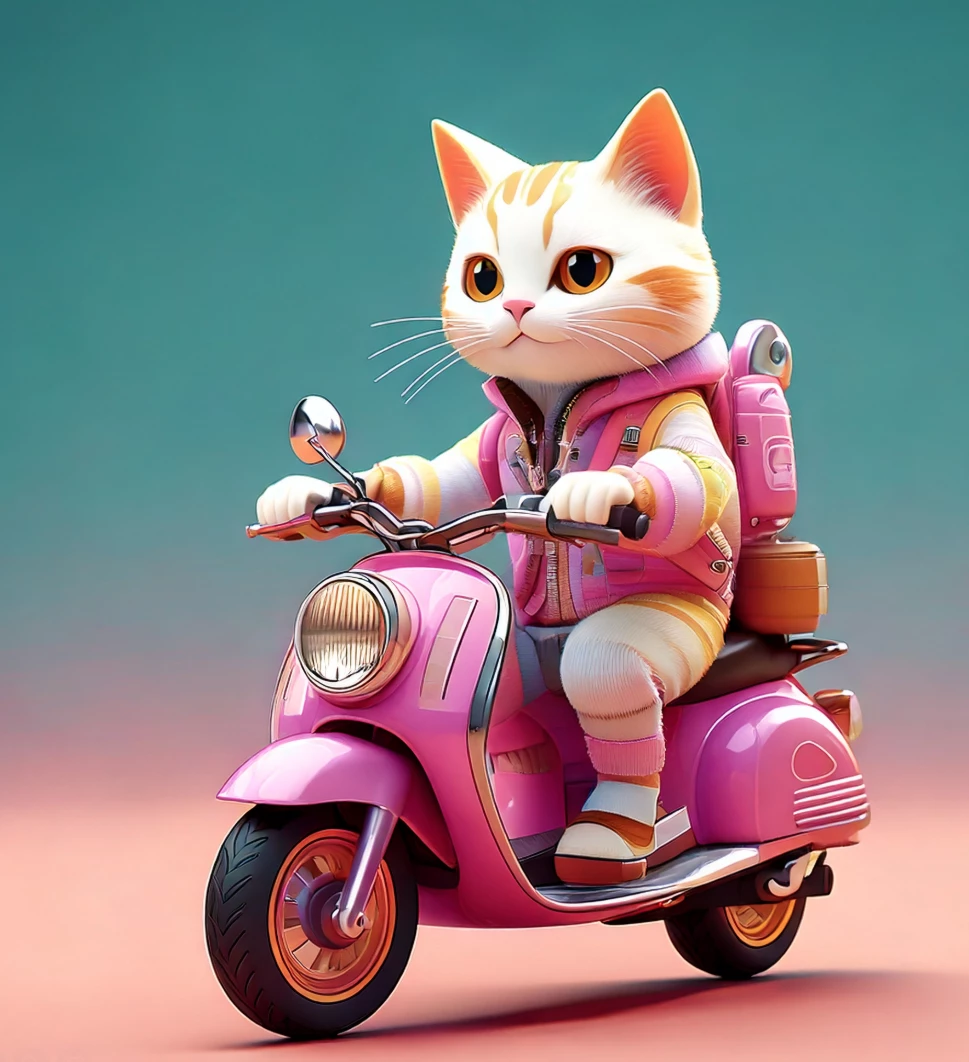
Generate a new image using the same prompt, then use Firefly, Adobe Express, or Photoshop, to expand the image into a finished product of your choice using at least one other app from Creative Cloud and/or Substance 3D. The point of the challenge is to work across apps, so this is important.


Save an image, screenshot, or video clip of your final artwork, post it as a reply to this post, and (important!) describe your process and which tools you used. Let's see how far your creative ideas can go!

31 replies

Participant
March 21, 2025

From the gallery, I chose the image below 

I generated a new image using the prompt

I selected the far left image and opened into photoshop.

I used the magic want to select the upper area and generated with the prompt "galaxies, planets and stars". I then selected the lower portion and generated using the prompt "beautiful violent planetary environment". The middle area with the sky, birds and the land were selected and I used the planet/stars prompt. I finished using the retouch and the adjust tool to lighten/darken and to selected the landscape warm colors. I had no idea what I was doing, I have not done this before and just kept trying different things and undoing what I messed up or didn't like. There are things I was not sure how to fix and I accidentally "lost" one of the planets with making adjustments. This was a fun challenge!

AlanGilbertson
Community Expert
Community Expert
March 21, 2025

That's great, Glynis. Poking around in the apps and discovering new things that work (or don't!) is what this challenge is for. You totally got it!

@mj
Community Expert
Community Expert
March 20, 2025

It's amazing how there is always a twist with what you get as a final result

AlanGilbertson
Community Expert
Community Expert
March 20, 2025

True. What was your process on this one?

EuanWilliamson
Community Expert
Community Expert
March 20, 2025


The rarely spotted purple Scottish peacock showing its heather camouflage.
It's a sister species to the haggis bird


Peacock prompt:

hyper opulent, extremely gorgeous handmade flamingo w/ peacock feathers, hand-stitched/quilted body & head, beads for limbs, rhinestones for facial features & bling, glittering, debonair, swanky, metallic,posh,dangles, in amateur seamstress’s fashion studio, high end fabrics & embellishments, flamingo pinks, peacock teals, browns & navies
Background prompt:
Scottish moorlands with a highland cow in the distance
Workflow: the peacock was originally pink, swapped direction facing for the comp. Colored peacock, adjusted lighting on
it and the background.
Best regards, Euan.
AlanGilbertson
Community Expert
Community Expert
March 20, 2025

Aye, lad. That's a rare sighting, indeed. The hielan' coo can't believe it, either!

Anna Natter
Participating Frequently
March 20, 2025

It started with this image:

Then I imported the image to Substance 3D Stager to add 3D models after matching the perspective ansd lights. Then I went back to Photoshop to add some post processing.

CCO @hypetwin | 3D Designer
AlanGilbertson
Community Expert
Community Expert
March 20, 2025

Beautifully Sci-Fi, Anna! Love your aesthetic.

Rollan Banez
Community Expert
Community Expert
March 20, 2025

Created the image in Firefly as needed and sent it into Photoshop (Web) for Generative Expand and other image adjustments

Creative Community Leader / Educator - Empowering fellow educators with creativity and innovation
AlanGilbertson
Community Expert
Community Expert
March 20, 2025

Nice one! Thanks for showing the workflow.

Henrik Heigl
Community Expert
Community Expert
March 19, 2025

I choose originally the Prompt from the Gallery "A black and white illustration of an adventurous otter astronaut joyfully jumping on the lunar surface." then changed it to a hedgehog and expanded it to the right. Then I put some rockets in it. done.

regards,Henrik
AlanGilbertson
Community Expert
Community Expert
March 20, 2025

Yes. I mean, whoever heard of otters on the Moon? Of course it's a hedgehog!

@mj
Community Expert
Community Expert
March 23, 2025

🤣

Rene Andritsch
Community Expert
Community Expert
March 19, 2025

From the original prompt “Car on a road” I expanded to “car in a dark, stormy night with rain” because I wanted to see how th rain looked. There was a style reference to the gallery image so maybe that did not fully carry over but the clipped paper worked kind of all right. I the took it to Photoshop to add some light cones because don’t drive at night with your lights off 😉 Also added a simple Vignette.

March 19, 2025

That's one way to brighten up a rainy night. 


lambiloon
Community Expert
Community Expert
March 19, 2025


3d cartoon boy riding a motorbike in 4k showroom & Edited in Photoshop for Overlay

Ali Sajjad / Graphic Design Trainer / Freelancer / Adobe Certified Professional
March 19, 2025

Looks like a great gift idea. 

@mj
Community Expert
Community Expert
March 23, 2025

Cool!

Community Expert
March 19, 2025

I used this photo as a reference in adobe firefly to make another one, added cyberpunk movement 
used a prompt cat with a cute look, close-up portrait of a kitten

AlanGilbertson
Community Expert
Community Expert
March 20, 2025

Fun!

Participant
March 15, 2025

This sounds like a fun and inspiring challenge! Exploring creativity with Firefly Gallery images is a great way to experiment and learn.