


How to view displacement clearly on Mac OS?
Hi,
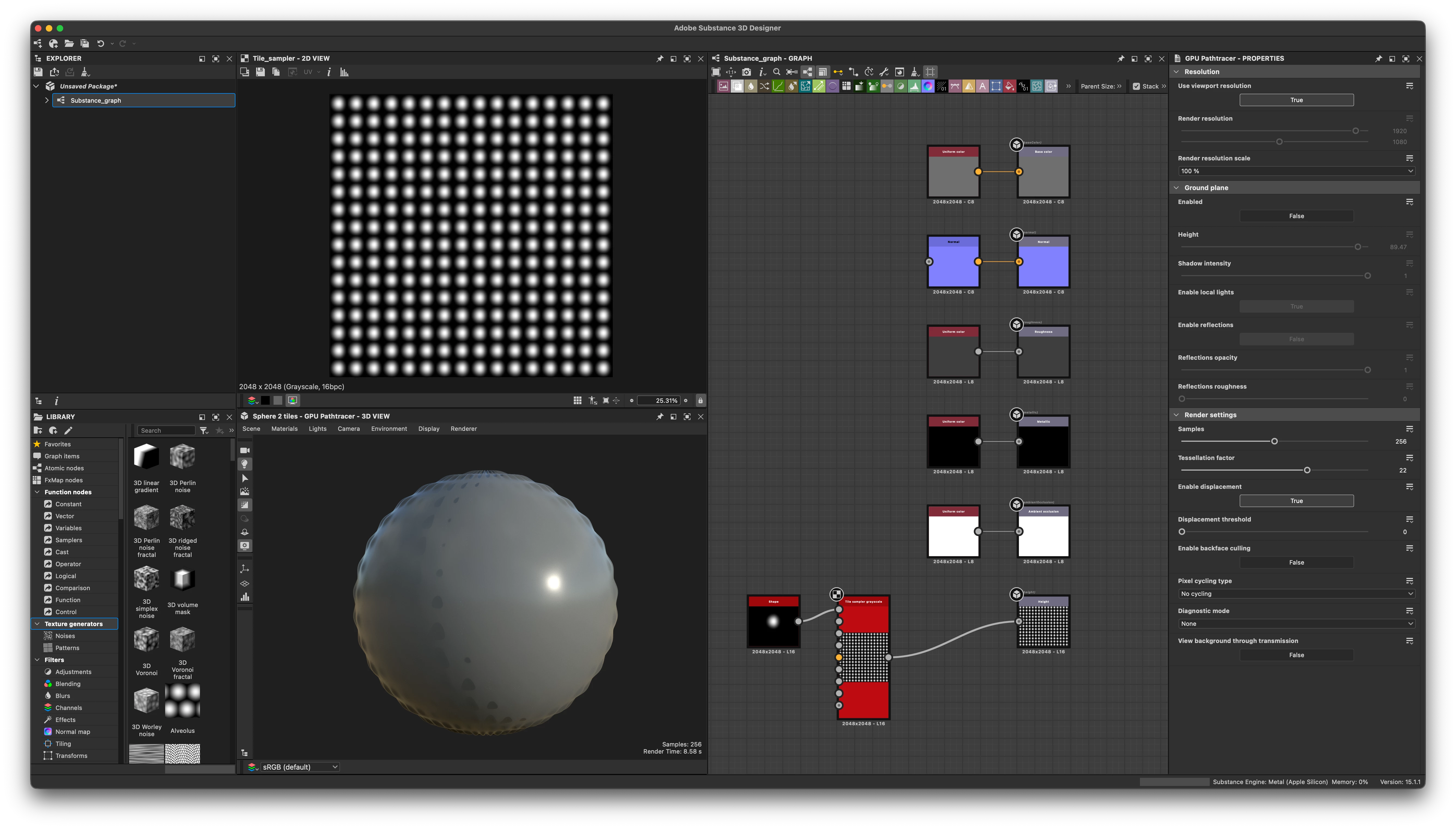
I am trying to get up and running with Substance Designer, and I notice the default renderer has been updated since I last used the software. I am working in a fresh scene, and trying to visualize my height/displacement in isolation. My renderer is set to the GPU Pathtracer, and I have increased my tessellation values on a Sphere 2 tiles. However, rolling the lights in the 3d viewport just removes any visibility of the displacement, and I can really only see it in the shadows. I have attached a screenshot for your viewing.
Is this a bug or user error on my part?
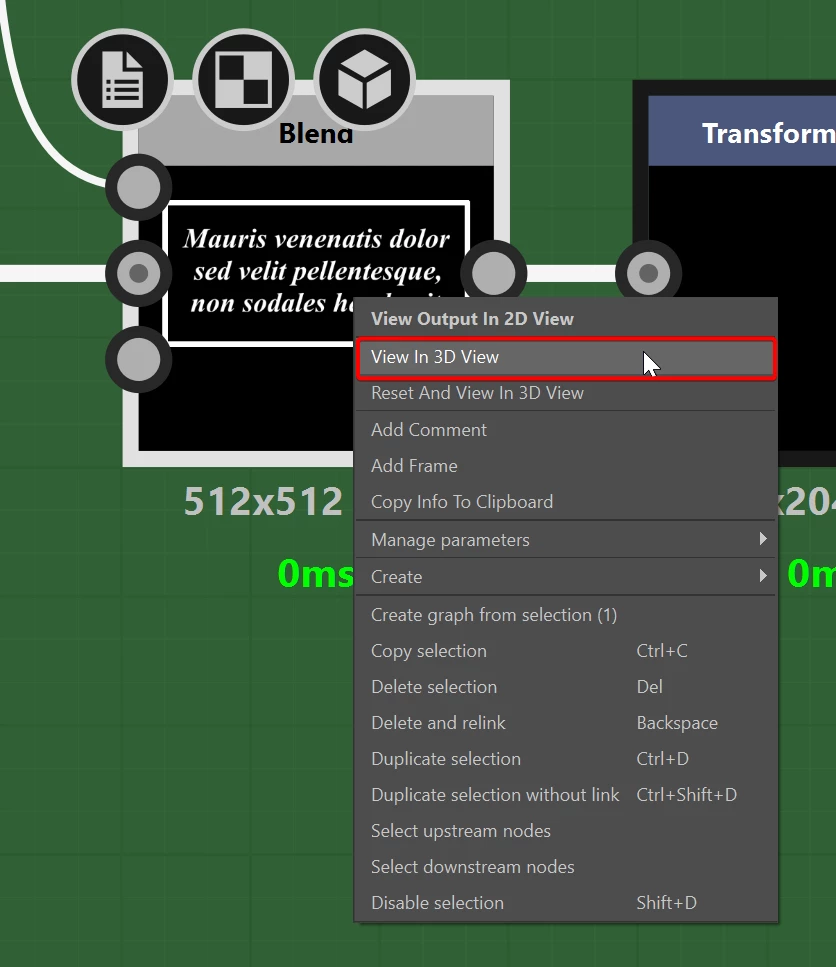
Lastly, is there a way to isolate a node in the 3d view so I can see each change one at a time? I was looking at documentation and apparently 1 or 2 on the keyboard is supposed to do this, but in my case it just toggles the link creation mode.
Thanks.

 AdChoices