



Password protect PDF and Capture ID Card with the latest release of Adobe Scan.
Adobe Scan August release for iOS and Android brought a couple of exciting features in-app.
The highlights of this release include the following:
1. Support Premium Verb – Protect:
Users can now apply password protection, remove password protection, have the ability to modify a password protected file and do all the operations they can on a normal file.
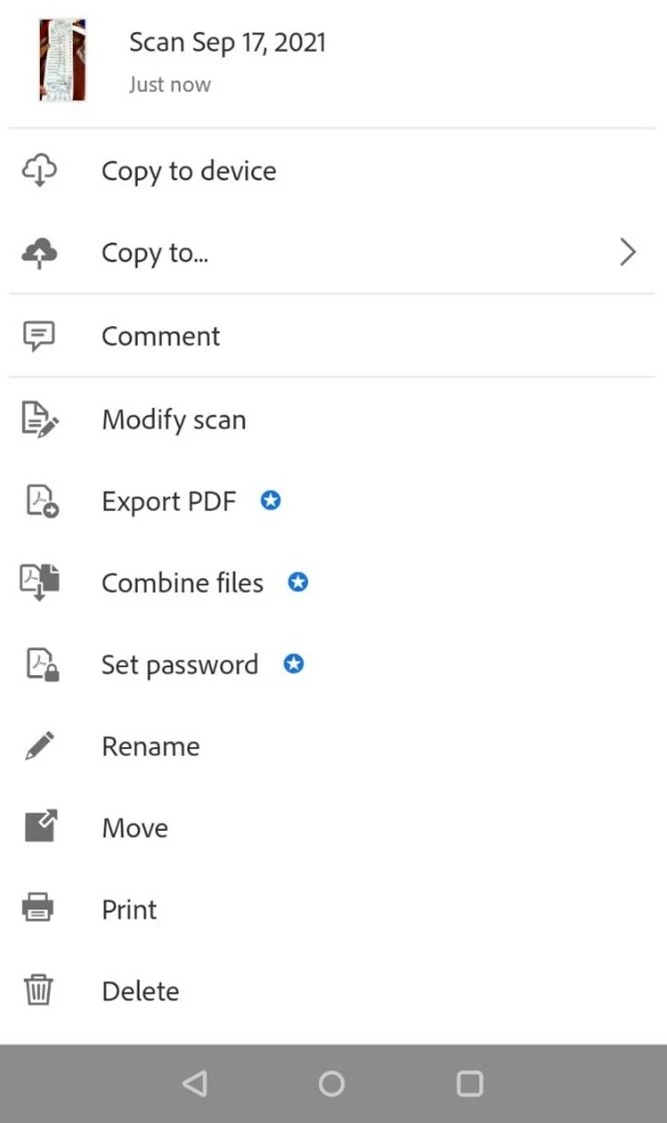
Note: Since this is a paid feature, so subscriber to Premium membership will be able “Set Password” for document.
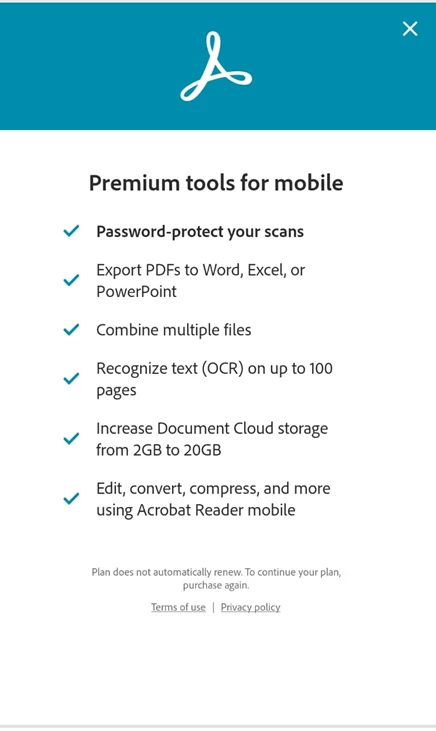
Premium membership also unlocks the following feature:
2. ID Card Capture (Android):
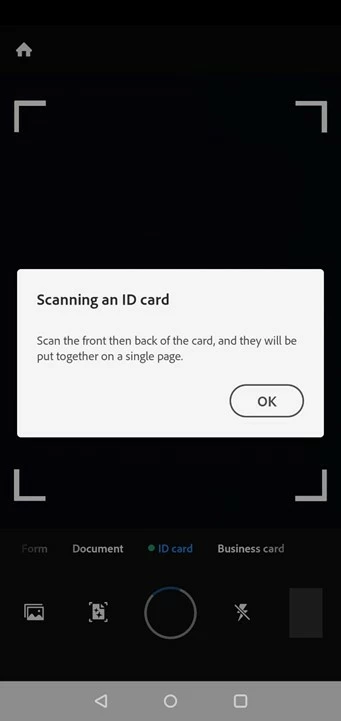
Users can now choose ID Card for the new capture experience. ID Card mode allows users to scan the front and back of an ID card or two separate pages of an ID card and then place them on a single page side-by-side.
3. New Light Text Filter:
Light Text filter from Magic Clean is integrated into Scan to provide a better color filter result for handwritten text using pencil or pen.
4. Filter Performance:
Magic Clean filter preview load time and filter application time have been greatly improved compared to previous releases. (Achieved: Preview Load Time (Android: 0.64s, 80% faster, iOS: 0.28s, 51.7% faster), Filter Application Time (Android: 0.88s, 51% faster, iOS: 0.95s, 26.3% faster)
Hope you liked the new features. Have further suggestions in mind? Join the conversation here. We are listening!
To discover a host of other great features – Go straight to: You can now Save as JPEG and do Rich File Renaming with Adobe Scan. Access scans from other apps | Finding files in Adobe Scan | Convert newly captured image or pick any from your device to create PDF using Adobe Scan app & File app integration with Adobe Scan app-iOS
 AdChoices