


Question
AE 24.0 Roto Brush Crash, Memory & Won't complete render overnight
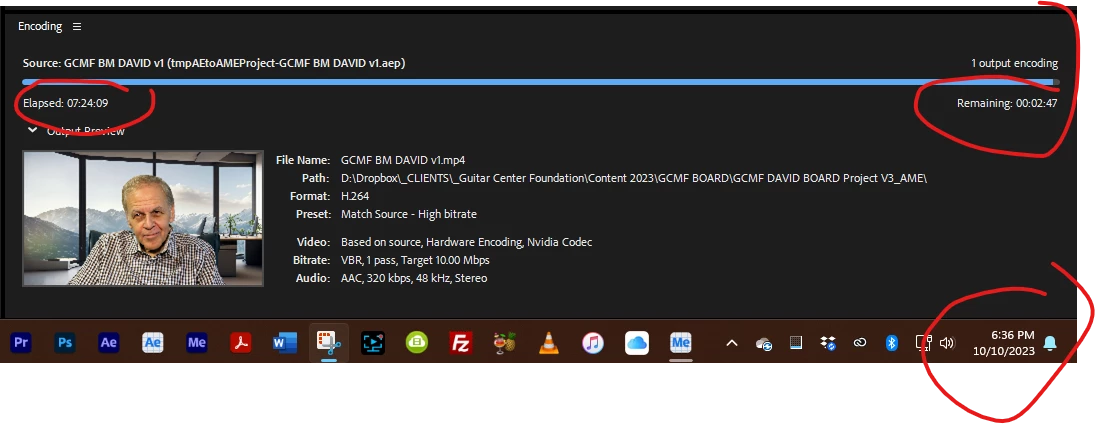
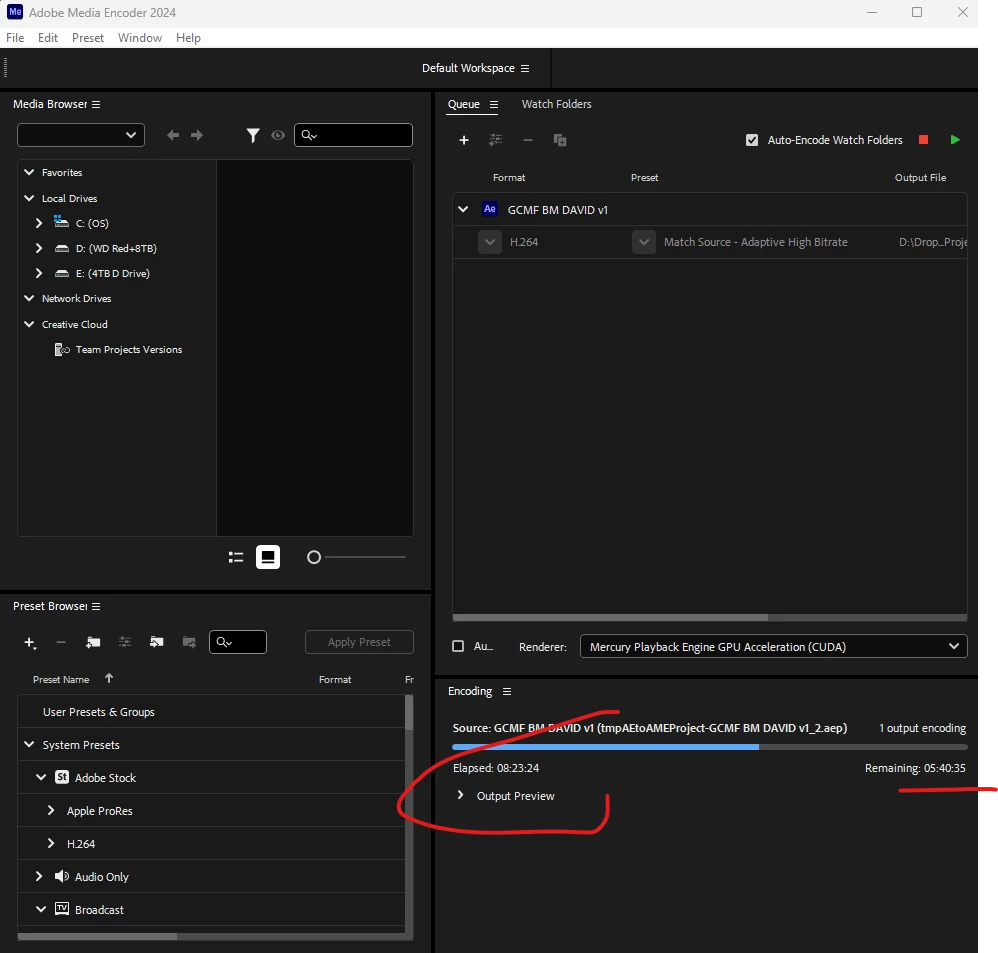
I've tried to use the AE Beta versions, and the new AE 24.0 to use the Roto Brush to mask a high-res video interview(s), and as these inserted screenshot show the rendering runs forever and either never finishes or crash the system. I really want to be able to replace a simple background with different imagery. The dynamic link option from Premier Pro doesn't work either.
What would you suggest I do to resolve these problems?
Previous ASC Bug 09-Oct-2023 post [no responses]
System Info:
Processor Intel(R) Core(TM) i9-10980XE CPU @ 3.00GHz 3.00 GHz
Installed RAM 96.0 GB (95.7 GB usable)
System type 64-bit operating system, x64-based processor
Adapter Description NVIDIA RTX A4000
Driver Version 31.0.15.3758
 AdChoices