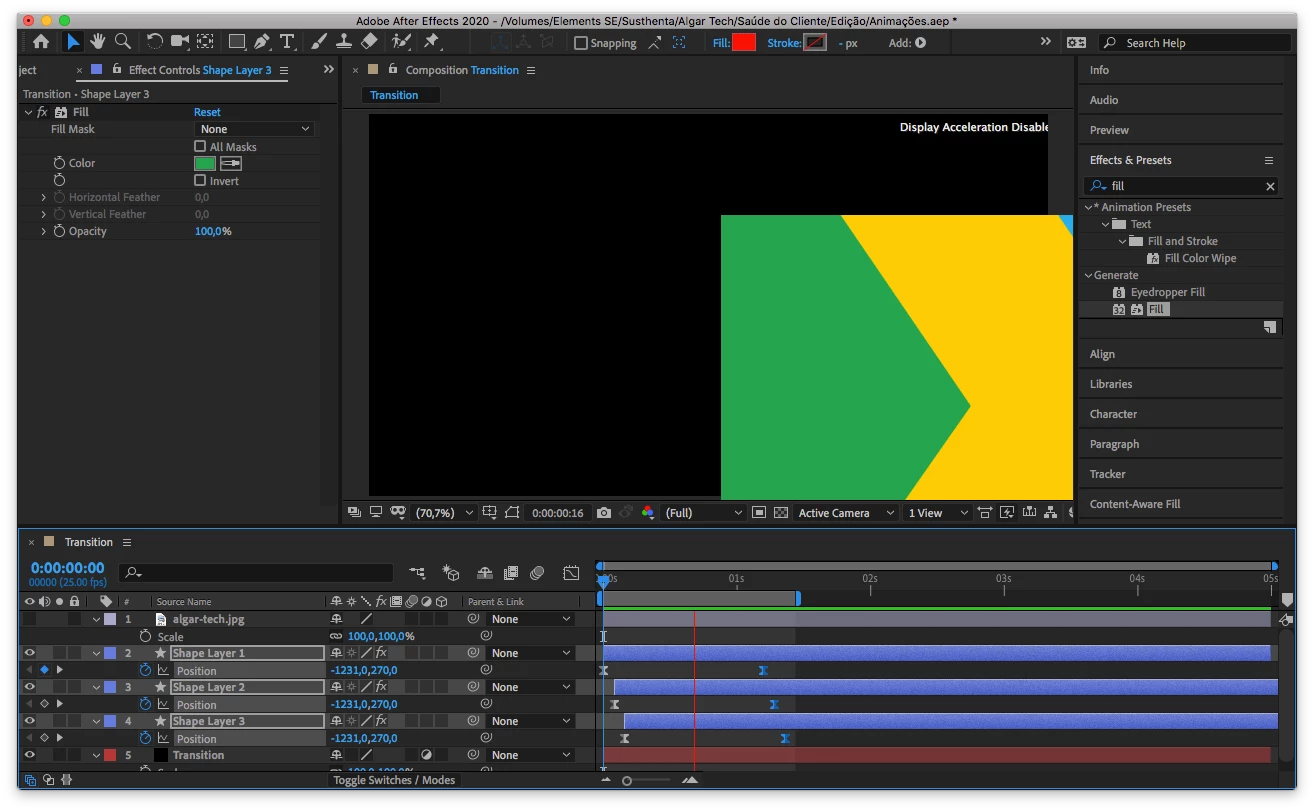
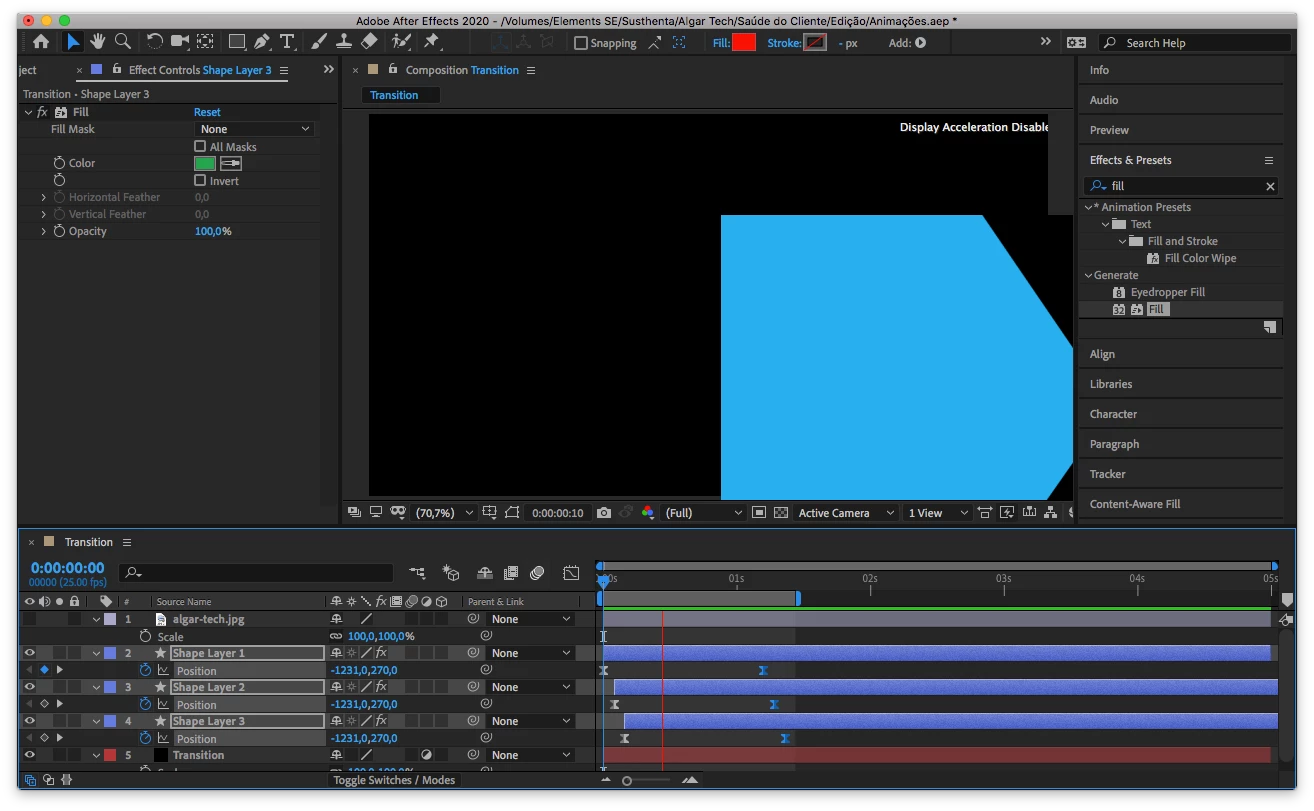
This topic has been closed for replies.
Correct answer Shivangi_Gupta

Hi all,


Thanks for your patience. Adobe After Effects has released a patch update which provide a fix for the duplicate preview issues. For more information, please check https://helpx.adobe.com/after-effects/kb/fixed-issues.html


Let us know if you have any other questions.


Thanks,

Shivangi

28 replies

Participant
December 4, 2019

Same problem! 

Participant
December 5, 2019

MacBook Pro (15-inch, Mid 2012)

2,3 GHz Quad-Core Intel Core i7

16 GB 1600 MHz DDR3

1TB SSD

NVIDIA GeForce GT 650M 512 MB

Intel HD Graphics 4000 1536 MB

Participant
October 16, 2023

Hi. were you able to solve the problem? I remain attentive, thanks in advance I have the same computer as yours

Participant
December 3, 2019

EDIT: Please delete

Roland Kahlenberg
Legend
December 3, 2019

This is an Adobe After Effects issue. You have provided details and a screen grab of Adobe PremierePro.

Very Advanced After Effects Training | Adaptive & Responsive Toolkits | Intelligent Design Assets (IDAs) | MoGraph Design System DEV
AlainWilliam
Inspiring
December 2, 2019

I'm having the same issue. I've tried everything, but no luck so far. I just set the previous version to download before I left for work this morning so I'm really hoping that fixes it. It's extremely frustrating because it makes it virtually impossible to do anything properly. 

AlainWilliam
Inspiring
December 2, 2019

Update: I reverted to the previous version and it works totally fine again, in case anyone else is having this issue still.

Roland Kahlenberg
Legend
December 3, 2019

A few users have recently reported solving GPU issues by enabling the Ruler in the Composition Panel. Can you take a look to see if this resolves your issue?

Very Advanced After Effects Training | Adaptive & Responsive Toolkits | Intelligent Design Assets (IDAs) | MoGraph Design System DEV
Vesper007
Participant
November 16, 2019

Hi Everybody,

I have same issue with AE 2020. ? 

Known Participant
November 13, 2019

Same problem here... so very difficult to do proper work on this version.

Known Participant
November 20, 2019

same error when using roto brush...

Participant
November 13, 2019

Also, with GPU turned on, it seems to work OK in fast preview mode but when final preview mode is on, it studders during playback. Turn off GPU acceleration and seems to be ok.

Participant
November 13, 2019

Same issue. I turned of GPU acceleration and seems ok. But never had a problem before update.

Participant
November 13, 2019

Also having this issue and tried the suggestion in the comments but it didn't help. I also have this warning on the screen on the composition window. Not sure if it's related: "Display Acceleration Disabled"

Participant
November 12, 2019

Same problem!!!

Participant
November 12, 2019

Same here!

Participant
November 12, 2019

.