This topic has been closed for replies.
Correct answer Shivangi_Gupta

Hi all,


Thanks for your patience. Adobe After Effects has released a patch update which provide a fix for the duplicate preview issues. For more information, please check https://helpx.adobe.com/after-effects/kb/fixed-issues.html


Let us know if you have any other questions.


Thanks,

Shivangi

28 replies

Participant
November 12, 2019

Same here. Please help 😞

Participant
November 11, 2019

Same problem here 

Participant
November 11, 2019

Back to AE 2019 and no problem... strange 

Participating Frequently
November 12, 2019

how did you roll back to AE 2019 ?

Participating Frequently
November 10, 2019

same problem here ! any body found a fix for that !?

Participant
November 13, 2019

Nope, not yet.

Participant
November 9, 2019

I am very new at AE but I did this and it seems to work, for me.  Here's the path I took:

Edit>Preferences>General>"Migrate Previous Version Settings..." (bottom right)


Participant
April 17, 2020

Thank you so much for this! Works great now 😃

Inspiring
May 10, 2020

thx it works!!

Participant
November 9, 2019

Have you found a fix for this yet?

Participant
November 8, 2019

Same problem 😕😕

andrel85317401
Participant
November 8, 2019

Same problem here...

Roland Kahlenberg
Legend
November 6, 2019

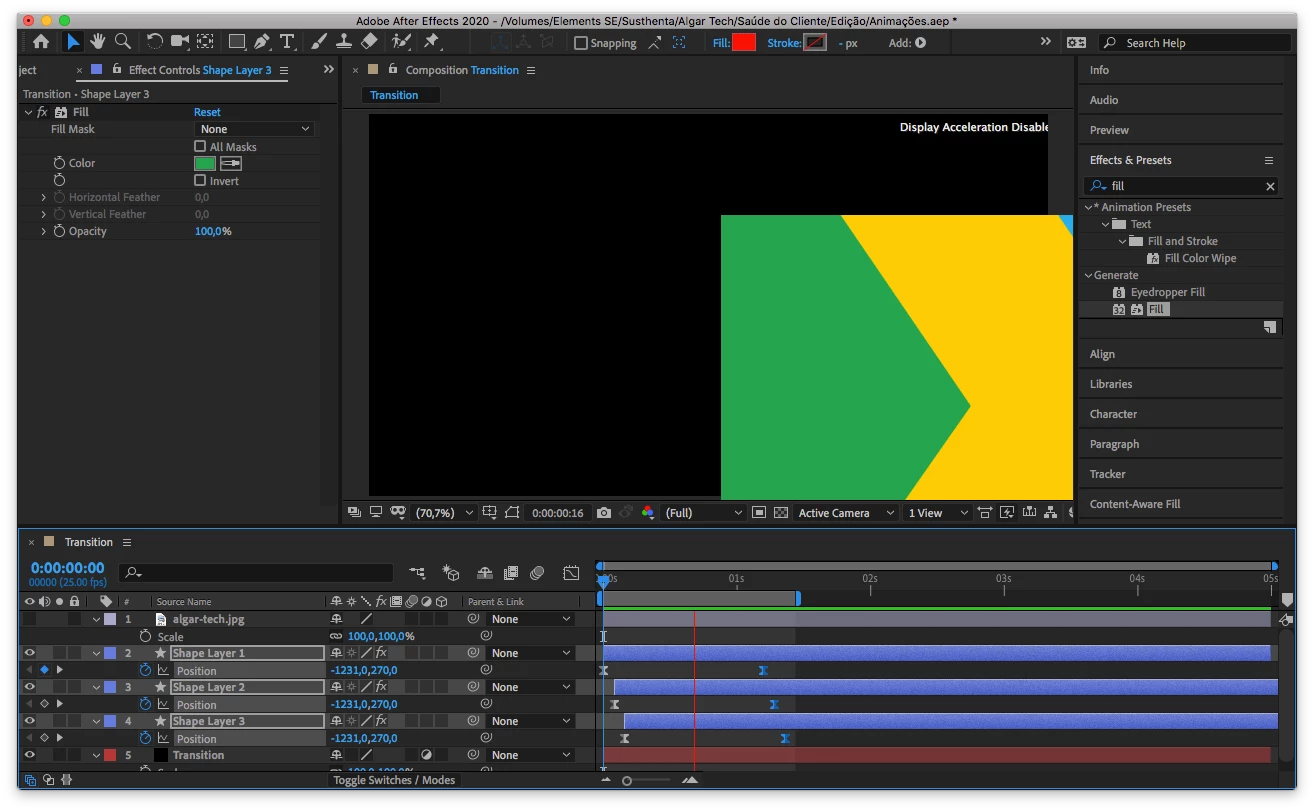
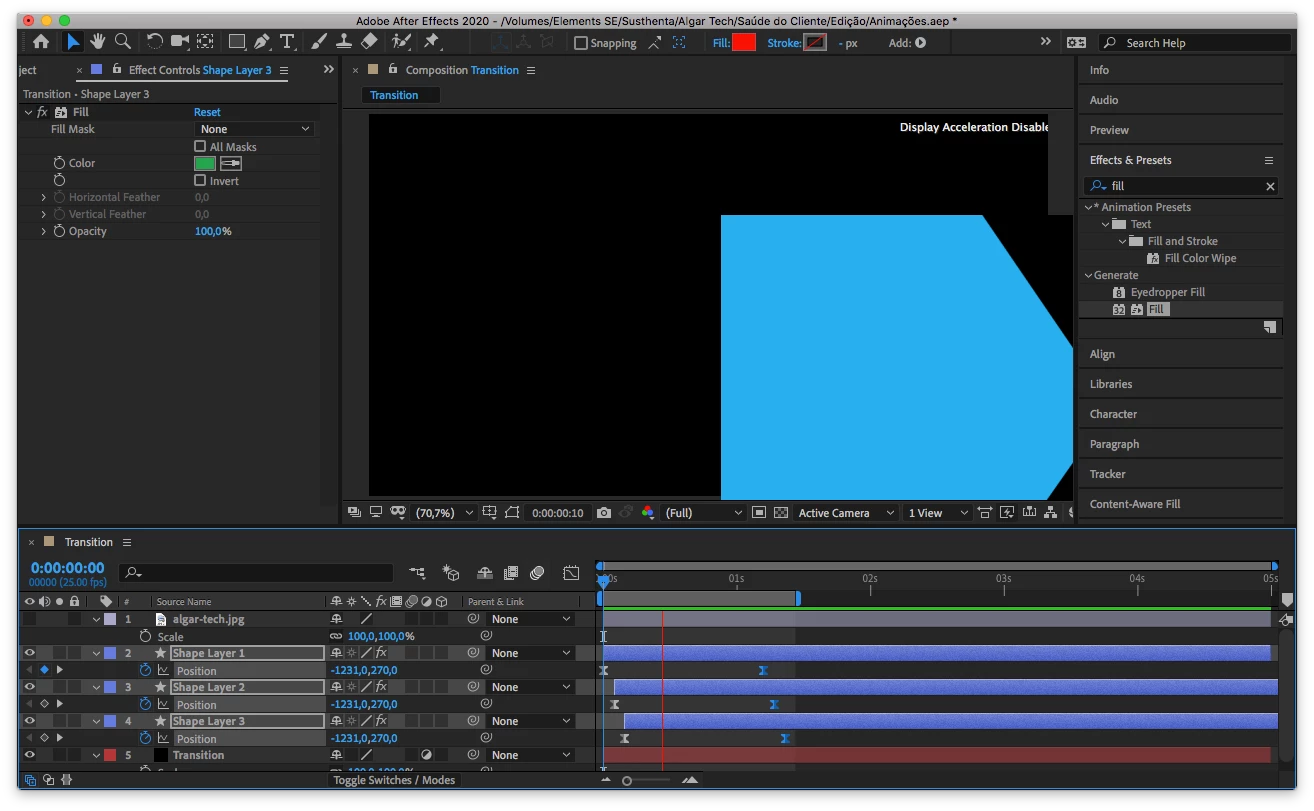
This looks like a GPU driver issue. Ensure you have the latest GPU drivers for your system. Meanwhile, you may also want to disable GPU acceleration in AE's Prefs and in AE's Project Settings dialog.

Very Advanced After Effects Training | Adaptive & Responsive Toolkits | Intelligent Design Assets (IDAs) | MoGraph Design System DEV
Participant
November 6, 2019

That's odd. My GPU driver is ok. I mean, I am not an expert, but it looks ok for me.

Participant
November 6, 2019

If it helps, I have an early 2011 MacBook pro, the system is updated. AE CC 2019 worked fine, the problem started to happen when I updated to AE CC 2020.