nishu_kush
Community Manager
Community Manager
June 12, 2025
Question

After Effects 25.3 is now available to download!

  • June 12, 2025
  • 26 replies
  • 8144 views

Welcome to After Effects 25.3


A new update has arrived—After Effects 25.3 is now officially live. While this version does not introduce a wide range of new features, it focuses on addressing key issues reported by users. Several significant bug fixes have been implemented to enhance overall application stability, reliability, and performance.


New in 25.3


Here are the new features coming with version 25.3
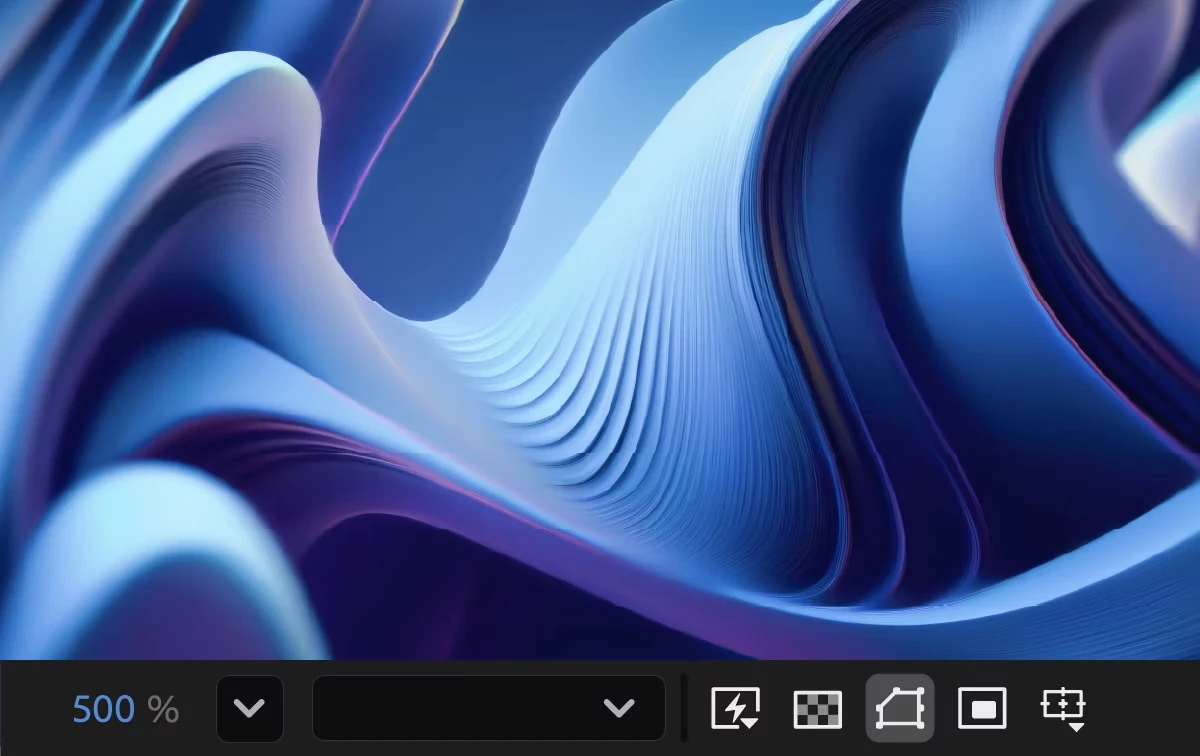
 

Smooth Zoom

Experience smooth and fluid magnification while scrolling, using pinch-to-zoom, or scrubbing with the Zoom tool in the CompositionLayer, and Footage panels.

Reveal projects in the File System

Instantly reveal your project file's location, saving you time and effort by eliminating the need to search through the system folders manually.


Fixed issues in 25.3

 
  • Selecting Help > Reveal Logging Files more than 24 hours after enabling logging no longer causes After Effects to crash.
  • Viewport interactions no longer experience lag on systems with AMD GPUs.
  • Cache Before Playback in the Preview panel now functions correctly, ensuring the timeline fully caches before playback begins.
  • The view no longer shifts left when resizing the Composition, Footage, or Layer panel with rulers visible.
  • The Animation Options name in the Timeline panel now correctly updates in the Properties panel when changed to None.
  • Improved selection and interactive performance when working with many Shape layers.
  • The Info panel now correctly displays over-range values for colors when hovering over a solid in a 32-bpc composition.
  • The Render Quality slider is now responsive when adjusting in Advanced 3D comps that contain many 3D Shape layers.
  • The properties of selected layers now continue to be shown in the Properties panel when orbiting or moving the Default camera view.
  • The keyboard shortcut for Split New Viewer and Toggle Lock now matches the View > Split with New Locked Viewer menu command.
  • The warning when deleting an in-use footage item now correctly refers to the number of instances, rather than the number of compositions.
  • Alt-double-clicking the Zoom tool now instantly centers the view without delay.
  • After Effects no longer crashes when using Advanced 3D on systems where the Windows user folder name contains Unicode characters.
  • Dragging files from the list of files into the thumbnail or summary area now correctly moves them to the top of the hierarchy.


26 replies

Sterphy
Known Participant
June 24, 2025

Woohoo!  Another rushed out version of AE that breaks so much and ads so little - especially none of the features people actually asked for!  🙂 

caroline_edits
Community Manager
Community Manager
June 24, 2025

Hey Sterphy, really sorry to hear the latest update is giving you trouble! Feel free to make a post on the forums with any issues you've been having, and we'll help the best we can.

The new features released in this version (smooth zoom and "Reveal Projects in File System") are both based off of user feature requests. Let us know if you have a feature request, and we'll do our best to implement it in a newer version!


Happy to help,
Caroline

Sterphy
Known Participant
June 25, 2025

no you won't

Participating Frequently
June 23, 2025

I'm returning to 25.2, this version is unusable, lot of bugs in render, creates inverted or corrupted frames. Windows 11, RTX4070Ti. 

rjmora86
Participant
June 23, 2025

I'm unable to open this verison of AE.
I get the following error:


Participant
June 27, 2025

I am having the same issue

rjmora86
Participant
July 18, 2025

Finally was able to fix this issue doing using Adobe Creative Cloude Cleaner tool
https://helpx.adobe.com/creative-cloud/kb/cc-cleaner-tool-installation-problems.html

Hope that helps

Participant
June 22, 2025

I am having a pretty frustrating issue. This issue occurs when I use Roto Brush, when previewing and rendering, this kind of error appears. I have tried restarting my PC, but the error still occurs. Is this a bug? Finally I tried an older version, nothing happens and much smoother!

Participating Frequently
June 27, 2025

Same here, just revert back to 25.2 because the rotoscope and cache on 25.3 is completely broken and wasted my valueable time, luckily 25.2 saved the day. Overall, there's nothing with your PC, just a broken update even Im using powerful GPU and CPU but 25.3 still causing errors.  

Participating Frequently
June 20, 2025

After Effect 25.3 is a total disgusting update, Im reverting back to 25.2 because it produced soo much black frame errors and damaged rotoscope cache, when I rotoscope correctly from beginning to end it suddently gone messy again. I hope Adobe can make new update soon possible.

Inspiring
June 20, 2025

I don't need any of these updates. I need plugins that work in 32-bit. Basic things like Matte Choker?!?!? Can anyone on the After Effects team advise on how to perform even the most basic level of compositing when I don't have simple effects like this to hand? Absolutely ridiculous. Sort your priorities out. 

Participant
June 19, 2025

After Effects really needs urgently a competitor because no competition breeds incompetence.

There haven't been new real features in a long time. There's a lot of old code that really need an update (there's a lot of plugins without 32bit compatibility in 2025, imagine that). Without scripts and plugins made by the community After Effects would be almost useless (the "new" change anchor point has been made before, for free, years ago, by a single guy). AE development team really need to step up their game. There's A LOT to be done in order to make AE awesome, just really listen to the community. 

Sterphy
Known Participant
June 24, 2025

They need a whole new team, at least. 

Participant
June 19, 2025

Yet still no response from Adobe, fantastic stuff

Participant
June 19, 2025

Same as others here, black frames appearing in clips in random places. My work flow is just unuesable, constantly have to try and purge, resetting AE, resetting the computer.


When are we going to get a reply on this? When is the next patch going to be?  

Honestely, what is that this team continually breaks the software and we still have to pay a small fortune to use?

Participant
June 19, 2025

OSX btw 

felixv68262520
Participant
June 19, 2025

I'm on PC and I get random black frames on footage all the time, Purging cache and ram helps, but then they appear at other places. Rotobrush issues aswell, its a real mess. its the worst update release so far. Major issues and actually unusable. I've wasted 2 hours yesterday trying to get a decent flicker free render out...