nishu_kush
Community Manager
Community Manager
June 12, 2025
Question

After Effects 25.3 is now available to download!

  • June 12, 2025
  • 26 replies
  • 8145 views

Welcome to After Effects 25.3


A new update has arrived—After Effects 25.3 is now officially live. While this version does not introduce a wide range of new features, it focuses on addressing key issues reported by users. Several significant bug fixes have been implemented to enhance overall application stability, reliability, and performance.


New in 25.3


Here are the new features coming with version 25.3
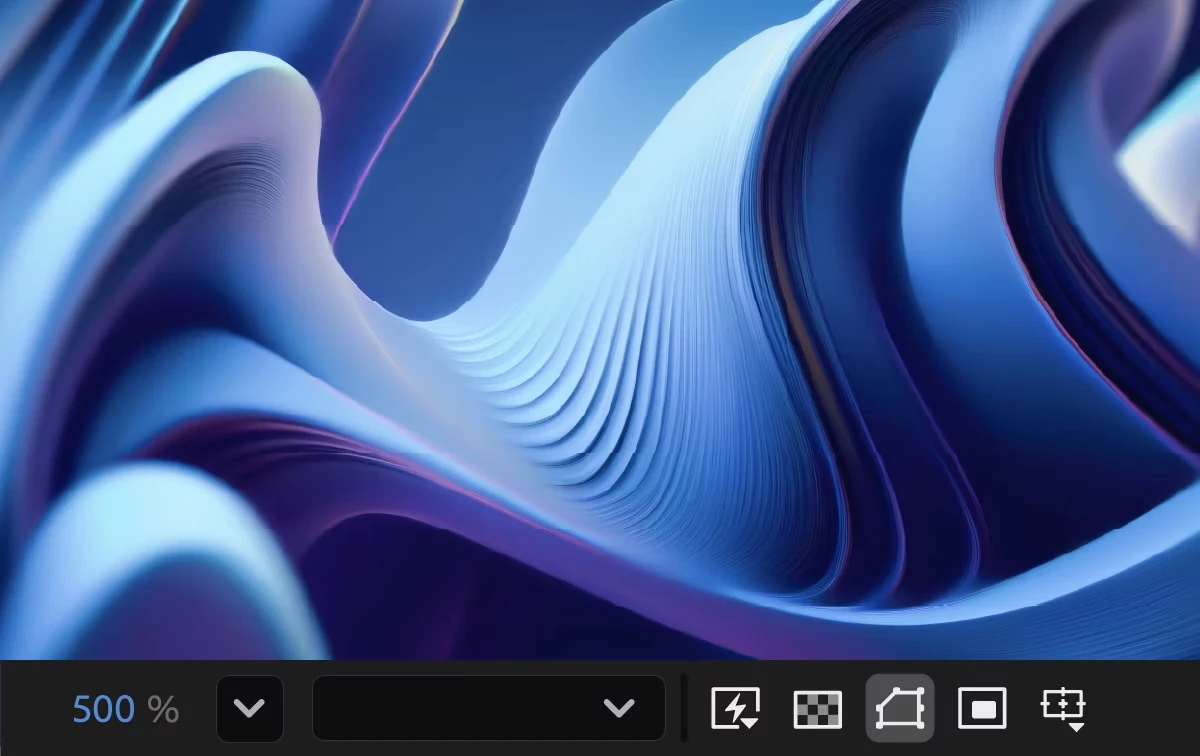
 

Smooth Zoom

Experience smooth and fluid magnification while scrolling, using pinch-to-zoom, or scrubbing with the Zoom tool in the CompositionLayer, and Footage panels.

Reveal projects in the File System

Instantly reveal your project file's location, saving you time and effort by eliminating the need to search through the system folders manually.


Fixed issues in 25.3

 
  • Selecting Help > Reveal Logging Files more than 24 hours after enabling logging no longer causes After Effects to crash.
  • Viewport interactions no longer experience lag on systems with AMD GPUs.
  • Cache Before Playback in the Preview panel now functions correctly, ensuring the timeline fully caches before playback begins.
  • The view no longer shifts left when resizing the Composition, Footage, or Layer panel with rulers visible.
  • The Animation Options name in the Timeline panel now correctly updates in the Properties panel when changed to None.
  • Improved selection and interactive performance when working with many Shape layers.
  • The Info panel now correctly displays over-range values for colors when hovering over a solid in a 32-bpc composition.
  • The Render Quality slider is now responsive when adjusting in Advanced 3D comps that contain many 3D Shape layers.
  • The properties of selected layers now continue to be shown in the Properties panel when orbiting or moving the Default camera view.
  • The keyboard shortcut for Split New Viewer and Toggle Lock now matches the View > Split with New Locked Viewer menu command.
  • The warning when deleting an in-use footage item now correctly refers to the number of instances, rather than the number of compositions.
  • Alt-double-clicking the Zoom tool now instantly centers the view without delay.
  • After Effects no longer crashes when using Advanced 3D on systems where the Windows user folder name contains Unicode characters.
  • Dragging files from the list of files into the thumbnail or summary area now correctly moves them to the top of the hierarchy.


26 replies

Participating Frequently
June 16, 2025

This update has made AE unusable, Red footage and Mp4s just flicker no matter what you do or how much you clear the cache. honestly its horrendous, worse version in YEARS! , Sort your basic functionality out before adding in useless updates that no one asked for and upping your prices.

Participant
June 16, 2025

Pinch to zoom must have destroy my way of zooming. Usually I use CMD+scroll to zoom anywhere now I can't use zoom exept with the magnifier tool. I revert back 25.2.2 sorry Adaube.

Participant
June 16, 2025

Also, why add a pinch to zoom function? Who is the mad lad who use after effect with tactil features???

S__W
Participating Frequently
June 15, 2025

Major issues running OSX rendering roto brush - frame drop outs, frame skipping, motion blur artefacts. Unusable for now.

Participant
June 14, 2025

BREAKING CHANGES!


We use a script that renders file from Premiere Pro. It used to work fine in all version. 25.3 introduced breaking changes, now we get 

Error: -1

We have hundreds of complaints so far! Please fix it ASAP. Rendering is core part of Premiere API.

Participant
June 14, 2025

We get more users by the hour. 

Participant
June 14, 2025

Update: Media Encoder (used as fallback) is broken too. Now we get response that 

Preset unsupported

It used to work on all previous versions 22, 23, 24 and 25 before 25.3.

 
Participant
June 13, 2025

this update has serious problems running in OSX, when render a keyed footage you can see black frames, bad interpretation, i need continuously reload the footage and clear all cache to solve this, FIX IT ASAP!!!

Participant
June 16, 2025

Same here! I'm on M4 Pro 48GB with Sequoia 15.5, previous version was fine but update from last night is driving me crazy, black frames constantly in multiple projects, I have to purge memory for every preview and cross my fingers that it will get all frames. I've tried multiprocessing on/off and hardware GPU acceleration on/off as well, makes no diff.

Participant
June 13, 2025

"Reveal projects in the file system" - let me get this straight, you added a feature to tell me where the current project that I'm in, that I have already FOUND &  OPENED, is located?  

Sterphy
Known Participant
June 24, 2025

I'm using an older version right now, and I can see the file path at the top above File, Edit, Composition.  They have done literally nothing.