

December 18, 2022
質問

After Effects running slow on M! Pro 2021

  • December 18, 2022
  • 返信数 1.
  • 189 ビュー

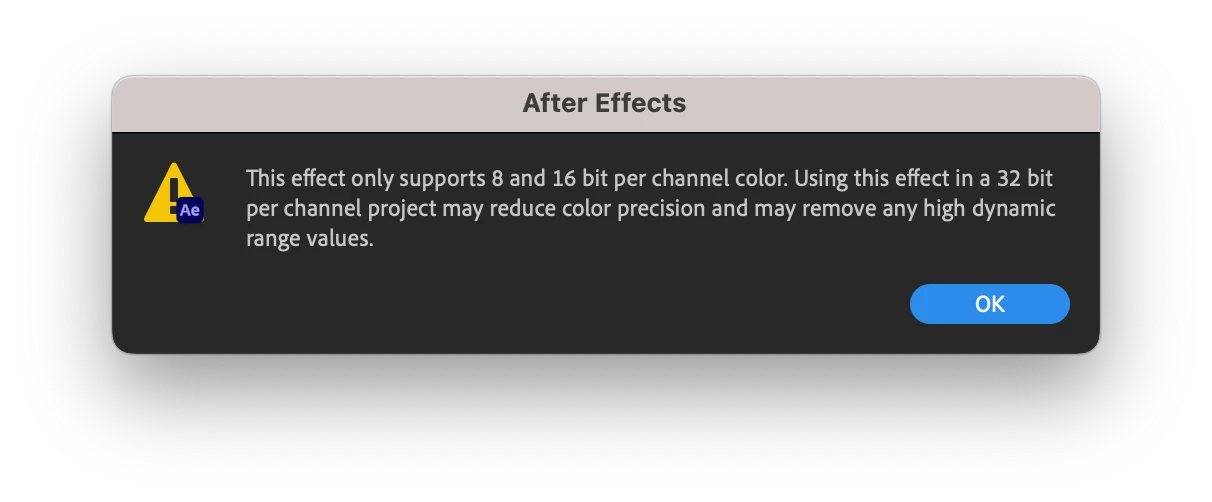
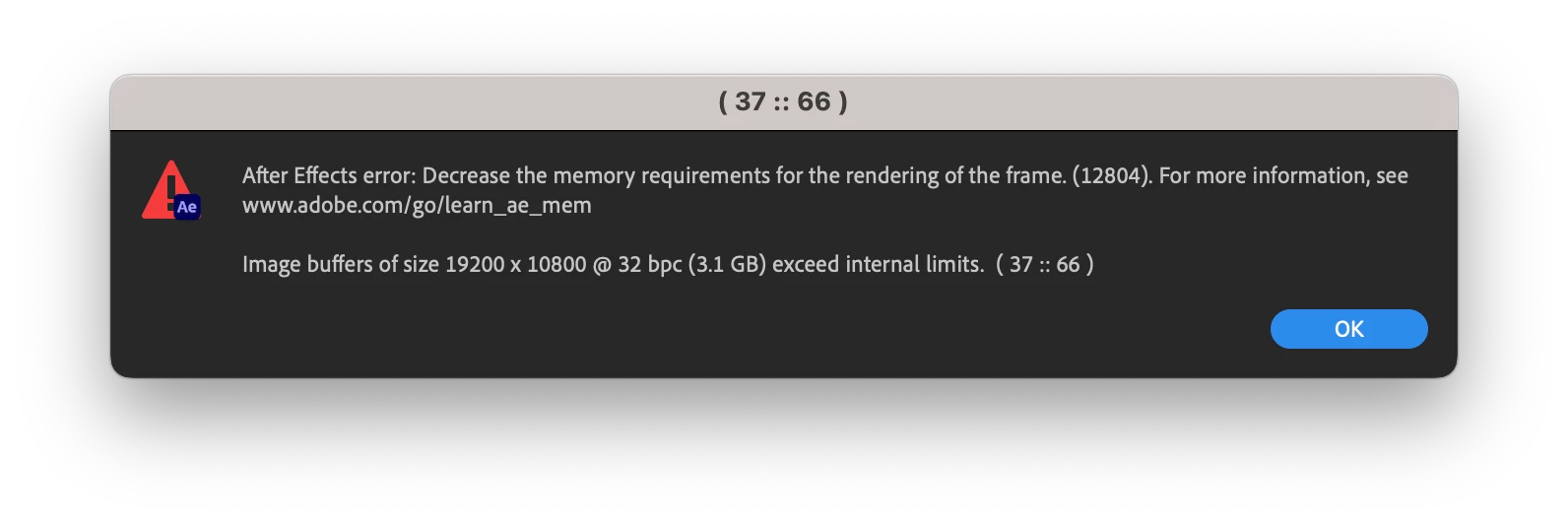
I got a new MacBook Pro 16 in with Apple M1 Max, and 32GB memory. After Effects is still running slow with the lowest quality playback settings, I can't even use 1 clip without the pitch altering and lagging. Also, I keep getting errors that say this:
このトピックへの返信は締め切られました。

返信数 1

Andrew Yoole
Inspiring
December 19, 2022

I run a similar hardware setup to you (64GB of RAM is the only difference) and it is by far the fastest AE machine I've ever used.


The error message suggests you are doing something that requires overly huge memory buffers.   This can be caused by any or all of the following:


Very high resolution source files

Very high resolution compositions

Lighting objects and rendering shadows in huge 3D spaces or with huge source files/layers

Types of effects being used


Please provide a detailed description of your problem project, showing the resolution of your largest source elements, resolution of your comps, list of what effects are used, and explanation of the complexity your project contains, such as 3D lighting, shadows, number of layers etc.


First things to try:


Reduce the colour depth of your project to 8 or 16 bit rather than 32 bit.

Render at half or quarter resolution to see if the issue still occurs

Use low resolution proxies of your source elements

Try switching between CPU and GPU rendering.