
Automation Blocks - Preserve RGB
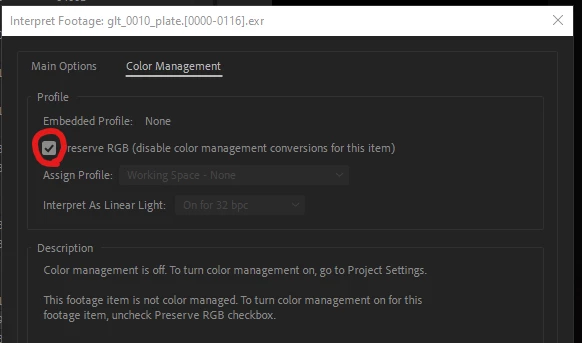
1. Does Automation Blocks have the ability to change the state of "Preserve RGB" in the "Color Management" tab of the "Interpret Footage" dialog? I'm fearing not, but hope springs eternal.
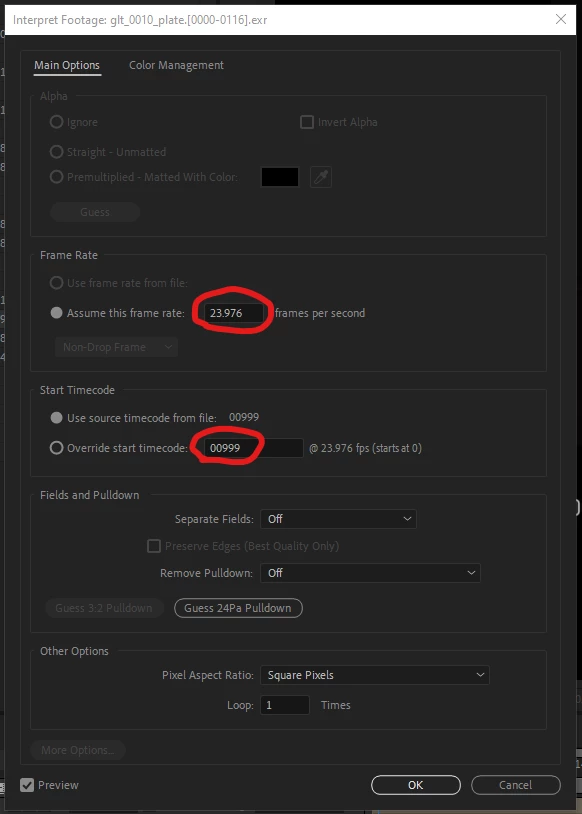
2. Is it possible to write the set attribute 'time' into the "Override Start Timecode:" This would allow the footage to retain the "Use Source Timecode from file:" value and not lose it when set by a "set Attribute" block.
3. I noted when building and testing this that when I used Math Numbers I got an unusual Dropdown artifact
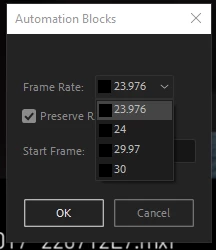
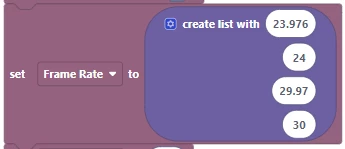
However, when I used text entry the dropdown acted appropriately. I figure this is a string vs. integer issue, but wanted to alert you to it.
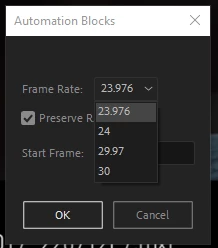
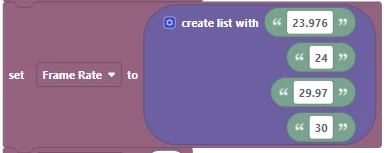
4. I'm also noting that when setting the frame rate to 23.976 and the Start Frame to 1001, I get 999 as the start frame. I can only get around this by manually entering in 1001 in the "Override start timecode:" field.
As always, and input will be appreciated and put to good use.
 AdChoices