Participant
August 1, 2017
Answered

Display acceleration disabled in After Effects

  • August 1, 2017
  • 16 replies
  • 125666 views

I've been using after effects trial version for the past week and I noticed something really annoying...


Whenever I open a file or start a new composition ... on the top right corner it shows "display acceleration disabled" and its driving me crazy. When this is shown the playback or preview is very jittery and slow.

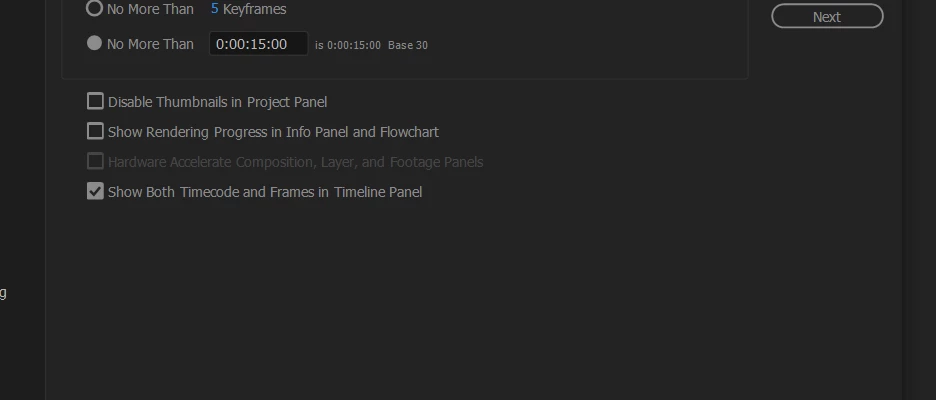
But when I check the  edit > preferences > display option... the "hardware accelerate composition,layers and footage panel" is unchecked and grayed out.

Also when I check my "GPU information" from the preferences > previews .... it shows "Fast draft: not available( incompatible or old graphics driver)" and the OpenGL section is empty.


This is when I dont use any 3D ... just basic shape layers ... nothing else


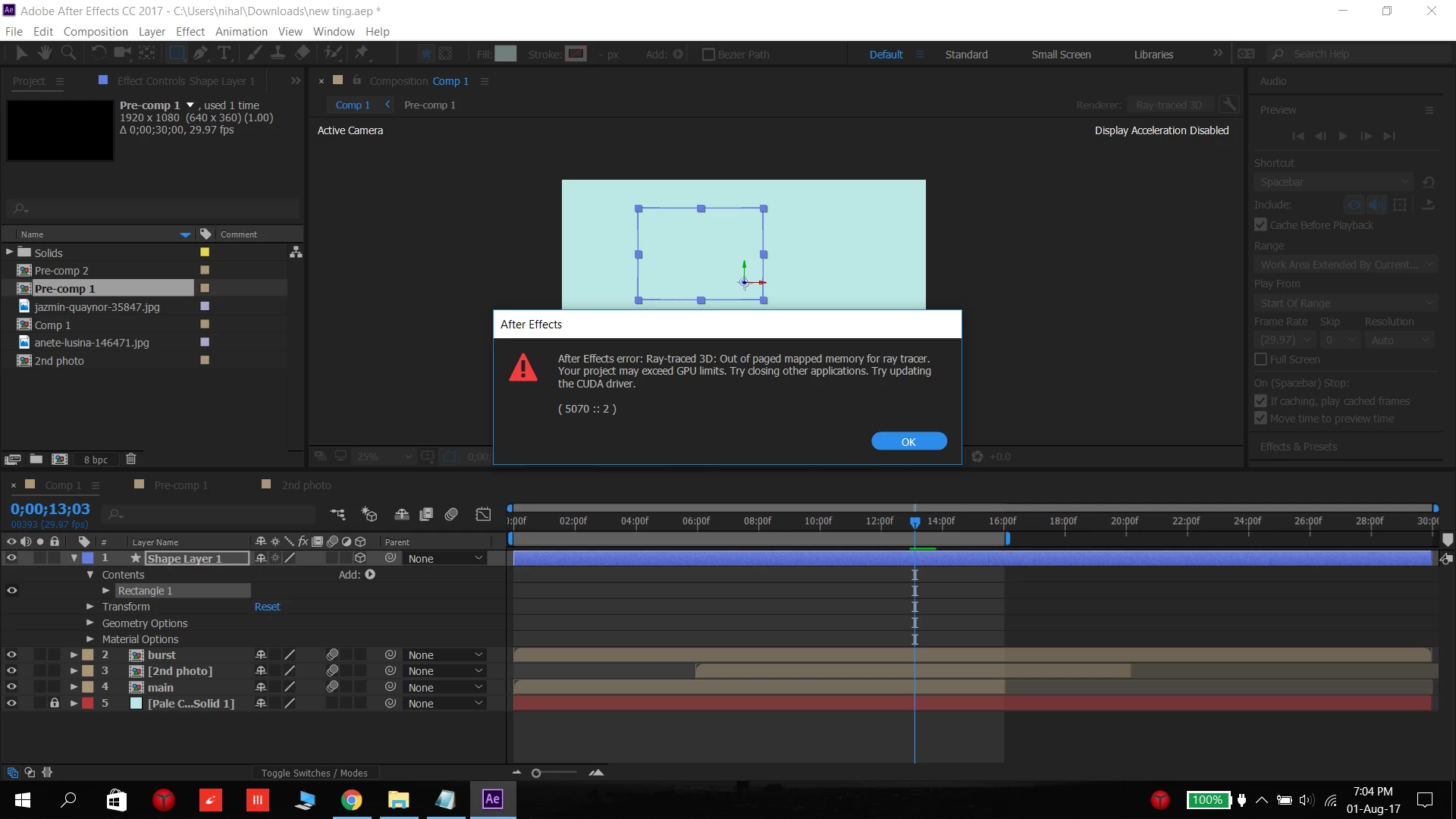
When I turn on the 3D layer then the error message comes ...
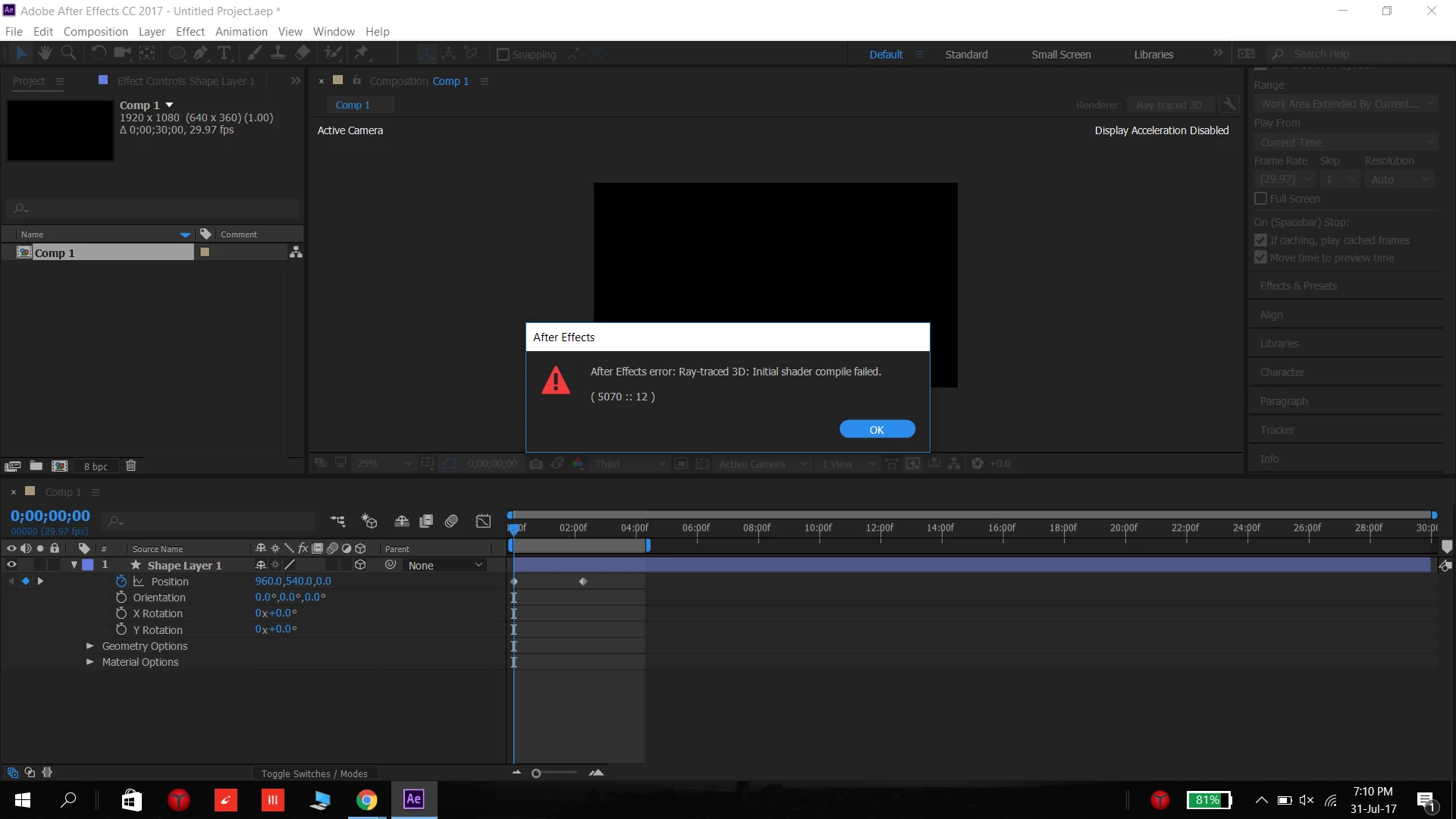


Some times this message comes...


but the thing is that ....Once in a while it works normally and the errors don't show (like this)
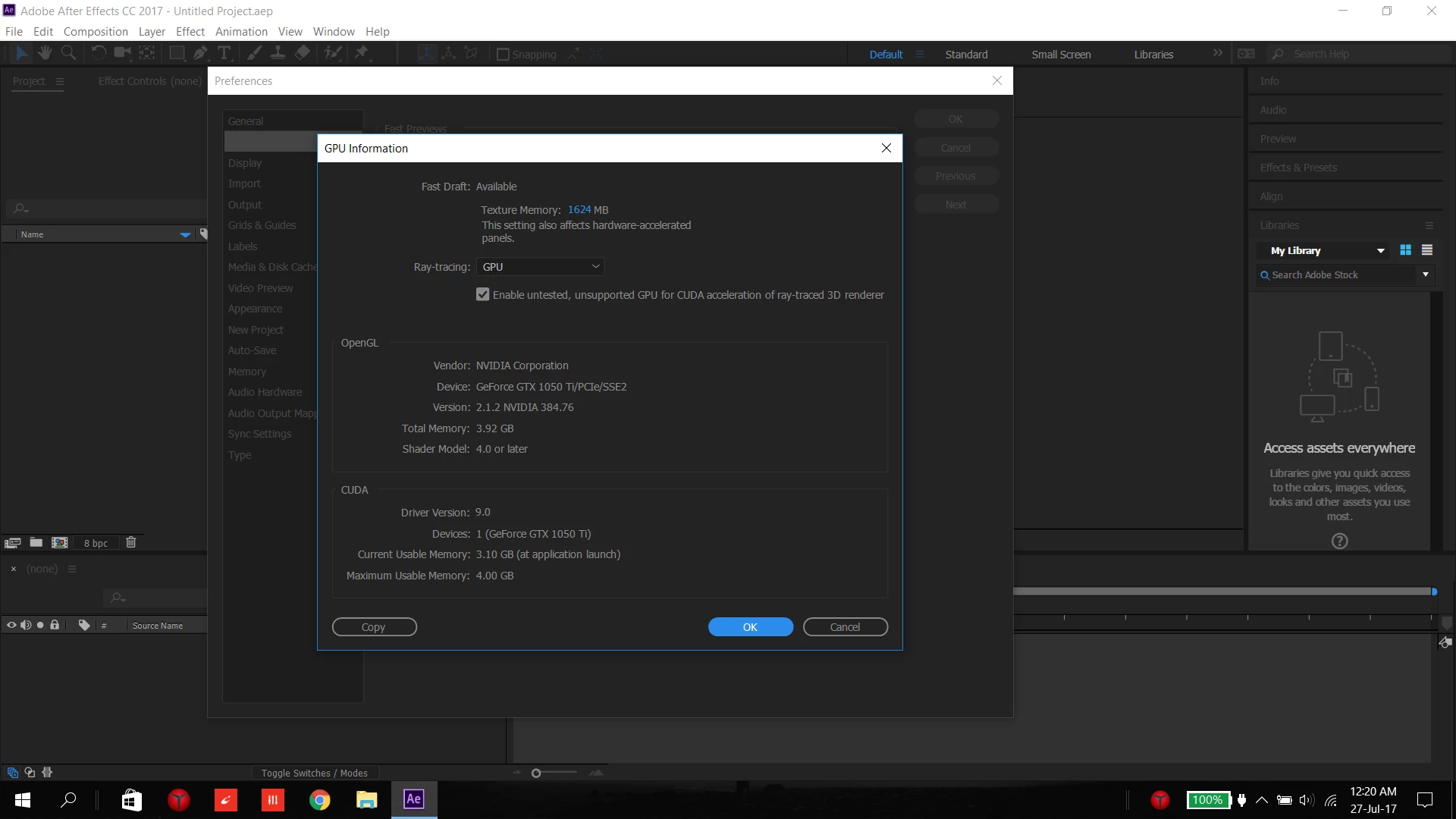


....


As far I know , all the drivers are upto date


I have a :


Lenovo y520 laptop ( 2-3 month old)

Intel HD graphics 630

nvidia GeForce GTX 1050 Ti

Intel Core i7-7700HQ  CPU at 2.8GHz (8 CPUs?)

16GB RAM

Direct X 12

Windows 10
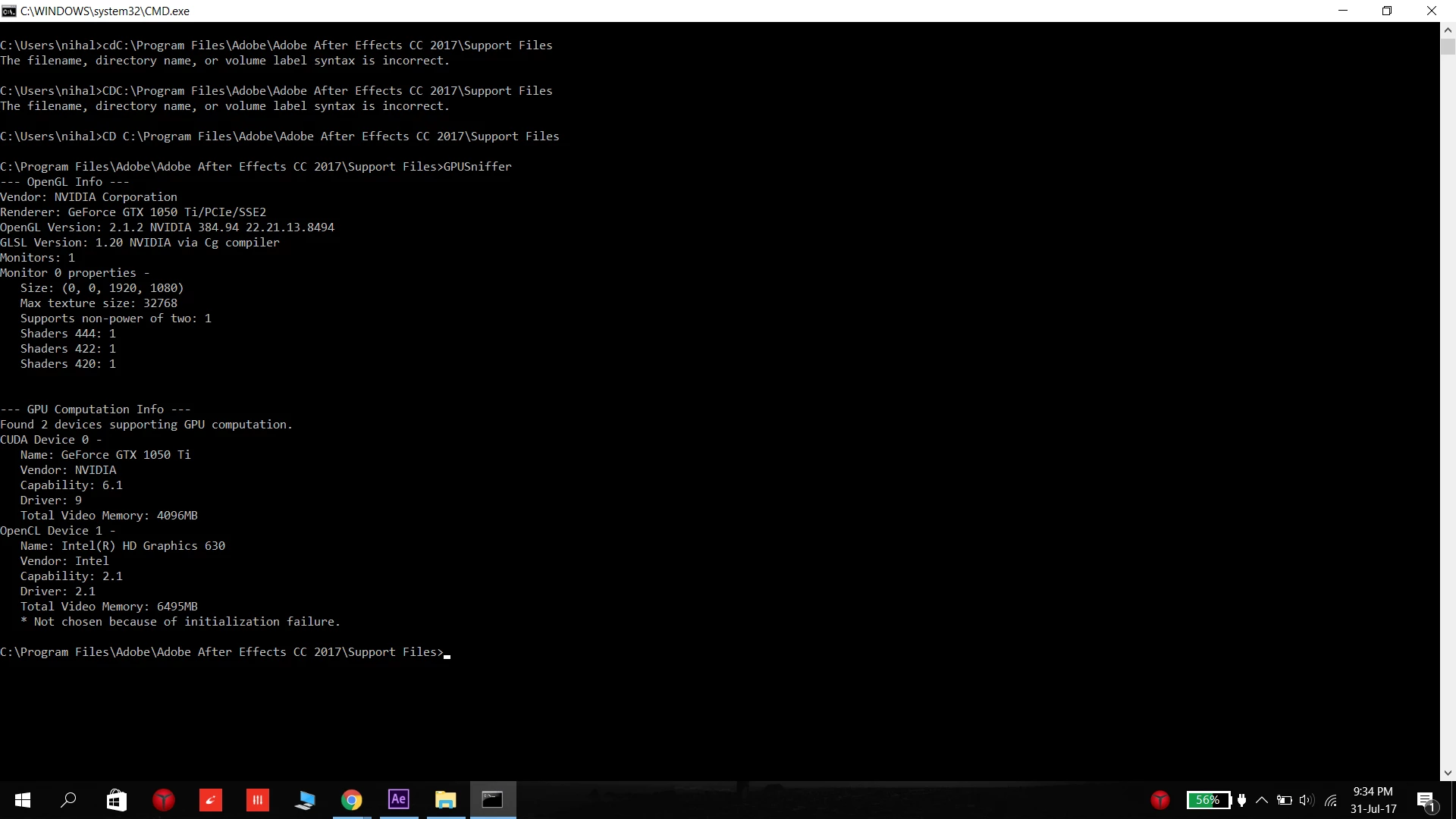


.....


I've been looking online for about a week for the solution online and was unable to find a solution and I cant pinpoint what the problem is due to ....

What should I do ... please tell me a solution anyone ..


-----------------------------------------------------------------------------

PS. I notice this problem more when Chrome is open and less when I re-start the computer  ( I cant tell for sure as its only a week in trial version)


Also simultaneously this message comes in Premiere Pro ... "Adobe premiere pro could not find any capable video playing modules, please update your video display drivers and start again"   and  "This project was last used with mercury playback Engine GPU acceleration (CUDA), which is not available on this system, mercury playback Engine software will be used"


Szalam


NOTE: Title edited by moderator

This topic has been closed for replies.
Correct answer Rameez_Khan

This post contains a curated list of possible solutions on how to fix Display Acceleration Disabled.


Thanks,

Rameez


16 replies

Participating Frequently
June 12, 2018

Yeah I've got this exact thing, combined with weird crashes when a ui panel is moved during preview, no error code, nothing, just disappears.. Also preview is INCREDIBLY slow. Was noticeably faster on a 6yo pc with win 7 and gtx960 which is only 2gb!! This is literally almost unusable at the moment and I'm not happy. Crashing constantly with ''unspecified drawing error" and out of memory warnings when previewing a single h.264 file.  Absolute joke. I'm so annoyed with this as I have a busy schedule and this is totally screwing everything up.

My current spec:

Win10 pro

Intel i7 7820x 3.6ghz

Gigabyte Gtx 1080 G1

32gb ram

No overclock, everything stock

Drivers tried:

368.25

384.76

391.35

398.11

Ae versions with error:

2015

2015.3

2017

2018

I'm out of ideas now, someone please help me!!

Participant
April 26, 2018

Hey i solved it on mine by going to:

Edit >> Preferences >> Video Preview >> Check the Enable Mercury Transmit Box

That's what worked for me.

JonathanAE

ESLTeacher1
Inspiring
May 3, 2018

Oh Yeah!

Thanks

kindergartenmedia
Participant
October 5, 2017

I am having almost the exact same issues as OP with an NVIDIA GeForce GTX 1080 Ti (Asus Turbo model). Latest version of both Adobe software and Nvidia driver. OpenGL options are greyed out in AE, Encoder can't detect hardware for rendering and Premiere won't even start (See error message attached). Downgrading Premiere to an earlier version (11.0.2) enables it to start up, but then behaves the same as Encoder - no rendering hardware found.

"System info" in Photoshop confirms that it is able to detect openGL:

OpenGL Drawing: Enabled.

OpenGL Allow Old GPUs: Not Detected.

OpenGL Drawing Mode: Advanced

OpenGL Allow Normal Mode: True.

OpenGL Allow Advanced Mode: True.

AIFCoreInitialized=1

AIFOGLInitialized=1

OGLContextCreated=1

NumGLGPUs=1

NumCLGPUs=1

NumNativeGPUs=0

glgpu[0].GLVersion="4.1"

glgpu[0].IsIntegratedGLGPU=0

glgpu[0].GLMemoryMB=11264

glgpu[0].GLName="NVIDIA GeForce GTX 1080 Ti"

glgpu[0].GLVendor="NVIDIA Corporation"

glgpu[0].GLVendorID=4318

glgpu[0].GLDriverVersion="22.21.13.8569"

glgpu[0].GLRectTextureSize=32768

glgpu[0].GLRenderer="GeForce GTX 1080 Ti/PCIe/SSE2"

glgpu[0].GLRendererID=6918

glgpu[0].HasGLNPOTSupport=1

Unigine rendering benchmark runs fine in openGL mode. Cinema 4D also detects openGL.

I've tried an array of different combinations of recent Nvidia drivers and CC App versions. Same symptoms (except Premiere starting up on 11.0.2)

CPU: i7-7820X

RAM: 32 GB

SSD: 2 x Samsung M.2 256 GB

MB: Asrock Taichi X299 (BIOS 1.60)

Szalam
Community Expert
Community Expert
October 7, 2017

I have one computer where I work that keeps popping that "can't find video play modules" message. I reinstall the latest driver and then it works fine. But then, the next time I start Premiere, it's a crap shoot about whether or not it'll work. (This is with an earlier version of Premiere). I'd recommend contacting Adobe support. Please let us know what you find out.

oohr
Participant
September 4, 2017

Hi! I have similar problem with my After Effect CC 2017 and I have no idea how to solve this problem.

My workstation:

Dell T7810

Operating System: Windows 10 Home, 64-bit

DirectX version: 12.0

2x Intel Xeon CPU E5-2620v3 2.40GHz

80 GB RAM

2x GeForce quadro K5000 (SLI)

What should I do ...

victoria_finch
Participant
August 21, 2017

I hope this is resolved. I am having a similar problem.

My laptop is a similar specification (i7, Windows 10, 16gb Ram) but only on GeForce 960 card.

Sometimes the display acceleration is disabled when I start AE, and sometimes it's not. And I can't see a pattern so far, I just have to shut down and keep trying. 

I have a paid Adobe CC account, and all the GeForce and Adobe products are on the latest update.

If I've missed any info please let me know!

Thanks, Victoria

Dave_LaRonde
Inspiring
August 1, 2017

We have no clue about the kind of machine you have, nor the OS you're running.  No one can give you any useful advice.

Other than this -- your tryout is about to end.  It's only good for seven (7) days.  You can't learn that much about all those applications in such a short time.  Thank Adobe for that.

Participant
August 1, 2017

I actually gave info on what device im using above...

anyways here you go ...

Lenovo y520 laptop ( 2-3 month old)

Intel HD graphics 630

nvidia GeForce GTX 1050 Ti

Intel Core i7-7700HQ  CPU at 2.8GHz (8 CPUs?)

16GB RAM

Operating System: Windows 10 Home, 64-bit

DirectX version: 12.0

GPU processor: GeForce GTX 1050 Ti

Driver version: 384.94

Direct3D API version: 12

Direct3D feature level: 12_1

CUDA Cores: 768

Core clock: 1493 MHz

Memory data rate: 7008 MHz

Memory interface: 128-bit

Memory bandwidth: 112.13 GB/s

Total available graphics memory: 12225 MB

Dedicated video memory: 4096 MB GDDR5

System video memory: 0 MB

Shared system memory: 8129 MB

anything else ... let me know

also I used to use aftereffects cs6 on my old laptop but it did not face such problems ... (but it was a very basic laptop with one or no graphics card)

Szalam
Community Expert
Community Expert
August 4, 2017

This problem tends to come up with NVIDIA cards, specifically GeForce cards. More specifically, it seems to happen with computers with GeForce cards and GeForce Experience software installed. It's a troubleshooting thing that the GeForce software injects into games (and other things that use GPU-acceleration like AE). You can try uninstalling the GeForce experience software. Alternatively, you could try going into AE's preferences and turning off the "Hardware accelerate...panels" option.