
Display acceleration disabled in After Effects
I've been using after effects trial version for the past week and I noticed something really annoying...
Whenever I open a file or start a new composition ... on the top right corner it shows "display acceleration disabled" and its driving me crazy. When this is shown the playback or preview is very jittery and slow.
But when I check the edit > preferences > display option... the "hardware accelerate composition,layers and footage panel" is unchecked and grayed out.
Also when I check my "GPU information" from the preferences > previews .... it shows "Fast draft: not available( incompatible or old graphics driver)" and the OpenGL section is empty.
_LI.jpg)
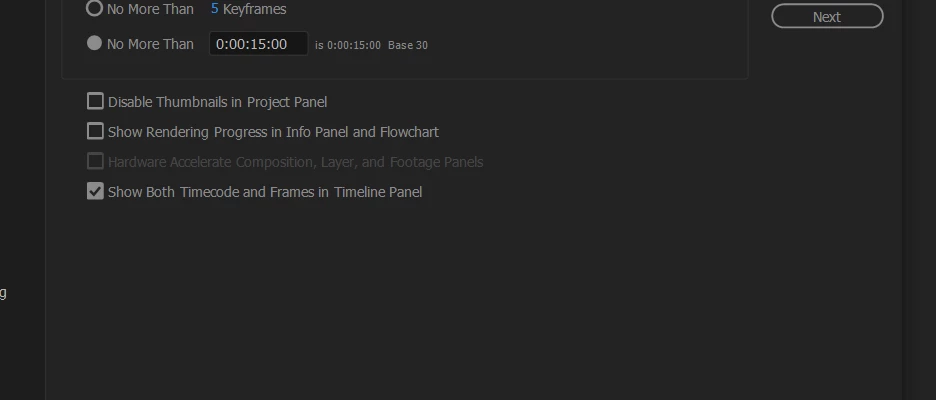
This is when I dont use any 3D ... just basic shape layers ... nothing else
When I turn on the 3D layer then the error message comes ...
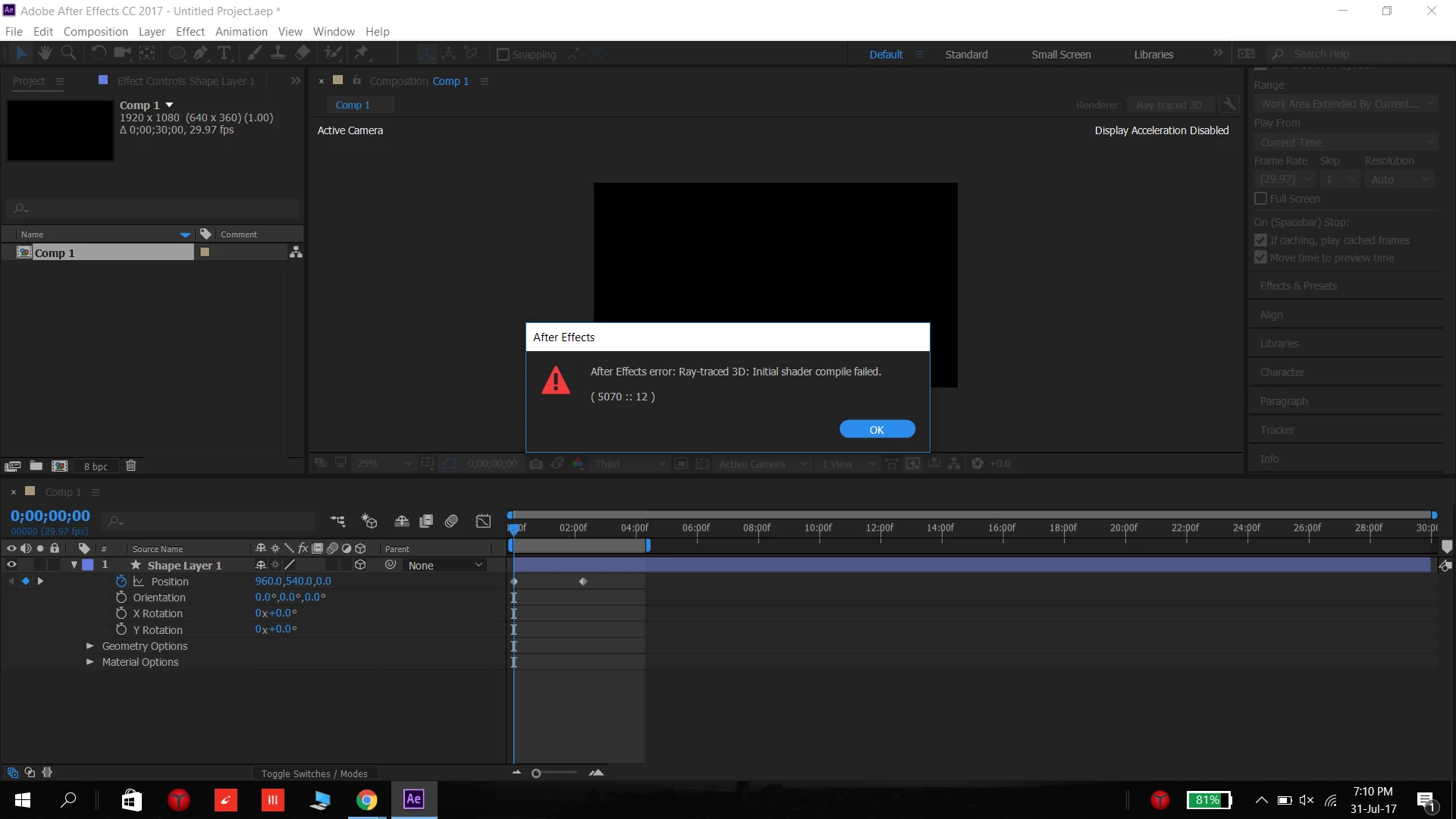
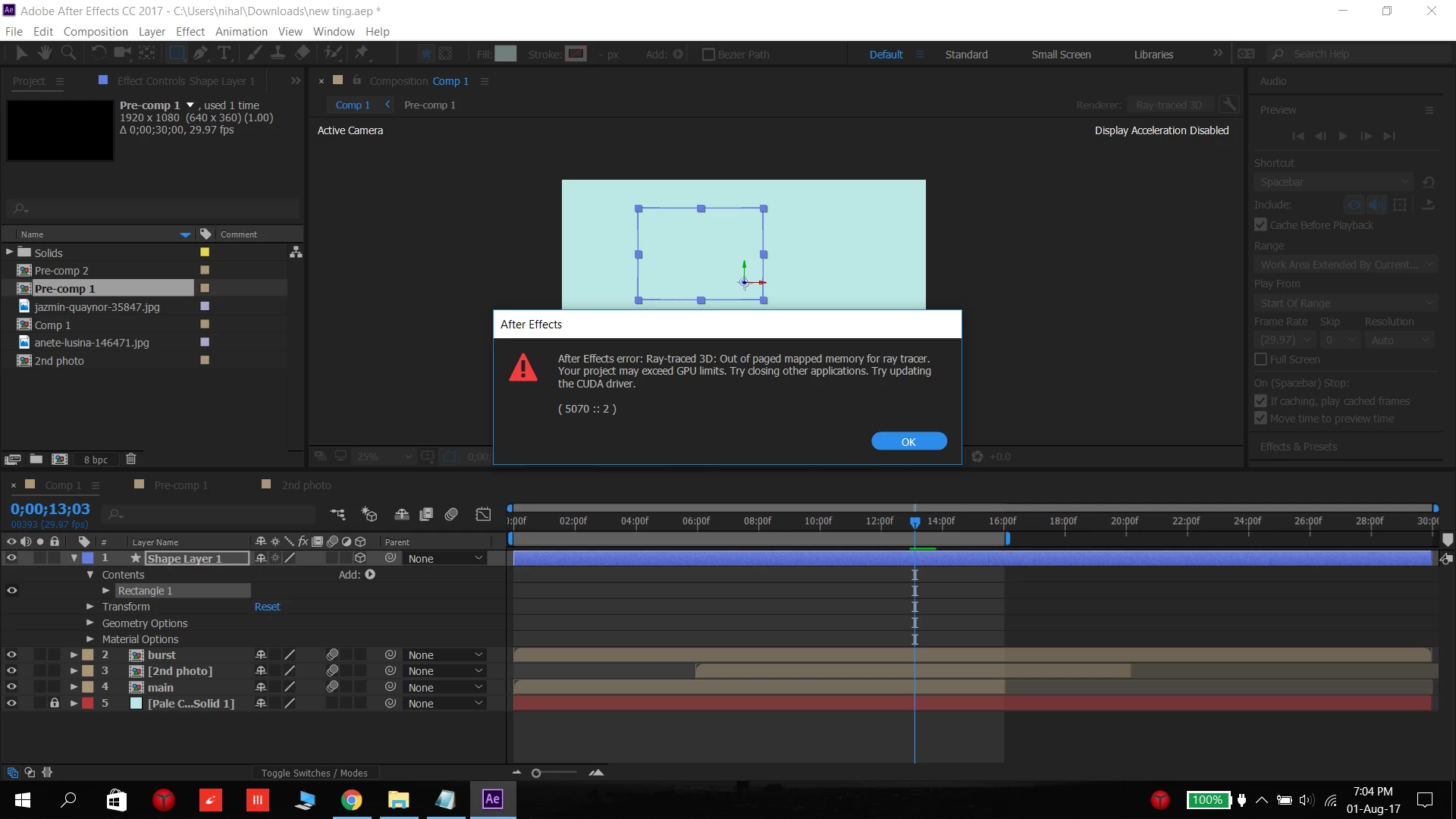
Some times this message comes...
.png)
but the thing is that ....Once in a while it works normally and the errors don't show (like this)
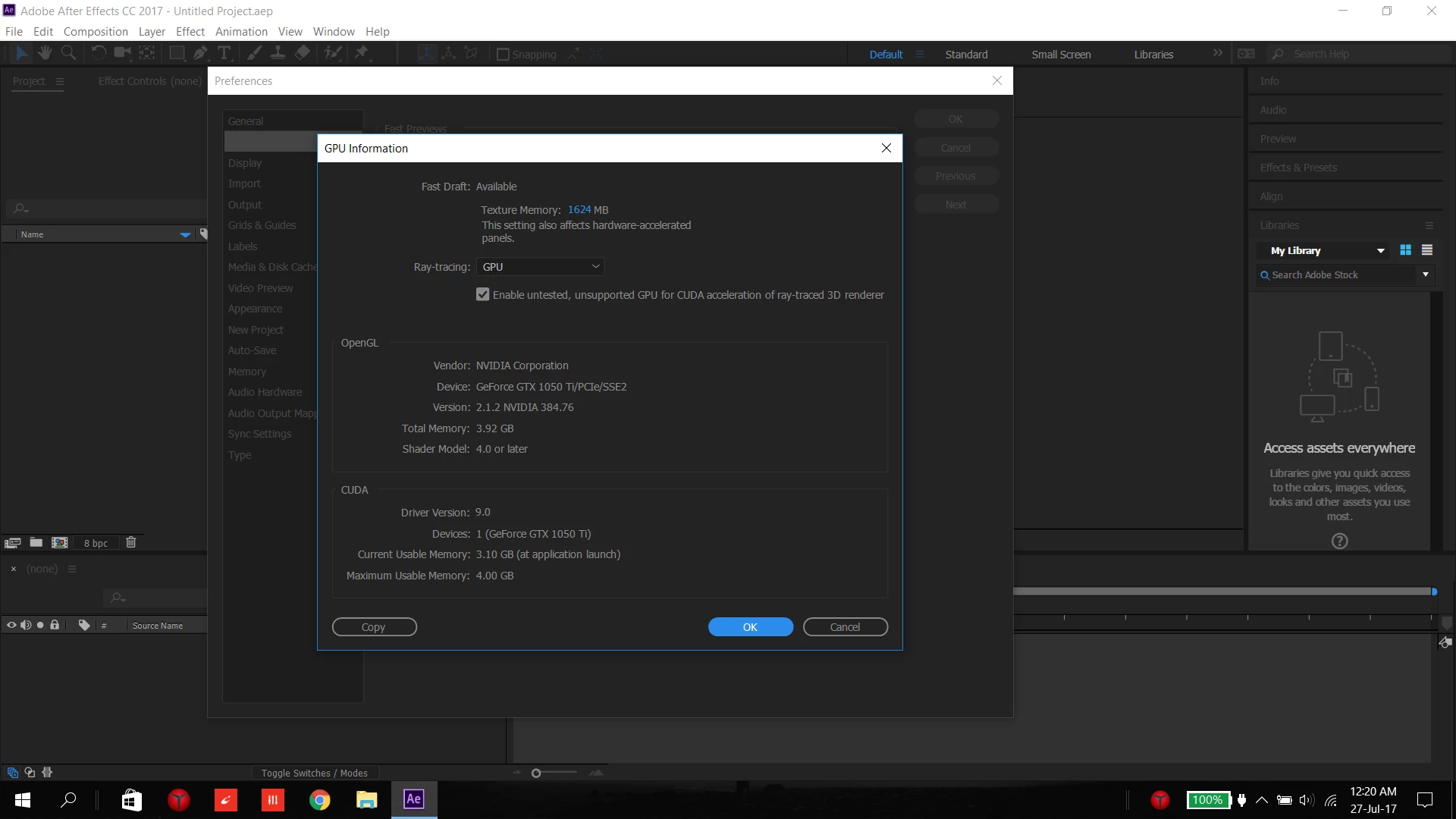
....
As far I know , all the drivers are upto date
I have a :
Lenovo y520 laptop ( 2-3 month old)
Intel HD graphics 630
nvidia GeForce GTX 1050 Ti
Intel Core i7-7700HQ CPU at 2.8GHz (8 CPUs?)
16GB RAM
Direct X 12
Windows 10
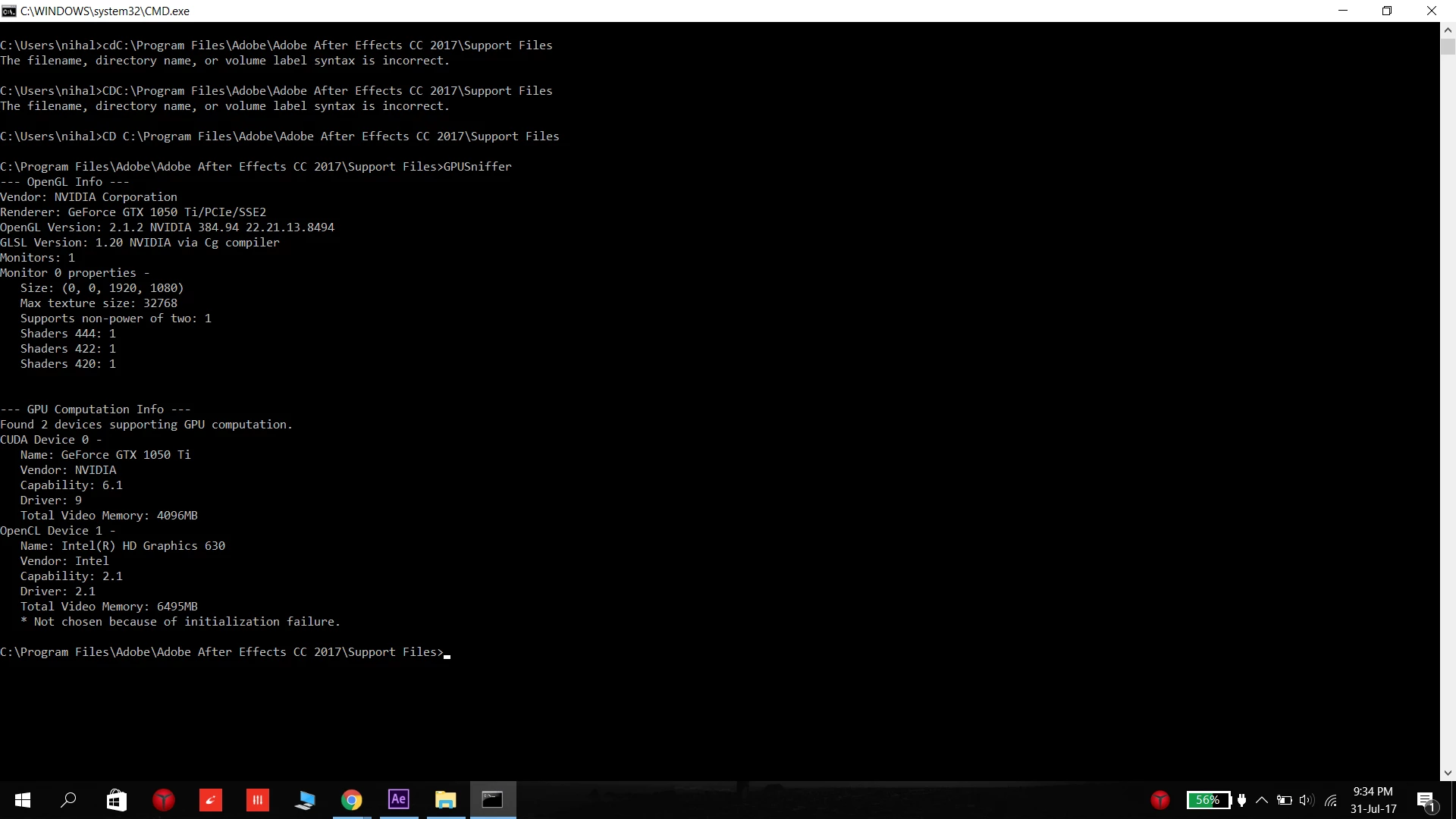
.....
I've been looking online for about a week for the solution online and was unable to find a solution  and I cant pinpoint what the problem is due to ....
What should I do ... please tell me a solution anyone ..
-----------------------------------------------------------------------------
PS. I notice this problem more when Chrome is open and less when I re-start the computer ( I cant tell for sure as its only a week in trial version)
Also simultaneously this message comes in Premiere Pro ... "Adobe premiere pro could not find any capable video playing modules, please update your video display drivers and start again" and "This project was last used with mercury playback Engine GPU acceleration (CUDA), which is not available on this system, mercury playback Engine software will be used"
NOTE: Title edited by moderator


 AdChoices