

Nortalf
Participant
June 12, 2018
Question

How to replace Composition?

  • June 12, 2018
  • 2 replies
  • 28243 views

I have started a project in Ae on computer on my University. I have to finish it but after effects have missed the files. I am animating a Viking saved in .ai (ilustrator) format. Each body part is saved in distinct layer.  I see option to replace a layer, but it dosn't work, and I don't know how to replace a composition.
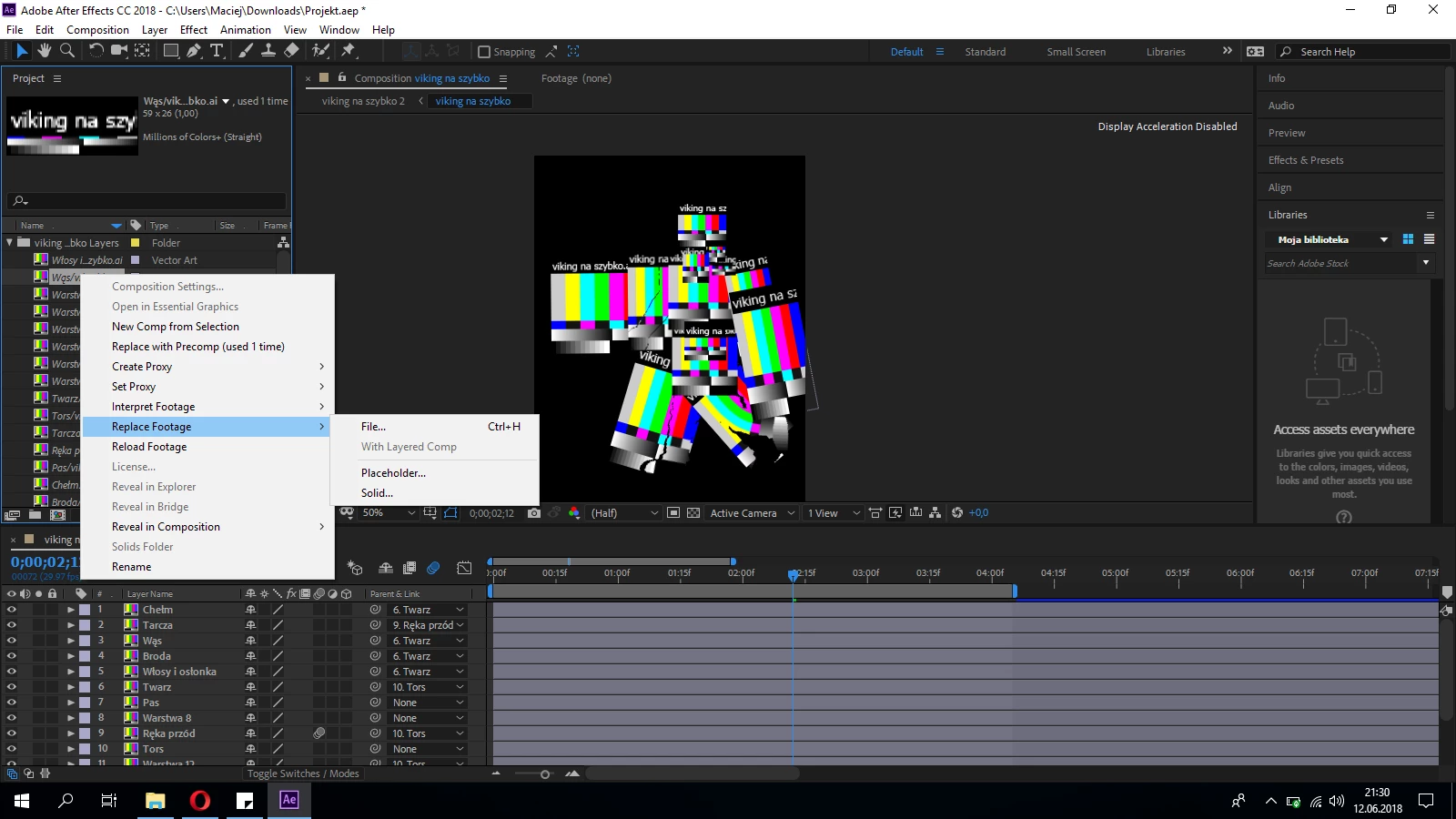
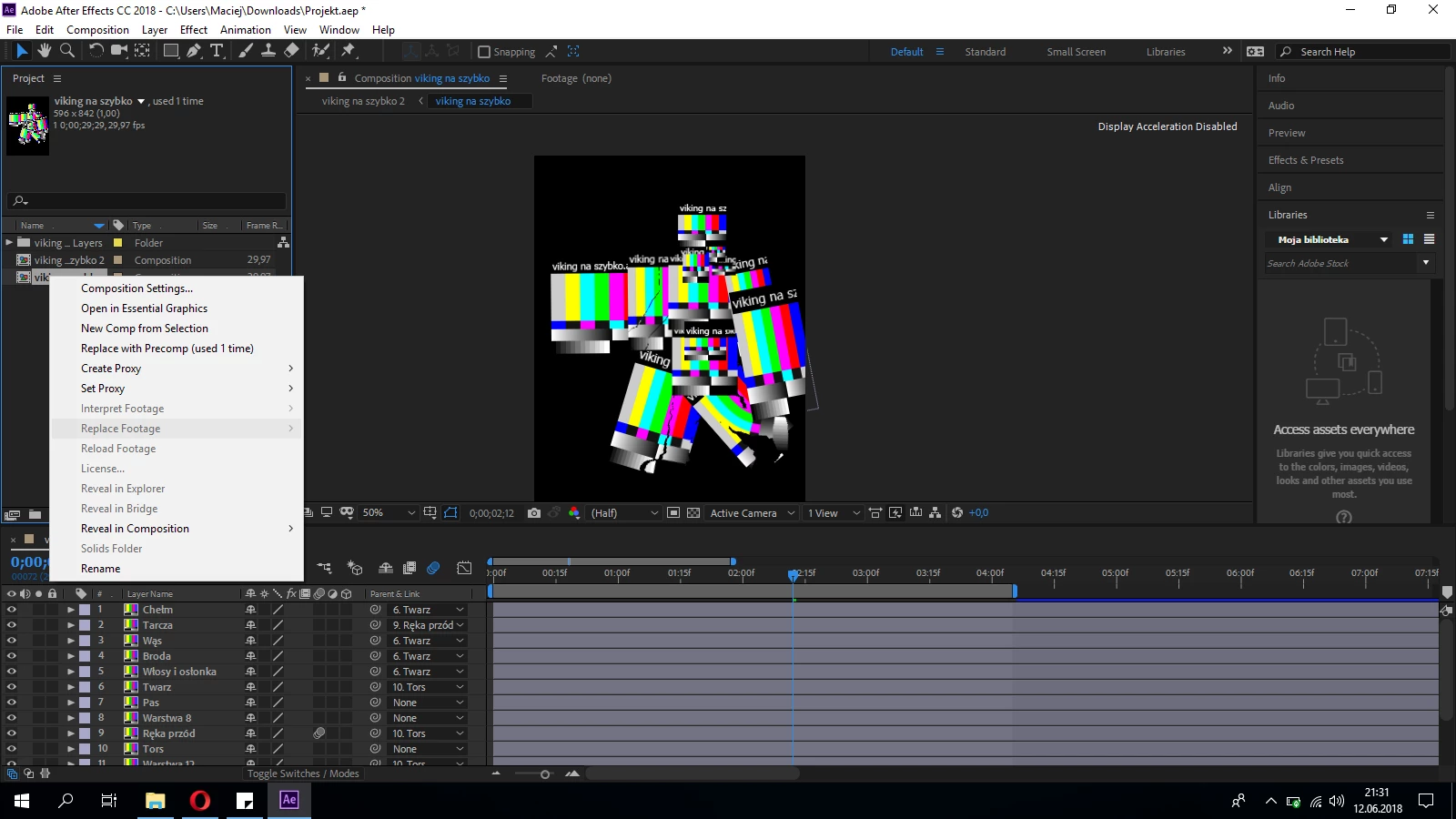
How to replace this file?

2 replies

Dave_LaRonde
Inspiring
June 12, 2018

I will assume you imported the Illustrator file as a composition.

Find a piece of the missing footage in the project pane.  Double-click on it.  Navigate to the location of the Illustrator file.  Double-click on the file and then double-click on the correct Illustrator layer.  All of the missing layers should then appear in the project pane.

Are you having difficulty finding the correct Illustrator layer?  This is why people who prepare Illustrator files for use in After Effects give their Illustrator layers logical names like "head", "left arm", "right leg", "torso", etc.

Participant
January 10, 2022

Thank you for this tips! This one had saved my project from a disaster 🥺

Community Expert
June 12, 2018

Try this:

1. In timeline, select the Layer you wish to change (In your case, Composition Layer you want to replace)

2. From the Project panel, drag the image or composition you want instead to the selected layer while holding the Alt-key.

3. Drop it on the layer that you want to replace, that's all!

This is how you replace a composition in Ae.

But if you want to replace a composition from the Project panel it does not make much sense because the compositions are instances that After Effects uses internally while the project is being made, they are not loose files by the operating system. The way you're doing it is to replace files, not compositions. If you want to import a composition you must Import the project and a window will appear where you can select the composition you need.

Regards!

Byron.