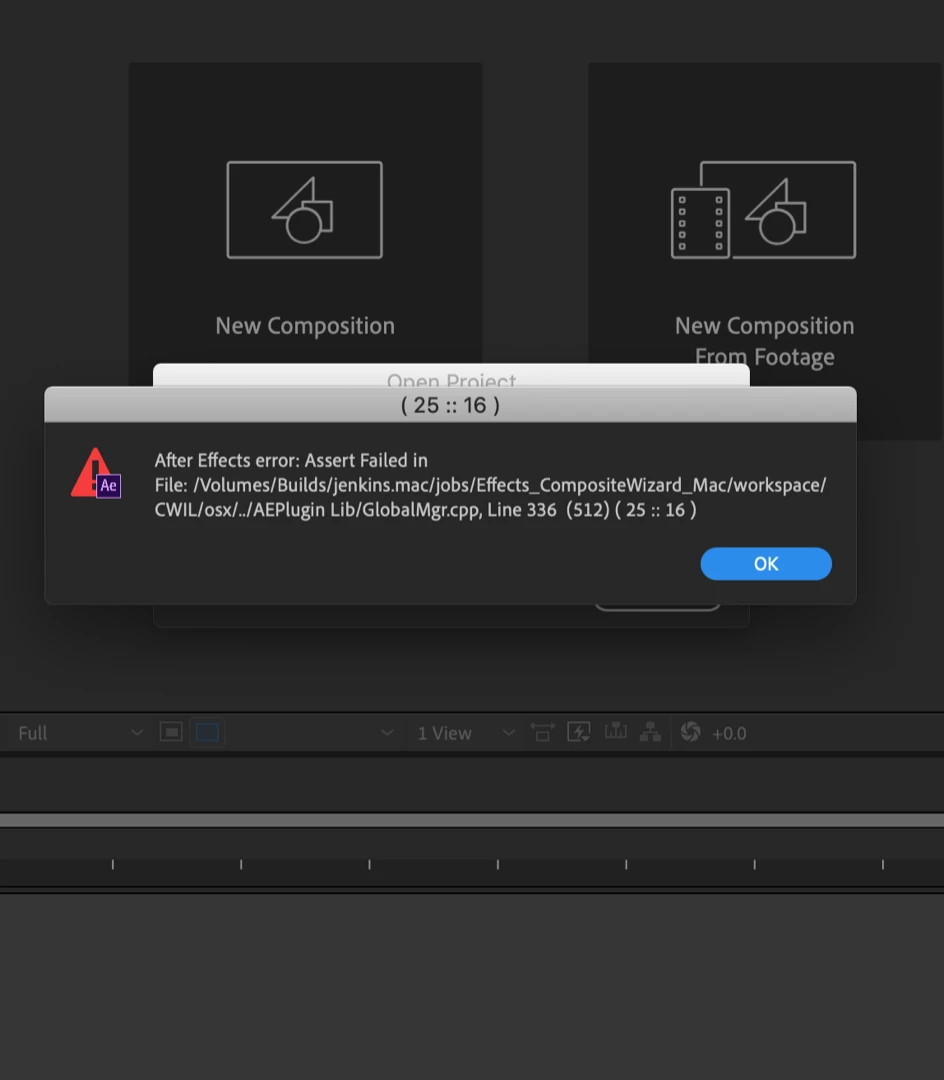
Hi jose, I tried that as well, still the same issue. Adobe please fix this! None of my projects are opening. I even created a new project. but as soon as I close it and try to reopen it I get the error message. I uninstalled and re-installed. Still the same issue.
Hi Jose, it may very well be plugins I need to update. I did update all my red giant plugins as well as Element 3D. Still the same problem. i downgraded to the last update before this one, and it’s working again. I’ll have to go thru dozens of plugins to find the issue. I just don’t have that kind of time right now. Thank you again for the advice Jose. Much appreciated
Hi Rob, the projects I'm trying to open were all created in cc 2019. They opened fine 2 days ago. When I opened it today I keep getting those error messages. It would not open any project/projects.
I'm getting the same error with some projects. The only way to open them is to use the File > Open command. If I doucle click the projects to open them, is when I get this error



 AdChoices