Participant
July 22, 2021
Answered

Outside Ctrl + C, Ctrl + V Text problem

  • July 22, 2021
  • 6 replies
  • 2596 views
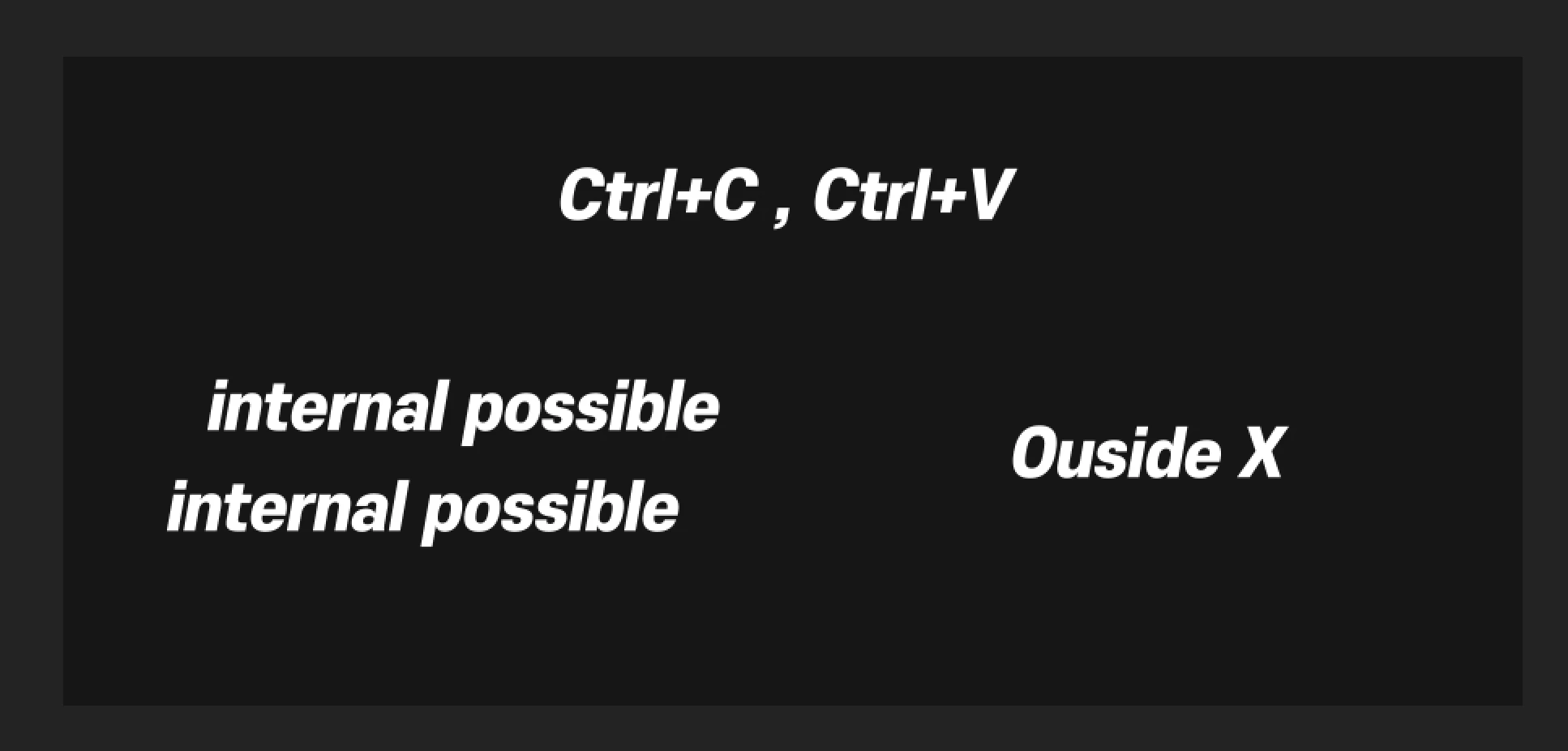
It is not possible to paste text imported from outside after After Effects update.
it is mac os.


Internal text is possible, but text copied from outside cannot be pasted.
Outside Ctrl + C, Ctrl + V doesn't work.


This topic has been closed for replies.
Correct answer Rameez_Khan

Hi all,


After Effects 18.4.1 contains a fix for this bug.


Thanks,

Rameez

6 replies

Rameez_Khan
Rameez_KhanCorrect answer
Legend
August 17, 2021

Hi all,


After Effects 18.4.1 contains a fix for this bug.


Thanks,

Rameez

Community Expert
July 28, 2021

Rollback a version. It takes about 10 minutes. Start here in the Creative Cloud app:

Select a version.

Takes about 10 minutes.

Todd_Morgan
Legend
July 28, 2021

THANK YOU!!!


You really should consider sending out an info blast somehow (through a CC update window maybe) fixes like these so we don't have to search for them?!?! I posted about this problem and was by luck I came across this thread. So when there is a solution it can get to your customers immediately?

Roland Kahlenberg
Legend
July 27, 2021

Details on the cause of the issue can be found here - https://community.adobe.com/t5/after-effects-beta/can-t-copy-paste-text-from-other-apps-into-after-effects/td-p/12071186/page/2#M1105

In short, do not launch AE by double-clicking on an AEP. In other words, start AE on its own. Then open an AEP and things should work as expected.

Very Advanced After Effects Training | Adaptive & Responsive Toolkits | Intelligent Design Assets (IDAs) | MoGraph Design System DEV
csrmacedo
Participant
July 27, 2021

Same problem here. Going to the 18.2.1 version.

Participant
July 27, 2021

Try to use another version 

Participant
July 22, 2021

Same here this is the solution, I hope works for you! 

Participant
July 22, 2021

I am having the same issue working on Windows... It's a huge problem when you are working with sales commercial.

Participant
July 22, 2021

I Had the same problem and this solve it 


DeserTAuthor
Participant
July 23, 2021

thanks, bro