Participant
March 22, 2017
Question

Premiere Pro CC 2017 live text template broken

  • March 22, 2017
  • 4 replies
  • 1439 views

I have been exporting live text template files from After Effects for use in Premiere. If this worked consistently, it would be a great feature. Unfortunately, it seems to break every time I use it.

When I first import the template, and begin duplicating it and editing it (in this case for lower thirds) it works fine. I edit a whole sequence and no problems. Then at some point (possibly when I export, or if I close and re-open Premiere) I am met with the multi-coloured screen of unlinked footage.
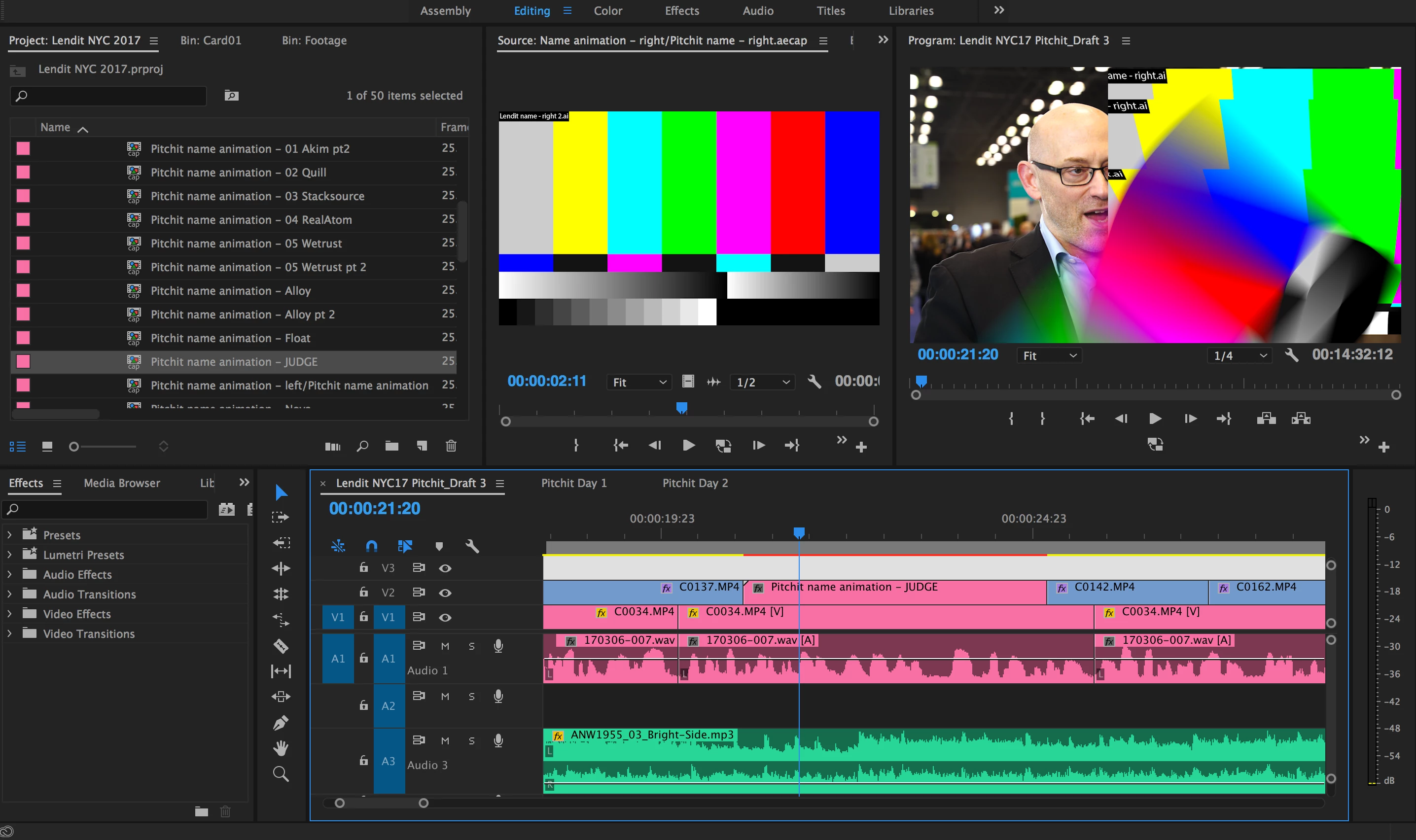
I am using the latest updates of After Effects and Premiere. All I can imagine is that it isn't talking properly to an Illustrator file that the original After Effects composition is using. Illustrator is also on the latest update.

I have checked and all of the working files it should need are seemingly in the right place.
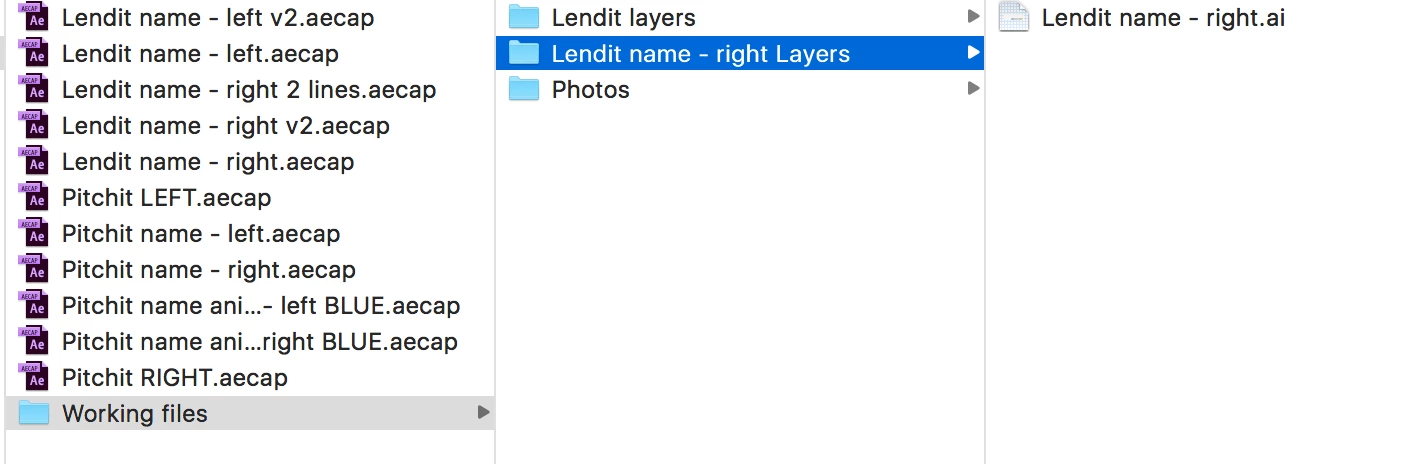
Anyone have any idea why this process works half the time, then half the time breaks completely? And there also seems to be no way to manually relink the footage?

This topic has been closed for replies.

4 replies

brian704
Inspiring
March 28, 2017

If Premiere doesn't think they are unlinked just do a "file replace" and re-select the AE comp. I have had to do that on occasion. It is also necessary when you need to use a different version of the comp.

Participant
March 24, 2017

One thing I have noticed is that it seems to unlink the illustrator files from the live text template when I export via media encoder, but if I export straight from Premiere it generally comes out ok.

I have had a certain amount of success closing it and re-opening it, re-saving it etc. Not sure that I can re-link these text templates because premiere doesn't think they're unlinked - it's just that the Illustrator file that is a part of the AE comp has got unlinked somehow. And yes brian704​ the illustrator file is showing up fine in AE.

Kevin J. Monahan Jr.
Legend
April 14, 2017

Are you still experiencing this issue, Tristan M? Please let us know if you still need help with this issue.

Thanks,
Kevin

Kevin Monahan - Sr. Community and Engagement Strategist – Adobe Pro Video and Audio
Szalam
Community Expert
Community Expert
April 19, 2017

Be aware that today's update to Premiere Pro and After Effects bring a whole new (better) way of doing this.

brian704
Inspiring
March 24, 2017

Have you tried re-linking the AE comp just like you would footage? That has worked for me, although I have only had this happen rarely. I also do the "render and replace" thing because I have run into issues at render where the linked comp hasn't shown up even though it shows fine on the timeline. I assume the Illustrator file shows up fine in AE.

Inspiring
March 24, 2017

Have you tried to open after effects and save the project agian using "Save as". I had a similar problem when elements were missing and did not update correctly.

It is just a shoot in the dark, but I hope it was to some help.