

Random shaky / shuttered video after rendering
Hello, from time to time I have this ransom issue while using AE, I didn't find any information about this, maybe I just don't know how to "name" the issue, then I asked my friend who is using Premiere and he told he randomly having the same issue as well. So, to better explain my issue I will show an example of what's happening:
Visiting Yellowstone and Tetons - YouTube - the frame which starts at ~5:10 looks shuttered, next frame which starts at ~5:23 - smooth.
Short question: why first one is not smooth?
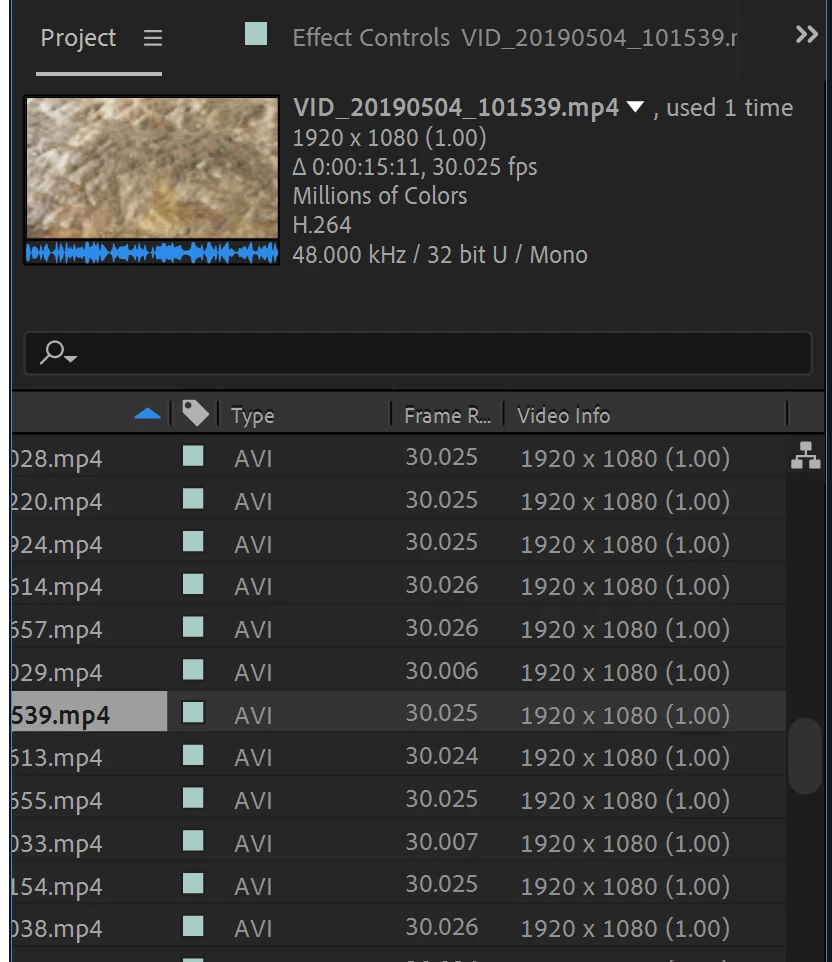
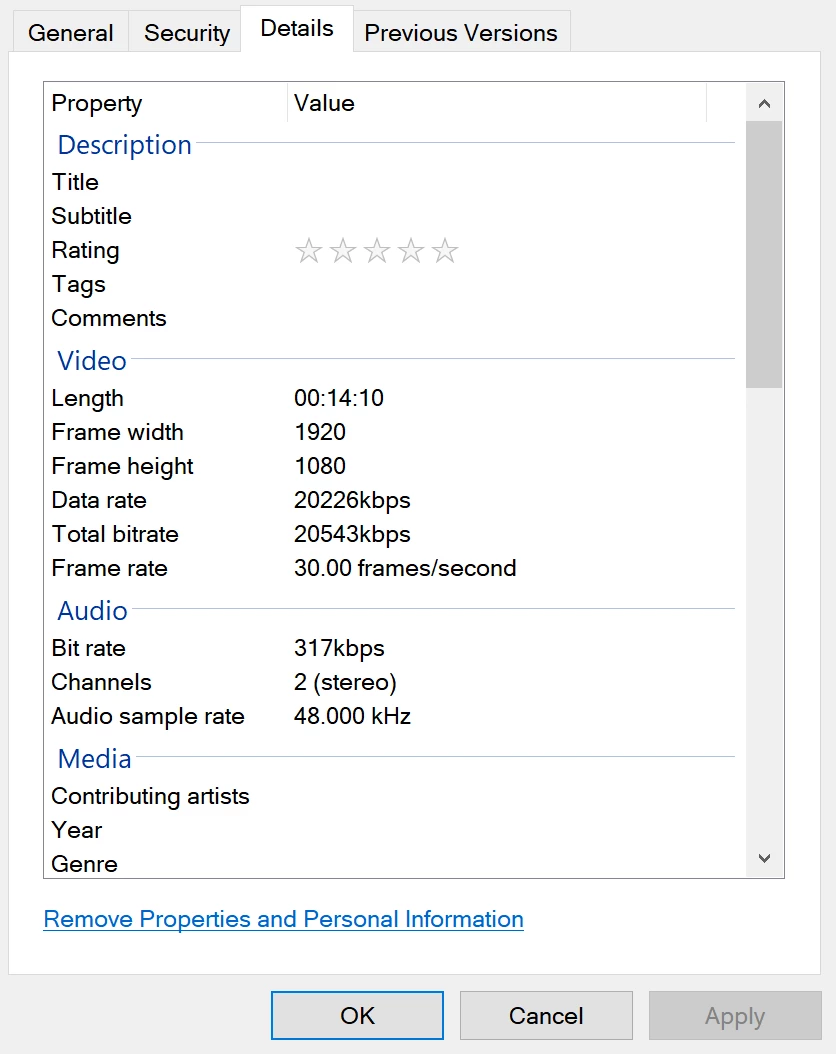
Both RAW videos are smooth, both videos from same device and made with same settings, and only after rendering one of them became "shaky". I rendered video several times - same video became "shaky" all the time, however, this happens randomly for my each video, and as I said - my friend having same issue with random clips after using Premiere. Other thing: issue occurs on various raw videos - this entire movie was made with Pixel 2 phone, but sometimes I use drone (DJI Mavic Pro), and random clips from drone also became "shaky" after rendering.
All I tried to do to fix this is to put different blending options, but that just made it worse - it became, I would say, blurry. Do you know about this issue? And maybe you know what to do to avoid this, some setting or something? Just since it happens on random clips from all devices and not only for me - I have no idea where is the problem.
PS: when I do live preview - all videos looks same smooth, they become shaky / shuttered after rendering entire composition (I use H264 coding, and render via Adobe Media Encoder).
 AdChoices