
kayleegk
Inspiring
September 24, 2021
Answered

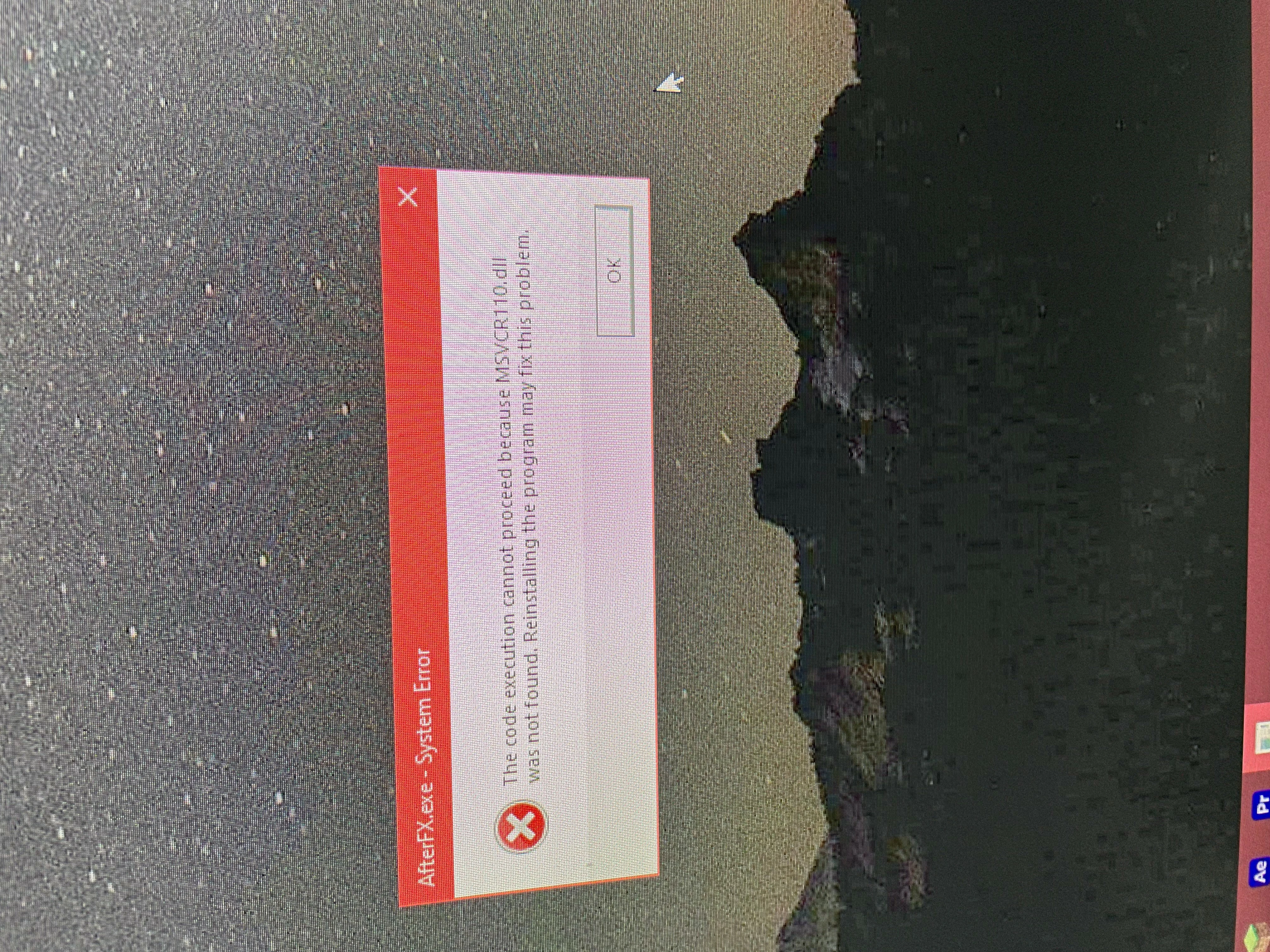
The Code Execution cannot proceed because MSVCR110.dll was not found. HELP!!!!!!

  • September 24, 2021
  • 1 reply
  • 1389 views

I was literally JUST using After Effects CC 2021. I closed it, then felt like re-openning it and this starts popping up. 


I tried doing the Command Prompt (said it fixed my corrupt files, but still has it popping up) 

I tried reinstalling After Effects

I tried seeing if I have the MSVCR110.dll in my folders and it says I have 3?

I tried reinstalling 2015 Windows C++ again (I still have all the older versions)

I tried a full scan virus scan with McAfee (found no virus)


My computer is a x64 BASED PC


Can anyone help me? Where did this come from? Why is this happening? 
This topic has been closed for replies.
Correct answer kayleegk

Wait I think I have figured it out! It ONLY worked when I re-installed the 2013 Visual C++ even though I have 2021 AE. 

1 reply

Jose Panadero
Community Expert
Community Expert
September 24, 2021

There is a previous post about this on the Premiere forum. It looks like the solution is to reinstall a Microsoft´s software pack. Check it out.


https://community.adobe.com/t5/download-install-discussions/the-code-execution-cannot-proceed-because-msvcp110-dll-was-not-found/td-p/12122745

kayleegk
kayleegkAuthor
Inspiring
September 24, 2021

I already have tried that. Nothing is working. I reinstalled the 2015-2019 Visual C++.